
Assistant Cat - Chrome Extension
AI-powered browser extension for productivity and support.
Introduction
Assistant Cat is a browser extension powered by GPT AI, providing support anytime, anywhere. It answers complex questions, helps with copywriting, raises inquiries, and even codes in the browser sidebar, serving as your efficient work assistant to boost productivity!
What stands out?
Simple and easy to use for all browsers and webpages.
Effortless writing with AI capabilities for various content types.
Quick searches to find needed information easily.
Convenient commands for seamless translation, explanation, or summarization of text on any webpage.
Facilitates learning with real-time translations, dictionary lookups, grammar checks, and more.
Coding expertise with one-click professional code generation and essential industry knowledge.
Practical tools with multiple templates and context-specific prompts to simplify operations and enhance efficiency.
Phone number and verification code login for quick and device-independent access.
Frequently Asked Questions
What is Assistant Cat?
How to use Assistant Cat?
How to install Assistant Cat?
Reviews & Feedback
Share your experience with the community
0.0
Based on 0 reviews
User Comments (0)
Sort Criteria
Order
No reviews yet. Be the first to share your thoughts!
Statistics
Monthly visits
NaN
Saved by users
0
Rating
0.0/ 5.0
Added on
—
Similar Tools

OpusClip Captions
Easily add animated captions to your videos with just one click using this innovative application. Enhance your videos instantly!
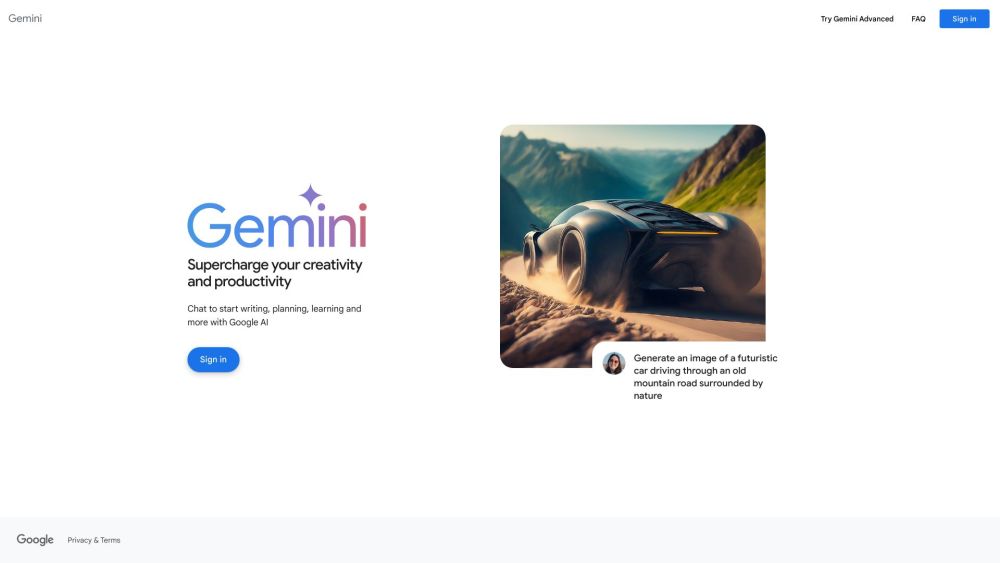
Gemini
Unlock the power of Google's AI models right on your mobile device with direct access. Access advanced technology at your fingertips.
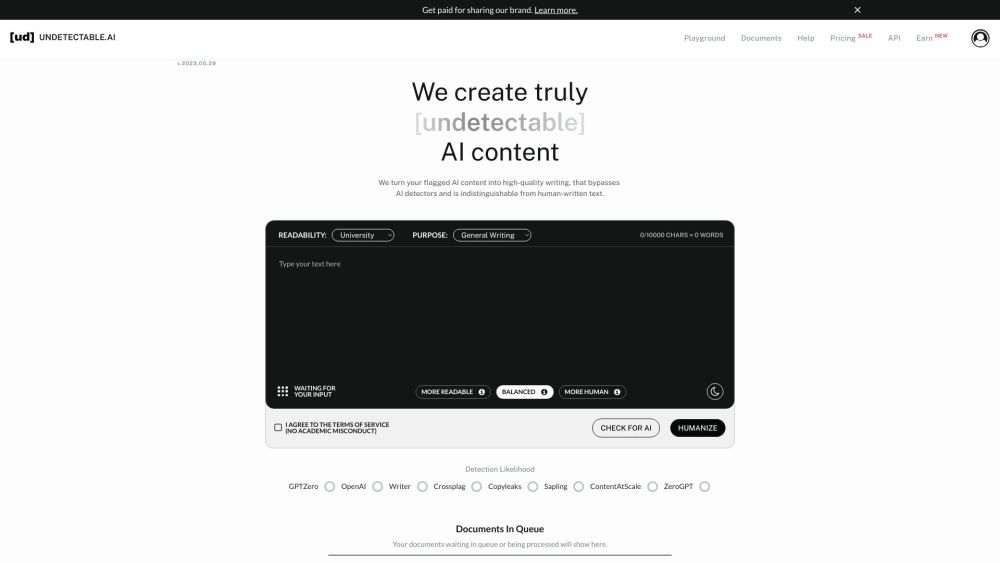
AI Content Solutions
Elevate your brand with AI Content Solutions, converting AI-generated content into polished writing that reflects your brand's identity.
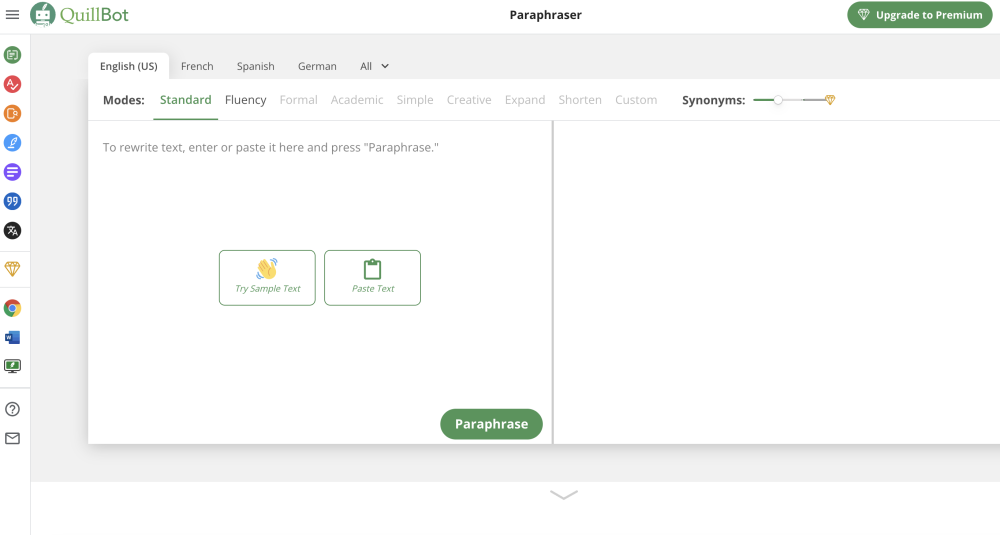
Quillbot
Discover a digital tool for rephrasing text online. Easily rewrite sentences with this innovative application. Perfect for content creators and writers.
Use Cases
- Enhancing productivity by efficiently completing various tasks with Assistant Cat's assistance.
How to Use
1. Click the official website to download immediately, choose a browser extension, and install it. 2. Press Cmd+B/Ctrl+B to invoke Assistant Cat and start chatting. 3. Select any text on a webpage for explanations, translations, or paraphrasing by Assistant Cat. 4. Begin leveraging Assistant Cat's features to the fullest!