
YouDao Speed Reader - Chrome Extension
Efficient research paper reading in Chrome.
Research paper readingChrome extensionPaper abstracts
Introduction
A chrome browser extension for reading research papers with one-click access to YouDao Speed Reader web, facilitating paper abstract viewing, article interpretation, auto summaries, and intelligent document Q&A.
Key Features
Paper abstracts
Article interpretation
Auto summaries
Document Q&A
Frequently Asked Questions
What is YouDao Speed Reader?
How to use YouDao Speed Reader?
Is a page refresh required after installing the plugin on an open PDF page?
Similar Tools

Plagiarism Remover
Eliminate plagiarism in your text with this free AI tool. Enhance your writing by rephrasing content effortlessly. Try it now!
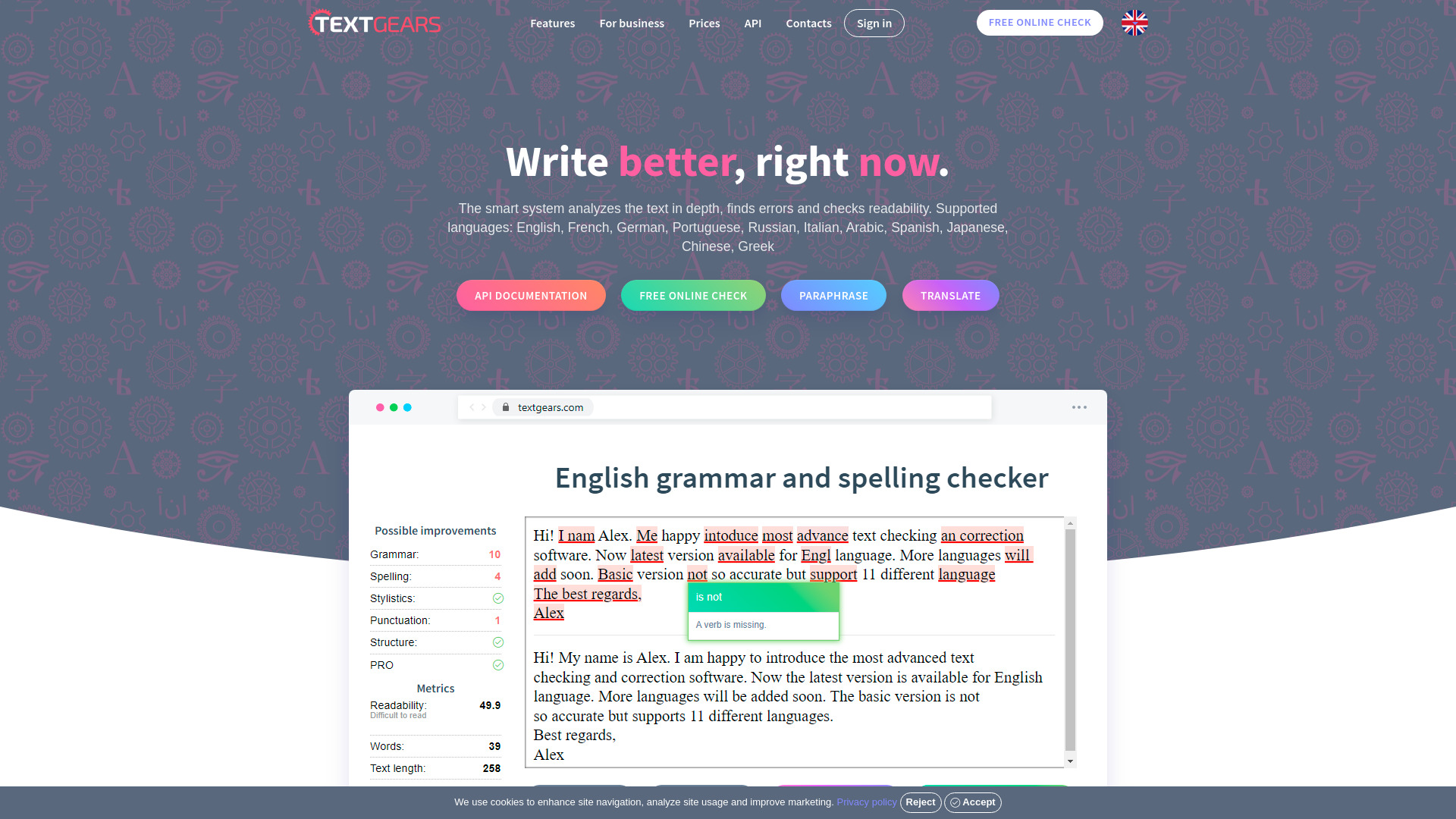
TextGears
Discover TextGears - a powerful app for enhancing your writing with advanced text analysis tools. Improve your content effortlessly with TextGears.

Parafrasear Textos
Enhance the quality of your text with our online tool for paraphrasing. Improve readability and make your content stand out.
Use Cases
- Quickly understand paper content and research results
- Analyze research backgrounds, methods, experiments, and conclusions
- Generate accurate summaries from extracted key information
- Interact through document-based Q&A
How to Use
Download the extension, open a PDF research paper, click the YouDao Speed Reader icon on Chrome, and start exploring paper abstracts, interpretations, summaries, and document Q&A.