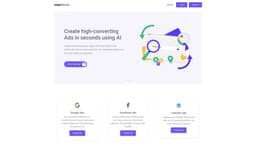
Adgen Studio - AI for Ads
Adgen Studio uses AI to create effective ads on Google, Facebook, and LinkedIn.
Introduction
Adgen Studio is an AI-powered platform that assists marketers in creating high-performing Google, Facebook, and LinkedIn ads. It automates the process of generating captivating ads by providing pre-designed photos and captions.
What stands out?
AI-powered ad creation
Ready-to-use photos and captions
Effortless social media post generation
Brand-consistent ad campaigns
Support for Google, Facebook, and LinkedIn ads
Frequently Asked Questions
What is Adgen Studio - AI for Ads?
How to use Adgen Studio - AI for Ads?
What types of ads can I create with Adgen Studio?
Do I need any prior experience in ad creation to use Adgen Studio?
Can I customize the generated ads?
What makes Adgen Studio different from other ad creation platforms?
How can Adgen Studio benefit my digital marketing efforts?
More Information
Adgen Studio - AI for Ads Company
Adgen Studio - AI for Ads Company name: Adgen Studio .
Adgen Studio - AI for Ads Sign up
Adgen Studio - AI for Ads Sign up Link: https://www.adgenstudio.com/sign-up
Reviews & Feedback
Share your experience with the community
0.0
Based on 0 reviews
User Comments (0)
Sort Criteria
Order
No reviews yet. Be the first to share your thoughts!
Statistics
Monthly visits
NaN
Saved by users
0
Rating
0.0/ 5.0
Added on
—
Similar Tools

Clipto
Elevate your transcription game with our cutting-edge AI service for converting audio, video, and YouTube files into text. Try it now!
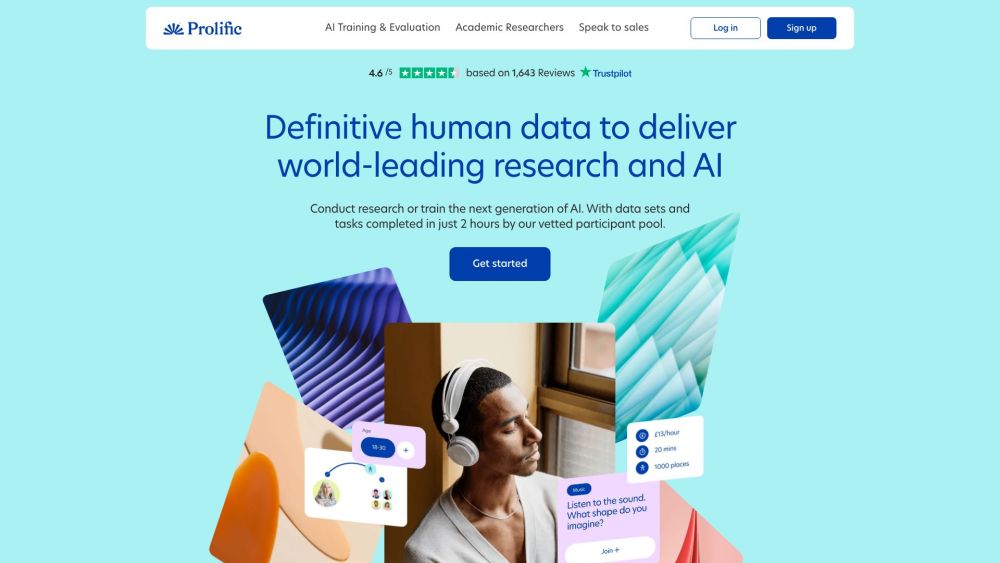
Prolific
Find reliable research participants quickly with Trustworthy research participants in minutes app. Get trustworthy participants for your study fast.
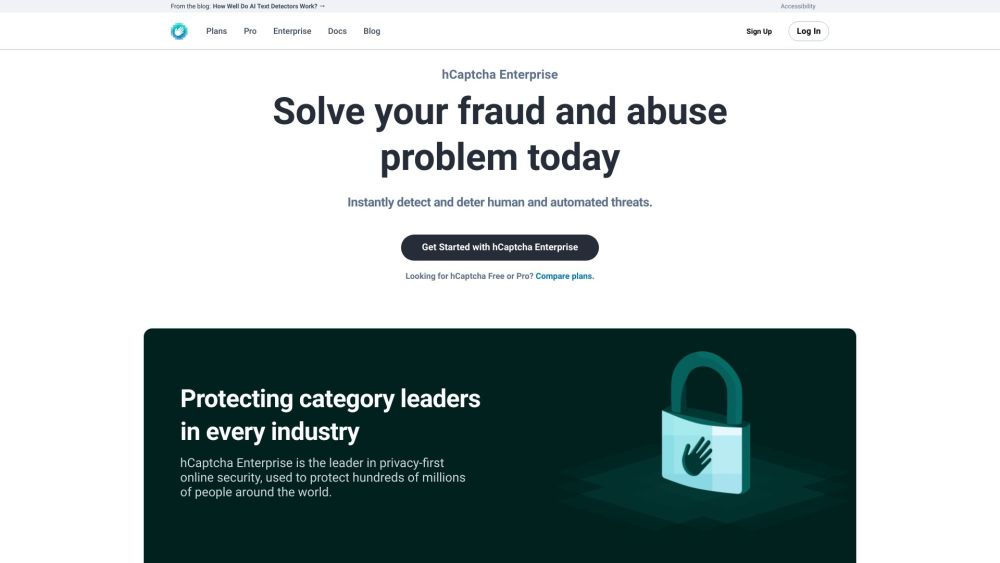
hCaptcha
Enterprise-grade AI security platform protecting against bots and human abuse.
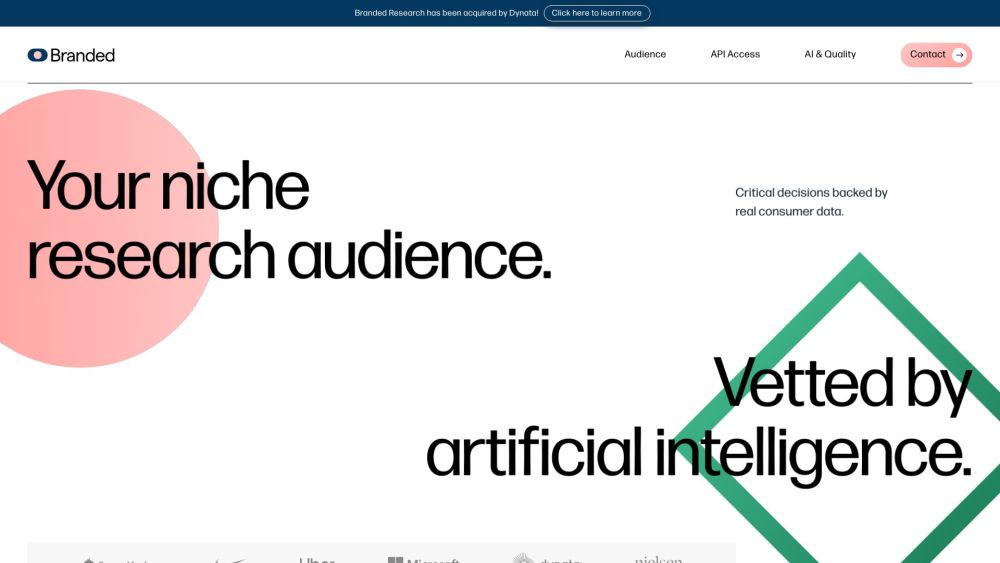
Branded
Discover a platform providing genuine consumer data and insights for your business needs.
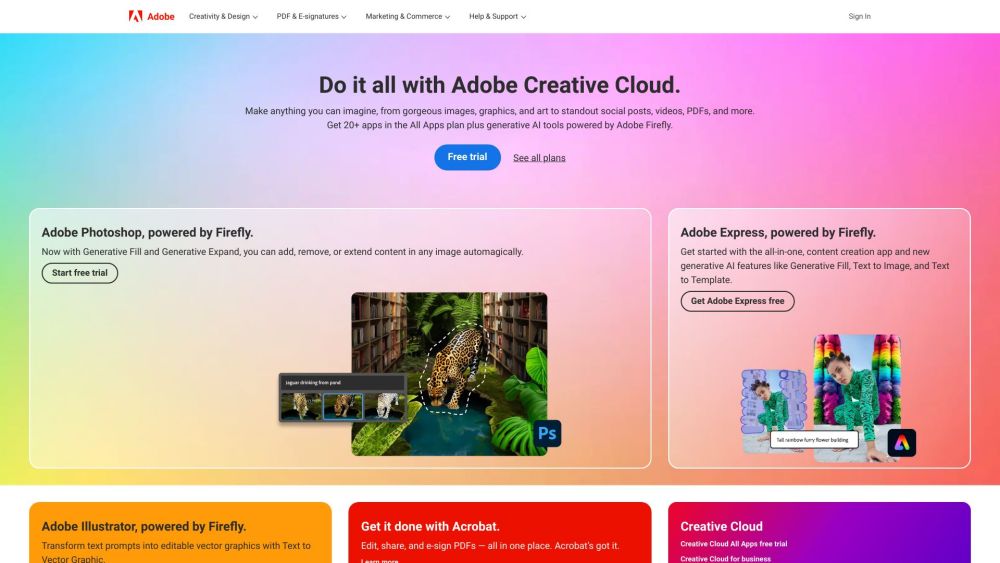
Adobe
Leading company providing creative, marketing, and document management solutions.
Use Cases
- Efficiently create high-performing Google ads
- Simplify the process of generating captivating Facebook ads
- Elevate LinkedIn advertising with automated ad creation
- Save time and effort in creating brand-consistent social media posts
How to Use
1. Sign up for a free trial or choose a subscription plan. 2. Connect your social media accounts to the platform. 3. Select the type of ad you want to create (Google, Facebook, or LinkedIn). 4. Customize your ad settings, such as targeting, budget, and ad format. 5. Click 'Generate Ad' and let Adgen Studio's AI create stunning ads for you. 6. Review the generated ads and make any necessary edits. 7. Click 'Post' or 'Publish' to launch your ad on the respective platform.