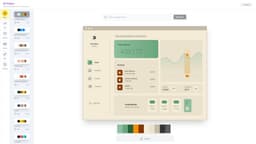
AI Color Palette Generator
AI Color Palette Generator is an AI-powered tool for creating unique color palettes.
AIcolor palettegenerator
Introduction
AI Color Palette Generator is an online tool that utilizes artificial intelligence to help users create cool and unique color palettes. The generator allows users to browse, edit, and visualize the palettes to find the perfect color combination for their projects.
Key Features
AI-powered color palette generation
Browsing and exploration of pre-generated palettes
Customizable editing options to modify colors and shades
Visualize color palettes in different contexts
Ability to apply palettes to mock-up designs
Frequently Asked Questions
What is AI Color Palette Generator?
How to use AI Color Palette Generator?
Can I save and export the color palettes?
Can I import my own color palette?
Is the AI able to generate color palettes based on a specific theme or image?
Does the generator provide accessibility and color contrast information?
Similar Tools
Picsart
Unleash your creativity with Picsart - an innovative photo editing app that offers a wide range of tools and filters to enhance your images.
WayStars AI- Your Unified AI Platform
WayStars AI is a comprehensive suite of AI tools that combines advanced models, productivity features, and creative functions into one seamless platform. Unleash the power of AI with WayStars.
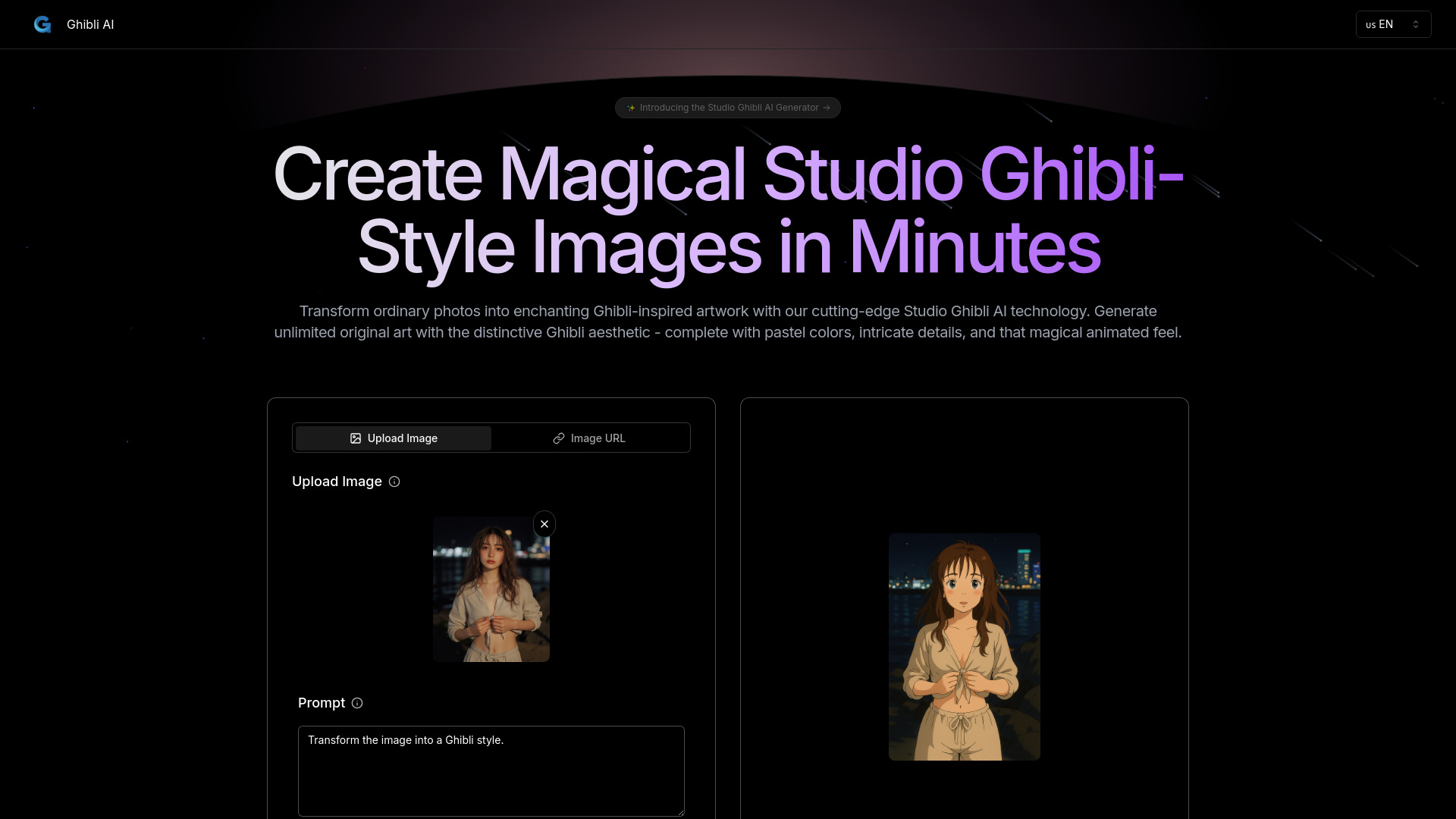
Ghibli AI
Explore an innovative AI tool that transforms photos or text into enchanting artwork inspired by the iconic Ghibli style.
Use Cases
- Graphic design projects
- Web design and development
- Interior design and decoration
- Fashion and textile design
- Brand identity creation
- Artistic inspiration
How to Use
1. Browse: Explore a wide range of pre-generated color palettes or let the AI generate new ones based on your preferences. 2. Edit: Fine-tune the palettes by adjusting the colors, adding or removing shades, and rearranging the order to suit your needs. 3. Visualize: Get a preview of how the color palette will look in your project by visualizing it in different contexts or applying it to mock-up designs.