
AiKeeda.com
AiKeeda.com is a website offering AI tools for creativity and efficiency.
AI WriterAI Image GeneratorAI Voiceover Generator
Introduction
AiKeeda.com is an AI tool website that offers a diverse range of AI-powered tools designed to boost creativity and efficiency. It provides services such as AI Writer, AI Image Generator, AI Voiceover Generator, AI Chatbot, and AI Code Assistant. These tools utilize advanced AI algorithms to generate high-quality content, images, code, chat responses, and more, enabling users to unleash their creativity and maximize productivity.
Key Features
AI Writer: Generate high-quality texts instantly to combat writer's block and enhance content creation.
AI Image Generator: Create eye-catching images and graphics for various applications.
AI Voiceover Generator: Generate professional-grade voiceovers for multimedia projects without the need for expensive recording studios.
AI Chatbot: Get instant answers to questions on various topics and provide virtual assistance to users.
AI Code Assistant: Simplify and accelerate the coding process, making it easier for both experienced coders and beginners.
Frequently Asked Questions
What is AiKeeda.com?
How to use AiKeeda.com?
Similar Tools

Plagiarism Remover
Eliminate plagiarism in your text with this free AI tool. Enhance your writing by rephrasing content effortlessly. Try it now!

Parafrasear Textos
Enhance the quality of your text with our online tool for paraphrasing. Improve readability and make your content stand out.
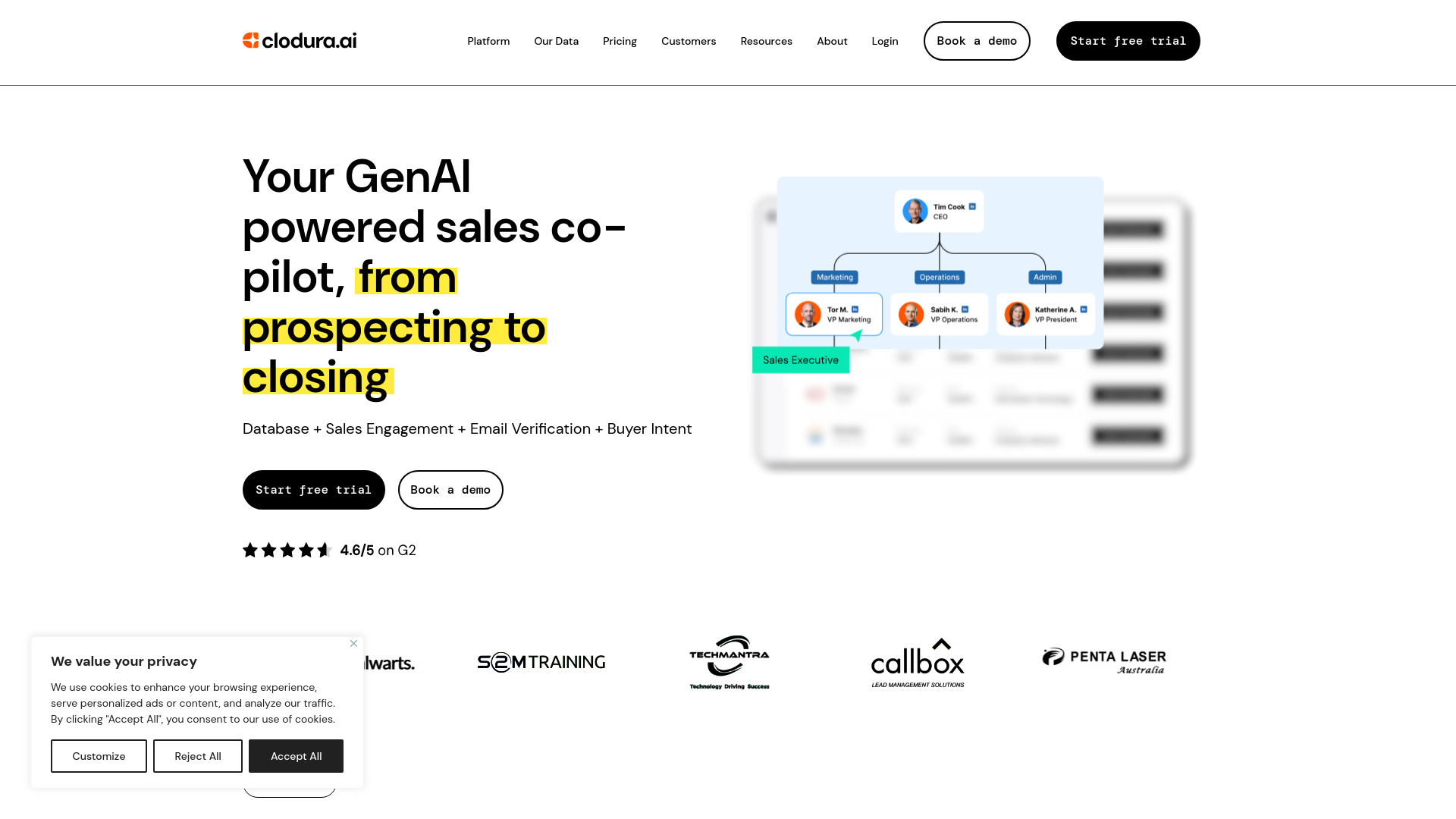
Clodura.AI
Discover GenAI, the ultimate sales prospecting platform for generating leads and engaging with potential customers effectively.
Use Cases
- Content creation: Create engaging blog posts, articles, product descriptions, and more with AI-generated content.
- Multimedia projects: Enhance videos, podcasts, e-learning materials, and narrations with AI-generated voiceovers.
- Customer support: Provide instant answers and virtual assistance to customers through the AI-powered chatbot.
- Efficient coding: Speed up the coding process, improve code quality, and simplify project development with the AI Code Assistant.
How to Use
Using AiKeeda.com is simple and straightforward. First, sign up for an account on the website. Once signed in, select the desired AI tool from the list of available options. Follow the prompts and provide the necessary input, such as topic, keywords, or any customization preferences. The AI algorithms will process the information and generate the desired result, whether it's text, images, code, chat responses, or voiceovers. Users can then view, edit, and export the generated content as needed. The intuitive interface and detailed documentation on the website guide users through the process.