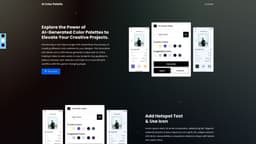
AI Palette
AI Palette generates stunning color schemes effortlessly using AI technology.
Introduction
AI Palette is an AI-powered color palette generator that effortlessly generates breathtaking color schemes. It uses AI technology to study millions of color combinations and find the ones that truly inspire.
What stands out?
Effortlessly generate breathtaking color schemes
AI technology studies millions of color combinations
Instantly uncover your ideal color palette
Generate color palettes in seconds
Convenient customization of color palettes
Frequently Asked Questions
What is AI Palette?
How to use AI Palette?
How does AI Palette generate color palettes?
Can I customize the generated color palettes?
Is there a limit to the number of color palettes I can generate?
How can I apply a selected color from the generated palettes?
Can I collaborate with AI Palette?
More Information
AI Palette Support Email & Customer service contact & Refund contact etc.
Here is the AI Palette support email for customer service: [email protected] . More Contact, visit the contact us page(https://ai-palettes.com/#contact)
AI Palette Company
AI Palette Company address: C 1101 - 1104, Titanium City Center, Prahlad Nagar, Ahmadabad, Gujarat-380015.
Reviews & Feedback
Share your experience with the community
0.0
Based on 0 reviews
User Comments (0)
Sort Criteria
Order
No reviews yet. Be the first to share your thoughts!
Statistics
Monthly visits
NaN
Saved by users
0
Rating
0.0/ 5.0
Added on
—
Similar Tools
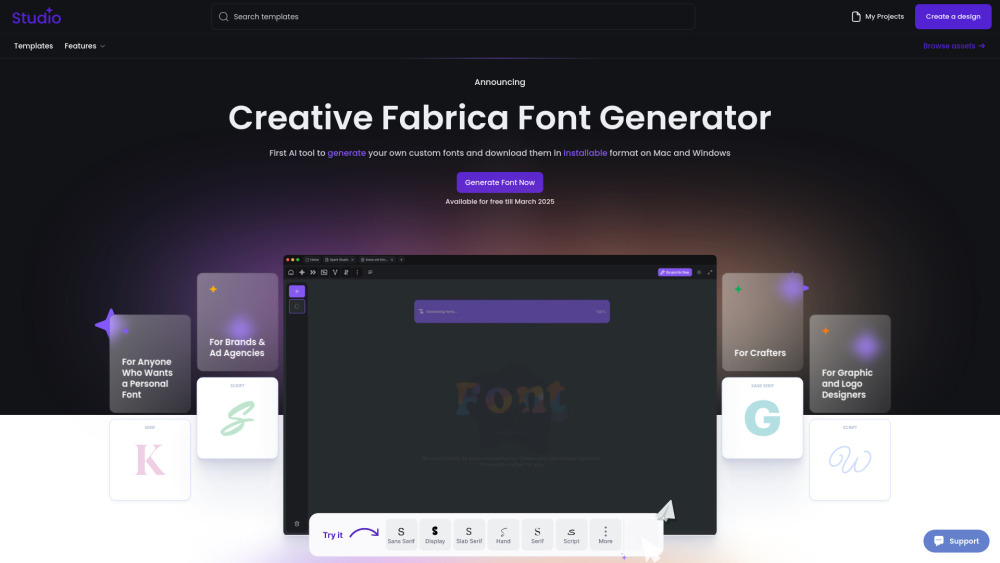
Creative Fabrica
Revolutionize your font creation process with the first AI-powered tool to customize and download fonts for Mac and Windows in an installable format.

Grok
AI assistant that promotes truth and objectivity with various features.
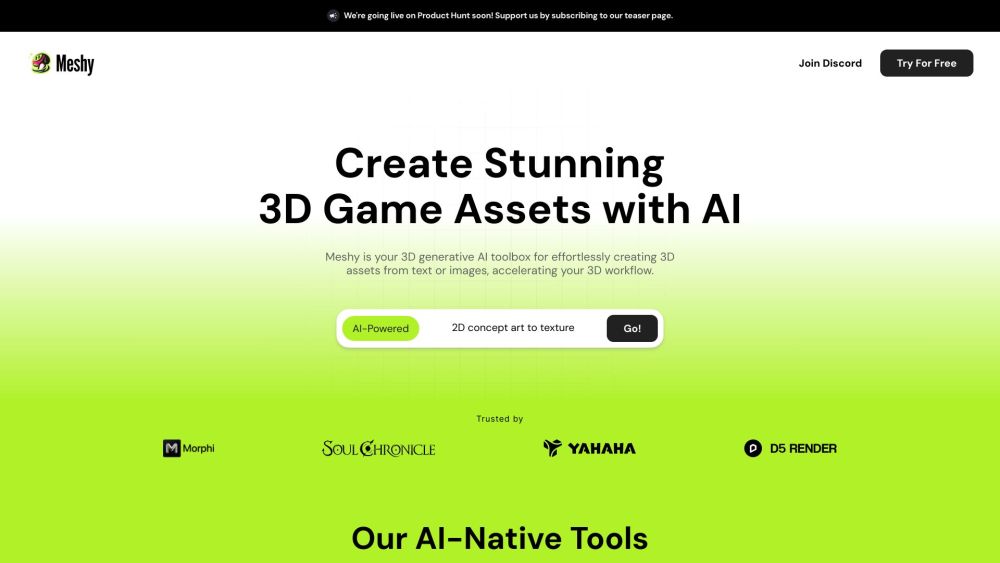
Meshy
Effortlessly transform text and images into captivating 3D assets.
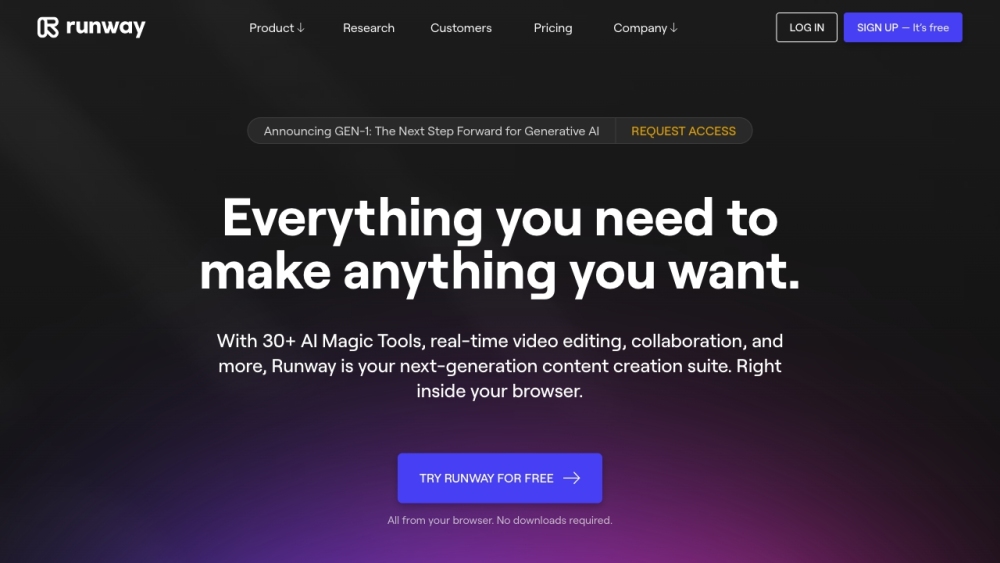
Runway
Discover Runway, a cutting-edge application that utilizes AI to create innovative tools for artists and entertainers in the creative industry.
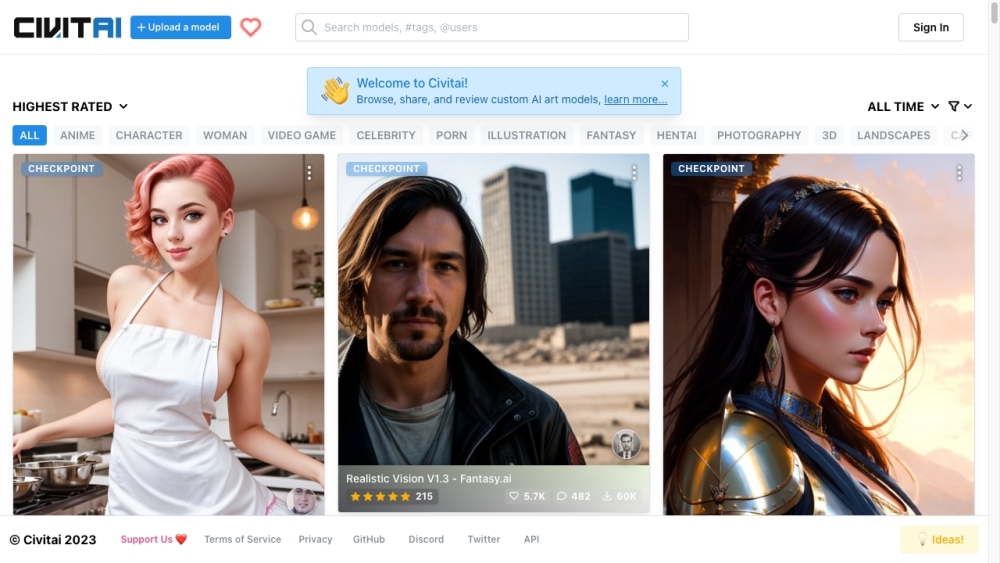
Civitai
Discover a vibrant community and extensive collection of Stable Diffusion AI Art models on this platform, perfect for all your creative needs.
Use Cases
- Graphic design projects
- Web design and development
- Art and illustration
- Marketing and branding
- Interior design
How to Use
To use AI Palette, simply click on the 'generate' button to obtain a new suggested color palette. The palette will vary based on the number of times you generate it. You can also change the color of the Artboard by clicking on the 'Apply' button. Additionally, you can utilize the Chat GPT AI model to create a distinctive color palette based on textual input. Just input your desired color in the designated box and click the search button to generate a color palette. You can modify the colors generated for each palette with ease for convenient customization.