
AI-powered Profile For Slack
Elevate work culture & collaboration with AI-powered profiles
Workplace cultureCollaborationAI-powered
Introduction
Elevate Work Culture and Collaboration with AI-powered Profile For Slack
Key Features
Host virtual coffee chats
Send kudos and automated celebrations
Streamline onboarding
Boost collaboration and productivity
Embrace inclusivity
Frequently Asked Questions
What is AI-powered Profile For Slack?
How to use AI-powered Profile For Slack?
How does Profile For Slack work?
Can I update my profile easily?
How does Profile For Slack promote inclusivity?
What are the core features of Profile For Slack?
How does Profile For Slack support collaboration and knowledge sharing?
Similar Tools

Gallabox
Elevate your business communication with our No-code WhatsApp automation tool. Streamline processes and engage customers effortlessly.

LimeChat
Revolutionize your e-commerce business with our AI-powered platform that offers support and marketing through WhatsApp. Boost sales and engagement now!

Gethookd
Revolutionize your ad creation and performance with our AI platform. Optimize your ads like never before for maximum results.

Quickads
Effortlessly create image and video ads with this AI-powered tool. Say goodbye to the hassle and hello to effective marketing campaigns.
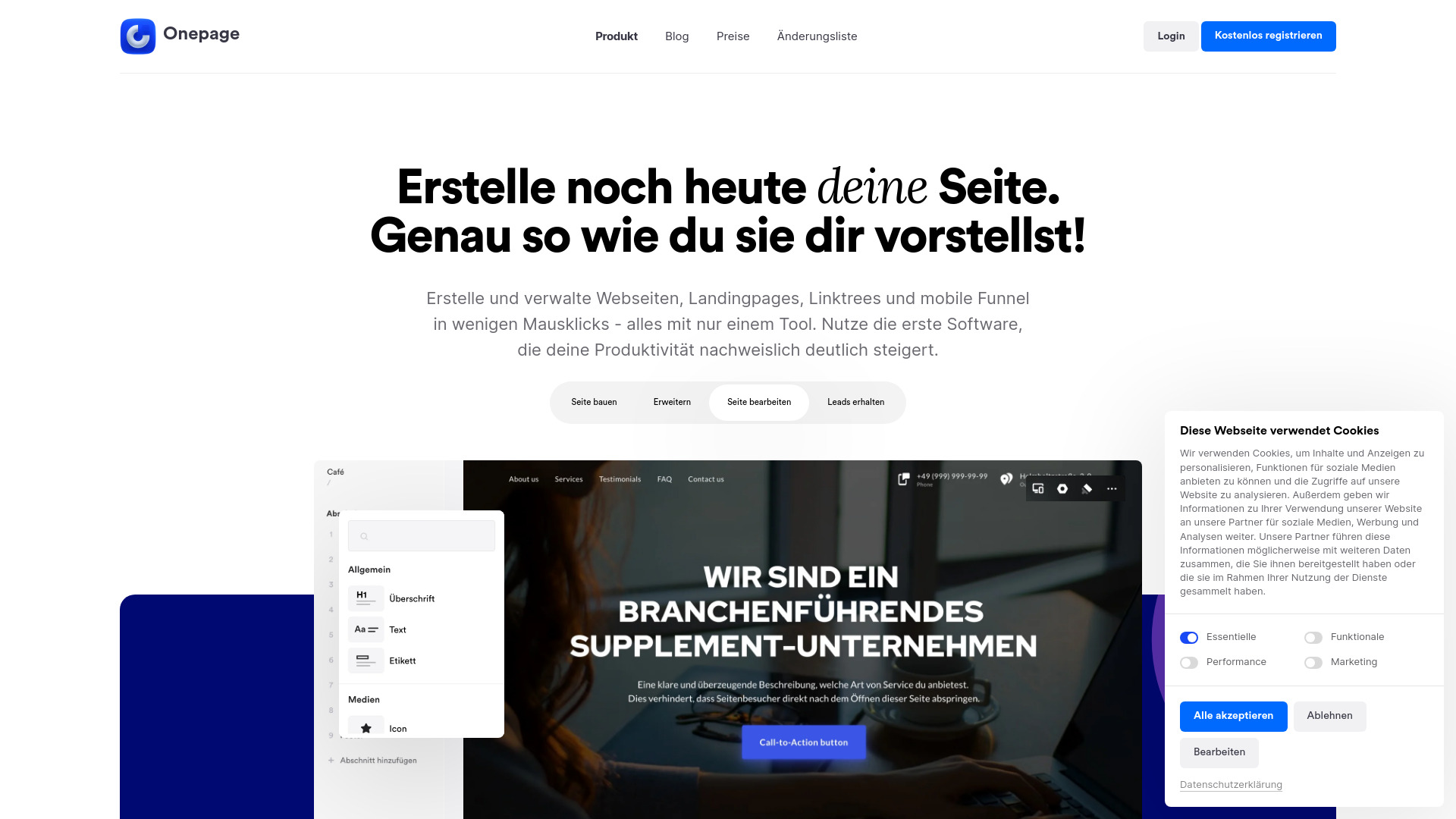
Onepage
Create websites, landing pages, and quizzes with our versatile all-in-one tool. Simplify your online presence in one convenient platform.
Use Cases
- Connecting colleagues over chats
- Building meaningful relationships
- Facilitating knowledge sharing
- Enhancing team dynamics
- Enabling inclusive work culture
- Improving onboarding process
- Creating personalized coffee chats
- Supporting skill development and collaboration
How to Use
With a simple /whois command, employees can discover more about each other across the organization and build meaningful relationships. They can also utilize the /whois @[username] command to effortlessly view profiles of individuals within the organization, gaining valuable insights into their personal and professional backgrounds. Employees can easily create or update their profile using the simple interface triggered by the /whois command. In addition, they can anonymously encourage colleagues to create their profile if it is missing.