
AI Transcribe
Offline AI-Powered transcription service.
Introduction
AI Transcribe provides offline AI-Powered transcribe services. Transcription feature is set to be fully functional offline without an active internet connection.
What stands out?
Offline AI-Powered transcription
No data upload
Secure and private
Easy to use interface
Frequently Asked Questions
What is AI Transcribe?
How to use AI Transcribe?
Is there any limit on the audio file size for transcription?
Can I edit the transcribed text after the process?
Is my data secure and private?
Reviews & Feedback
Share your experience with the community
0.0
Based on 0 reviews
User Comments (0)
Sort Criteria
Order
No reviews yet. Be the first to share your thoughts!
Statistics
Monthly visits
NaN
Saved by users
0
Rating
0.0/ 5.0
Added on
—
Similar Tools

TurboScribe
Unlimited AI transcription with 99.8% accuracy in 98+ languages.

Clipto
Elevate your transcription game with our cutting-edge AI service for converting audio, video, and YouTube files into text. Try it now!

Tactiq
Tactiq is a top transcription tool for online meetings, offering real-time transcription and meeting summaries.
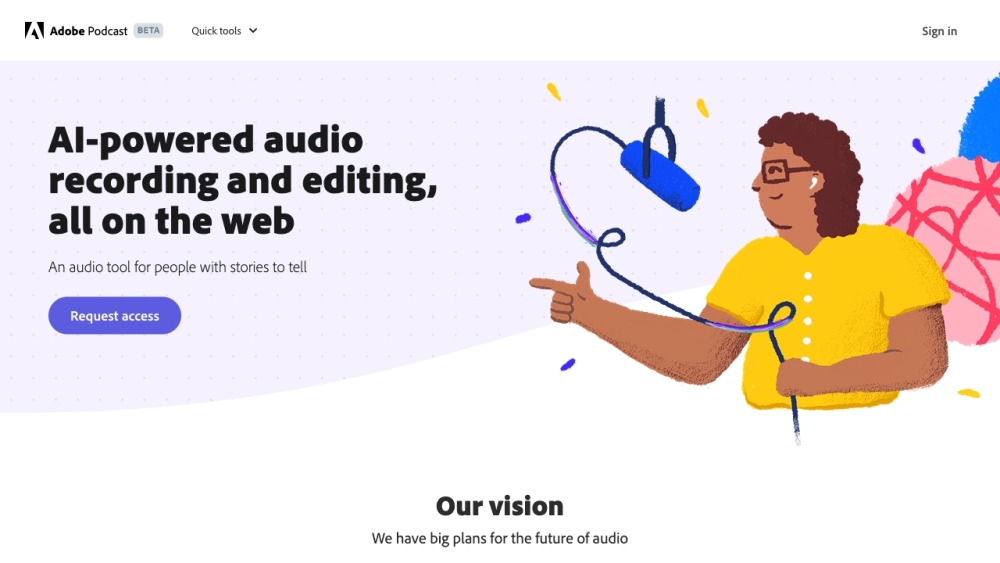
Adobe Podcast
Adobe Podcast is a web platform with AI audio features for recording, transcribing, editing, and sharing audio content.
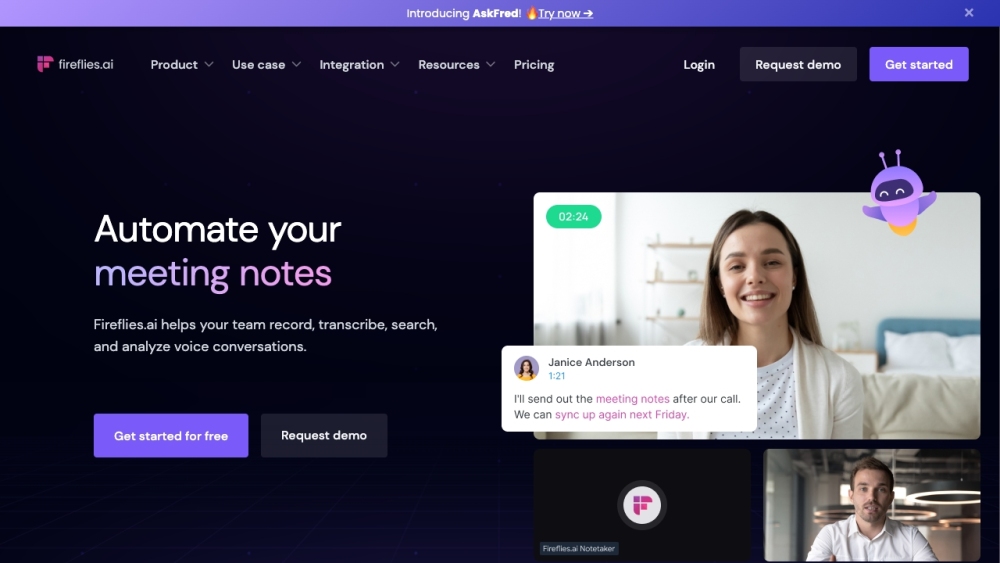
Fireflies.ai
Fireflies.ai is an innovative tool that uses artificial intelligence to transcribe, summarize, and analyze voice conversations effectively.
Use Cases
- Transcribe interviews or meetings
- Convert audio lectures into written notes
- Generate text from recorded speeches
- Create written records of conference calls
How to Use
To use AI Transcribe, simply download the application and install it on your device. Open the application and start transcribing your audio files. No internet connection is required for the transcription process.