
Introduction
Create natural-sounding voiceovers with our text-to-speech AI Telegram Bot.
Key Features
Transform text into audio with up to 25 different voices
Quick and easy to use
Frequently Asked Questions
What is AI Voice Generator?
How to use AI Voice Generator?
How does it work?
What is the format of the generated audio file?
Can I download the generated audio file?
Can I export audio from Telegram to Whatsapp?
For which languages can I generate audios?
What if I want to cancel my plan?
Similar Tools
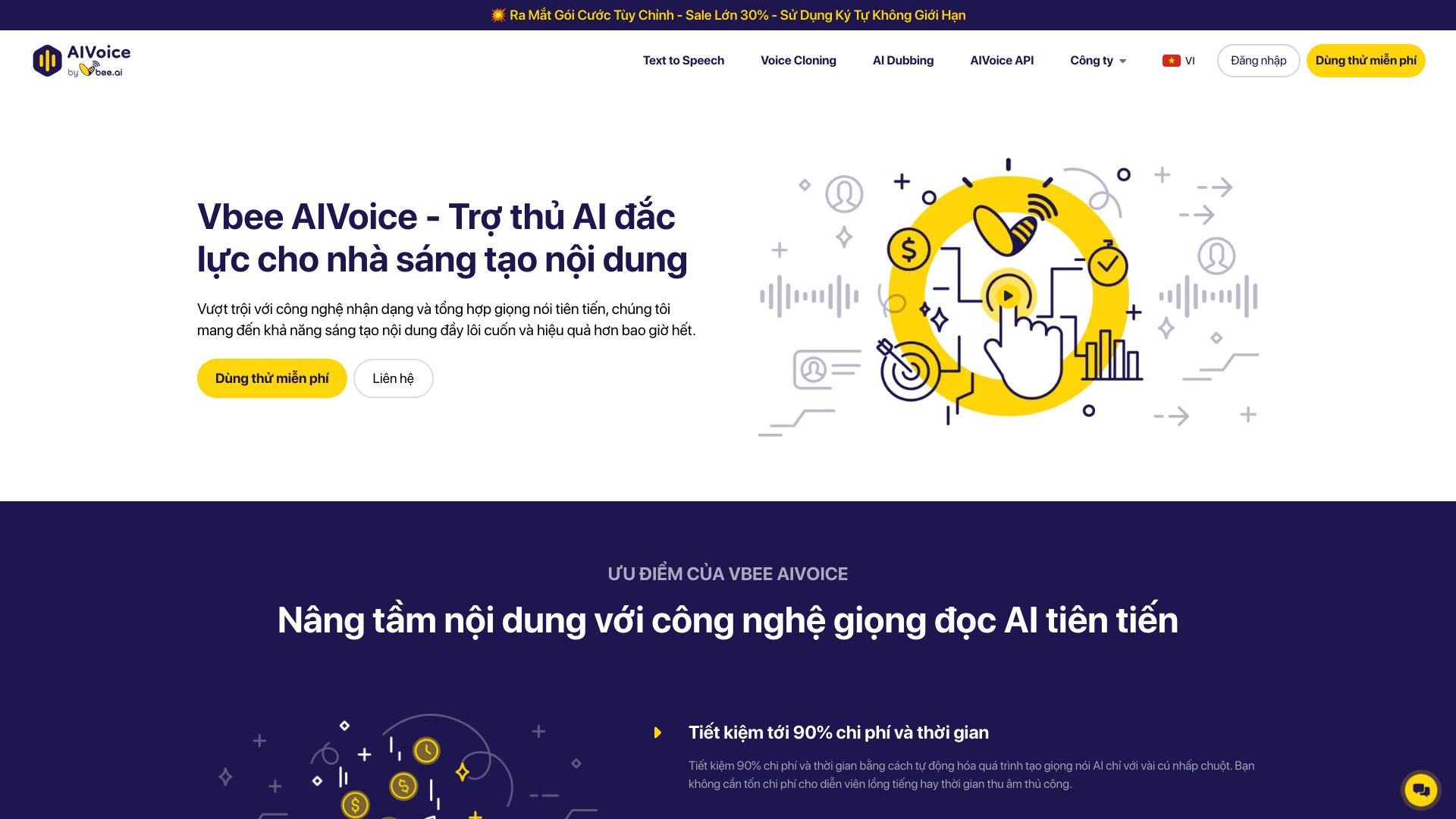
Vbee AIVoice
Revolutionize content creation with our AI voice solution, designed for seamless integration and efficient workflow optimization.
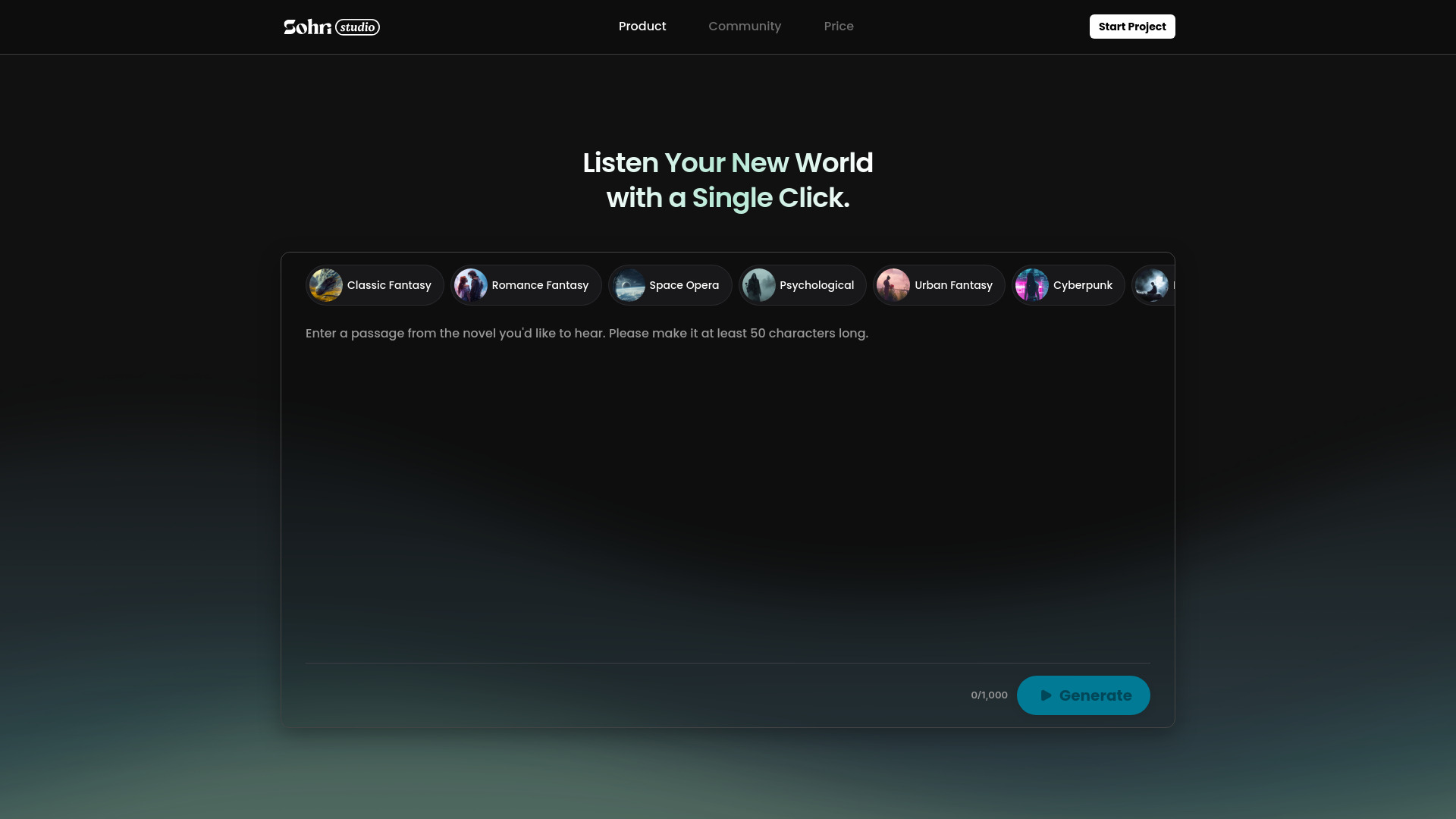
Sohri
Discover the Sohri app for all your needs. Find everything you're looking for in one convenient place. Download now for a seamless experience.

WayStars AI- Your Unified AI Platform
WayStars AI is a comprehensive suite of AI tools that combines advanced models, productivity features, and creative functions into one seamless platform. Unleash the power of AI with WayStars.
Use Cases
- Create natural-sounding voiceovers for videos
- Enhance your podcast or audio projects
How to Use
To use our AI Voice Generator, simply open the Telegram Bot, enter your text, and click start. The bot will respond with automatically generated audio.