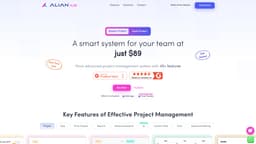
Alian Hub
Comprehensive project management system for teams.
Introduction
Alian Hub is a comprehensive project management system that includes multiple features such as time tracking, HR management, workload management, task creation, project tracking, and more, designed to streamline collaboration and productivity for teams.
What stands out?
AI task management
Kanban board
Integrations
Workload management
Native time tracking
To-Do lists
Sprints
Frequently Asked Questions
What is Alian Hub?
How to use Alian Hub?
What features does Alian Hub offer?
How does the time tracking feature work?
More Information
Alian Hub Support Email & Customer service contact & Refund contact etc.
Here is the Alian Hub support email for customer service: [email protected] . More Contact, visit the contact us page(https://alianhub.com/contact-us/)
Alian Hub Company
Alian Hub Company name: Alian Software .
Alian Hub Login
Alian Hub Login Link: https://demo.alianhub.com/#/login?redirect_url=/
Alian Hub Facebook
Alian Hub Facebook Link: https://www.facebook.com/AlianSoftware/
Alian Hub Linkedin
Alian Hub Linkedin Link: https://in.linkedin.com/company/aliansoftware
Alian Hub Twitter
Alian Hub Twitter Link: https://twitter.com/aliansoftware
Reviews & Feedback
Share your experience with the community
0.0
Based on 0 reviews
User Comments (0)
Sort Criteria
Order
No reviews yet. Be the first to share your thoughts!
Statistics
Monthly visits
NaN
Saved by users
0
Rating
0.0/ 5.0
Added on
—
Similar Tools

Airtable Assistant
Easily create apps and analyze data with our AI tool, no coding required. Build and analyze without the hassle of programming.
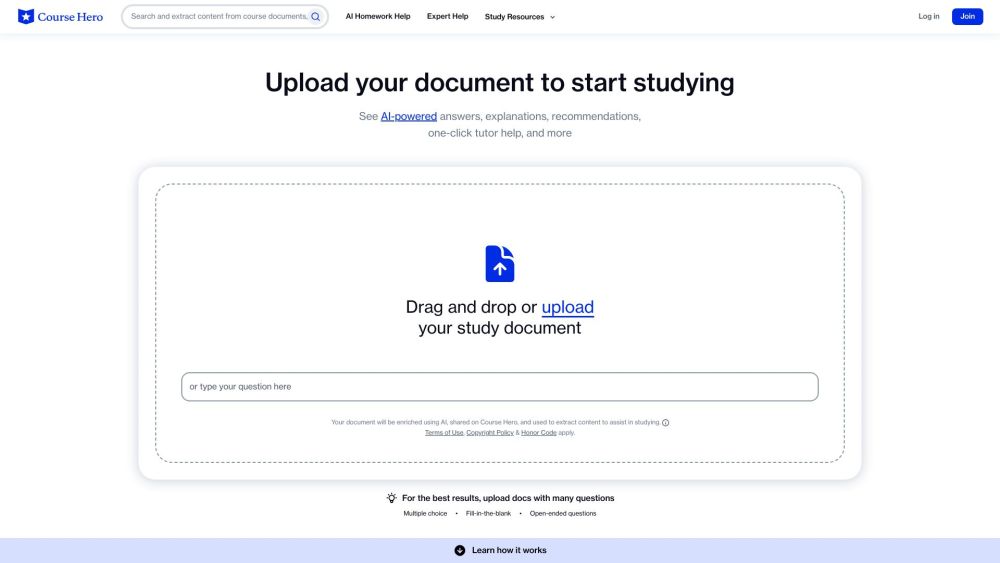
Course Hero
Study resources, notes, test prep, homework help, and expert tutors at your fingertips.
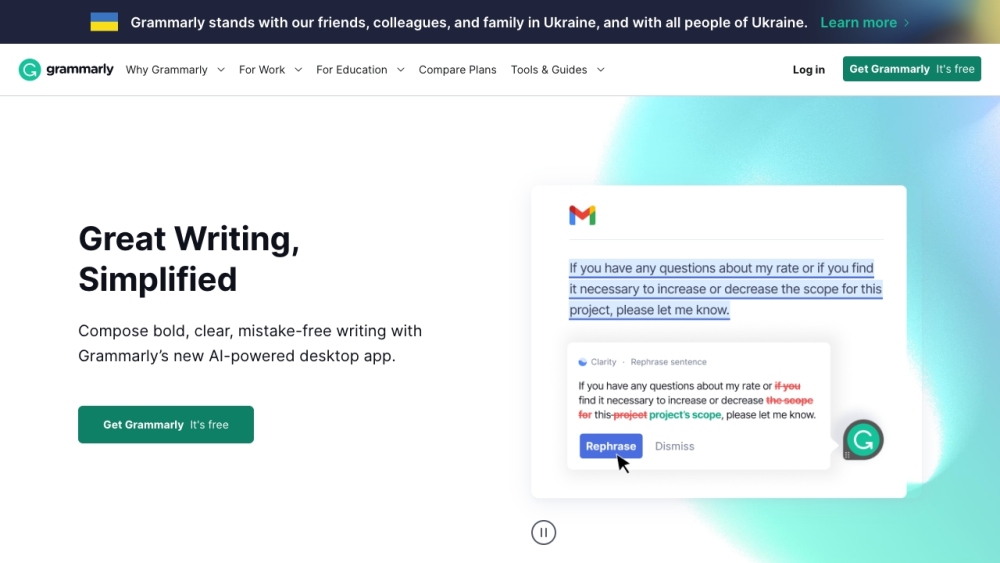
Grammarly
Elevate your writing abilities and boost your confidence in communication with AI-powered writing support from Grammarly.
Use Cases
- Efficiently manage projects and tasks within teams
- Track employee performance and project timelines
How to Use
To use Alian Hub, sign in to create projects, track time, manage tasks, and collaborate effectively with your team.