AnyToSpeech
Convert various forms of text into speech with realistic voices in multiple languages.
Introduction
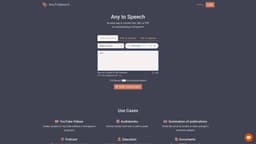
AnyToSpeech is an online text-to-speech converter that allows users to convert text, PDFs, documents, scanned images, and URLs into speech. It offers realistic voices in multiple languages, providing a clean and simple solution for generating audio from text-based content.
Key Features
Text-to-speech conversion for various content types
Realistic voices in multiple languages
Support for text documents, PDFs, scanned images, and URLs
Clean and simple interface
Ability to download the audio output
Frequently Asked Questions
What is AnyToSpeech?
How to use AnyToSpeech?
Similar Tools
Pronounce
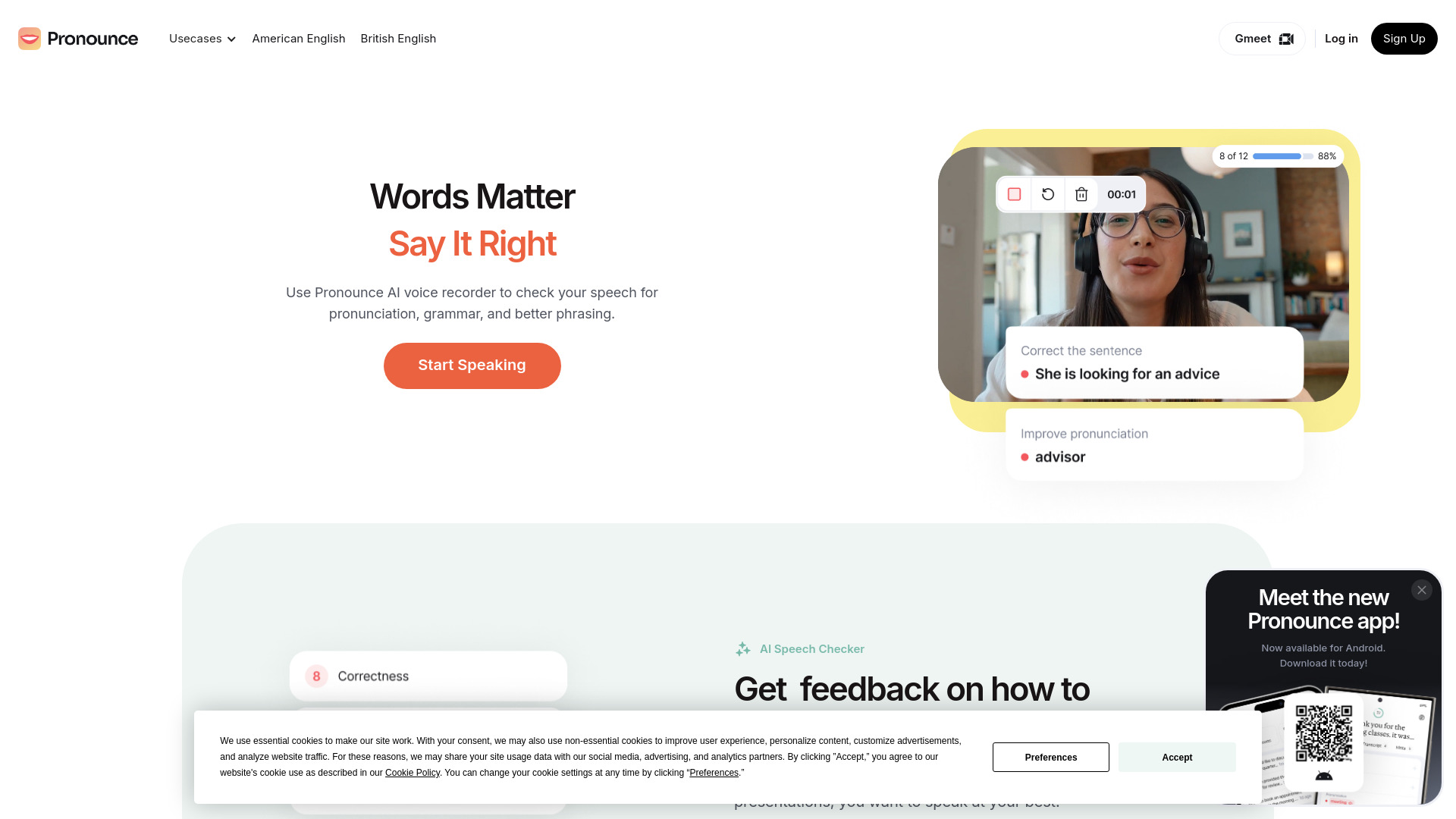
Enhance your English pronunciation and communication skills with our AI speech checker app. Perfect your spoken English today!

Meeting.ai
An advanced tool using AI to transcribe, organize, and summarize meetings efficiently. Ideal for enhancing productivity and collaboration.
Good Tape
Easily convert audio files into text with our automatic transcription service. Fast and accurate speech-to-text conversion at your fingertips.
How to Use
To use AnyToSpeech, simply select the desired language and voice from the provided options. Then, choose the source of the text, whether it's a text document, PDF, document, scanned image, or website URL. If converting a text document, upload the file or copy and paste the text. For scanned images, upload the image file. Once the text or document is uploaded, click on the 'Create Audio' button to generate the speech. The audio output can be downloaded and used as desired.