
Appdron AI Dashboard
Interact with AI assistant via web app chat interface with Appdron AI Dashboard.
AI assistantchat interfaceGoogle account
Introduction
Appdron AI Dashboard is a web application that allows users to interact with an AI assistant through a chat interface.
Key Features
Chatting with AI assistant
Adding and deleting AI
Clearing chat history
Frequently Asked Questions
What is Appdron AI Dashboard?
How to use Appdron AI Dashboard?
What is Appdron AI Dashboard?
How do I use Appdron AI Dashboard?
What are the core features of Appdron AI Dashboard?
What are the use cases of Appdron AI Dashboard?
Similar Tools

Gallabox
Elevate your business communication with our No-code WhatsApp automation tool. Streamline processes and engage customers effortlessly.

LimeChat
Revolutionize your e-commerce business with our AI-powered platform that offers support and marketing through WhatsApp. Boost sales and engagement now!
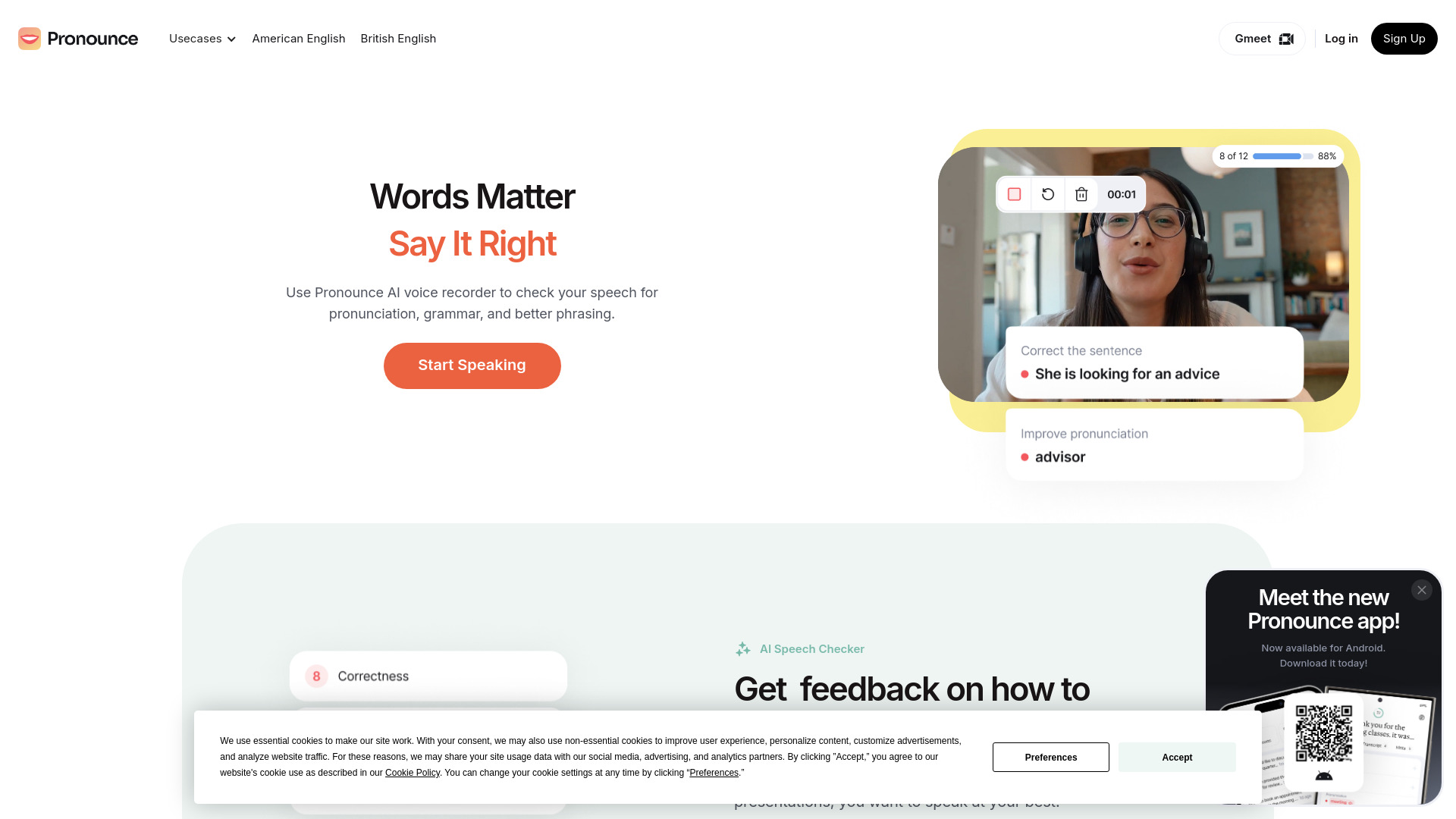
Pronounce
Enhance your English pronunciation and communication skills with our AI speech checker app. Perfect your spoken English today!
Use Cases
- Getting instant answers to questions
- Getting AI-generated suggestions
- Seeking help with tasks or problems
How to Use
To use Appdron AI Dashboard, users need to login with their Google account and download the Appdron AI Chrome extension for free. Once logged in, they can chat with the AI assistant, add or delete different AIs, and clear the chat history.