
Artwo
"Artwo is a plugin that helps users manage, search, and find web resources efficiently."
Introduction
Artwo is a plugin that allows users to manage their favorite websites and web resources across all their devices. It provides a convenient way to store and organize web links, search for information, and utilize a sophisticated AI engine to find exactly what you need.
What stands out?
Manage and organize favorite websites
Sync web resources across all devices
Create spaces with descriptions
Sophisticated AI engine for quick search
Scan and recognize useful information on webpages
Frequently Asked Questions
What is Artwo?
How to use Artwo?
Can I access my favorite websites and web resources on multiple devices?
How does the AI engine work?
Is Artwo compatible with other browsers?
Reviews & Feedback
Share your experience with the community
0.0
Based on 0 reviews
User Comments (0)
Sort Criteria
Order
No reviews yet. Be the first to share your thoughts!
Statistics
Monthly visits
NaN
Saved by users
0
Rating
0.0/ 5.0
Added on
—
Similar Tools

Kagi Search
Discover a top-tier search engine that prioritizes user privacy and delivers an exceptional browsing experience.
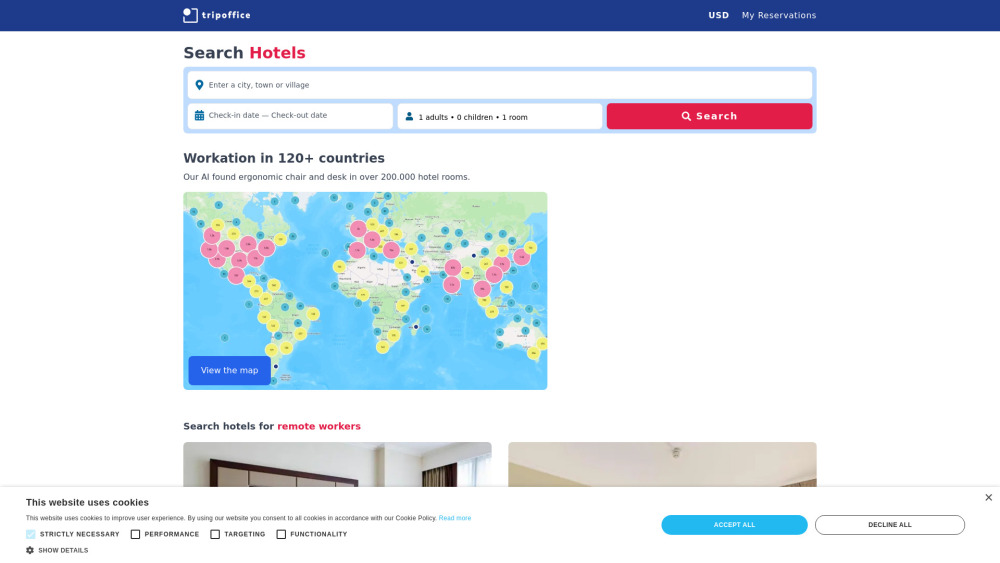
TripOffice.com
AI-Powered Hotel Search Engine
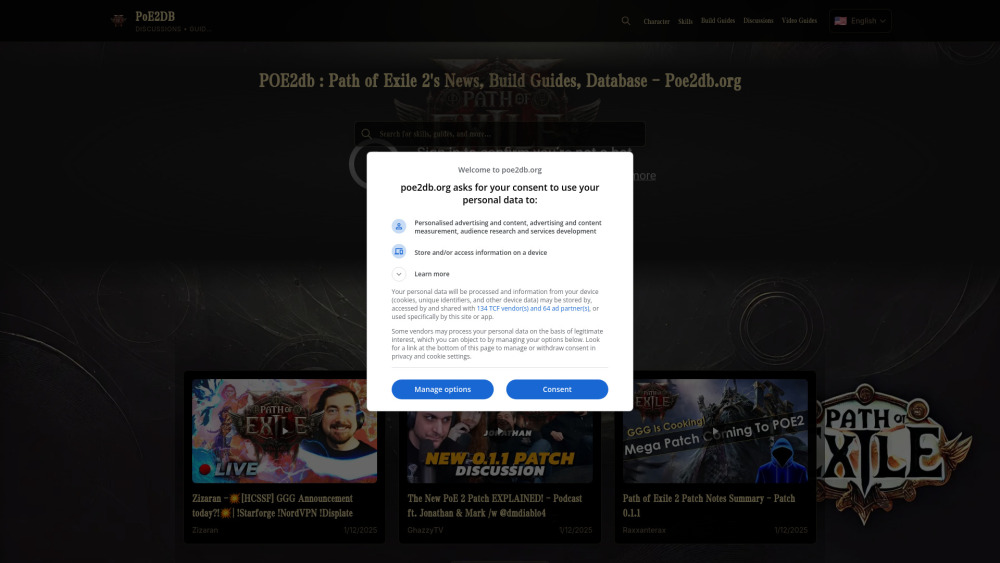
AI Search Engine of Pathofexile 2 -poe2db
Poe2db.org Pathofexile 2 Search Engine,News & Guides & Wiki

Semantic Scholar
Discover relevant scientific literature with Semantic Scholar, a free AI research tool that helps scholars find the information they need.
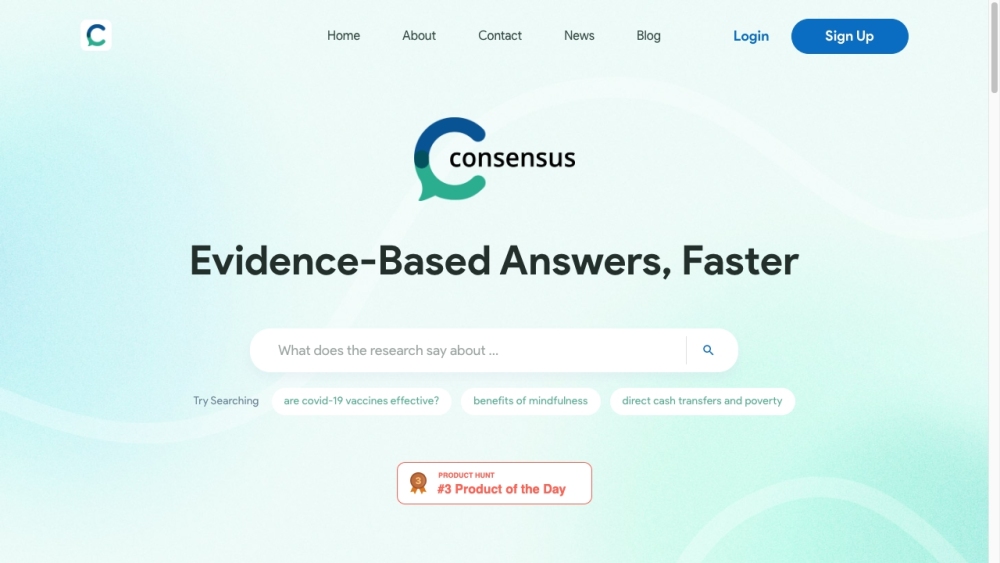
Consensus
Consensus uses AI to find insights in research papers.
Use Cases
- Create custom wish lists, cookbooks, or hobby spaces
- Structure and manage projects, documents, and ideas
- Store and search unlimited web pages and files for studying purposes
How to Use
1. Install the Artwo plugin from the Chrome Web Store.2. Open the Artwo plugin page and click 'Add to Chrome'.3. Create your account in the admin panel. Access it by clicking on the plugin logo in the browser plugins panel.4. Sign up by following the provided instructions and entering the confirmation code received via email.5. Once registered, you can log in on both the administration page and the plugin popup page.6. Start adding your websites and organizing them into spaces.7. Utilize the powerful search functionality to find information across your links, titles, descriptions, and spaces.8. Take advantage of the AI engine to automatically recognize topics, dates, places, people, and other useful information on the webpages you add.