
Ask The Page - Chrome Extension
Browser extension for easy interaction with AI tools.
AI chatbot integrationWebpage summarizationScreenshot sharing
Introduction
Ask The Page is a browser extension that enables users to interact with AI tools by summarizing content, sending prompts, and capturing screenshots directly from webpages.
Key Features
Summarize webpages and YouTube videos instantly
Capture screenshots and send them to AI tools
Works across multiple websites
Free to use with keyboard shortcuts
Frequently Asked Questions
What is Ask The Page?
How to use Ask The Page?
Is Ask The Page free to use?
Which AI chat applications are integrated with Ask The Page?
Similar Tools
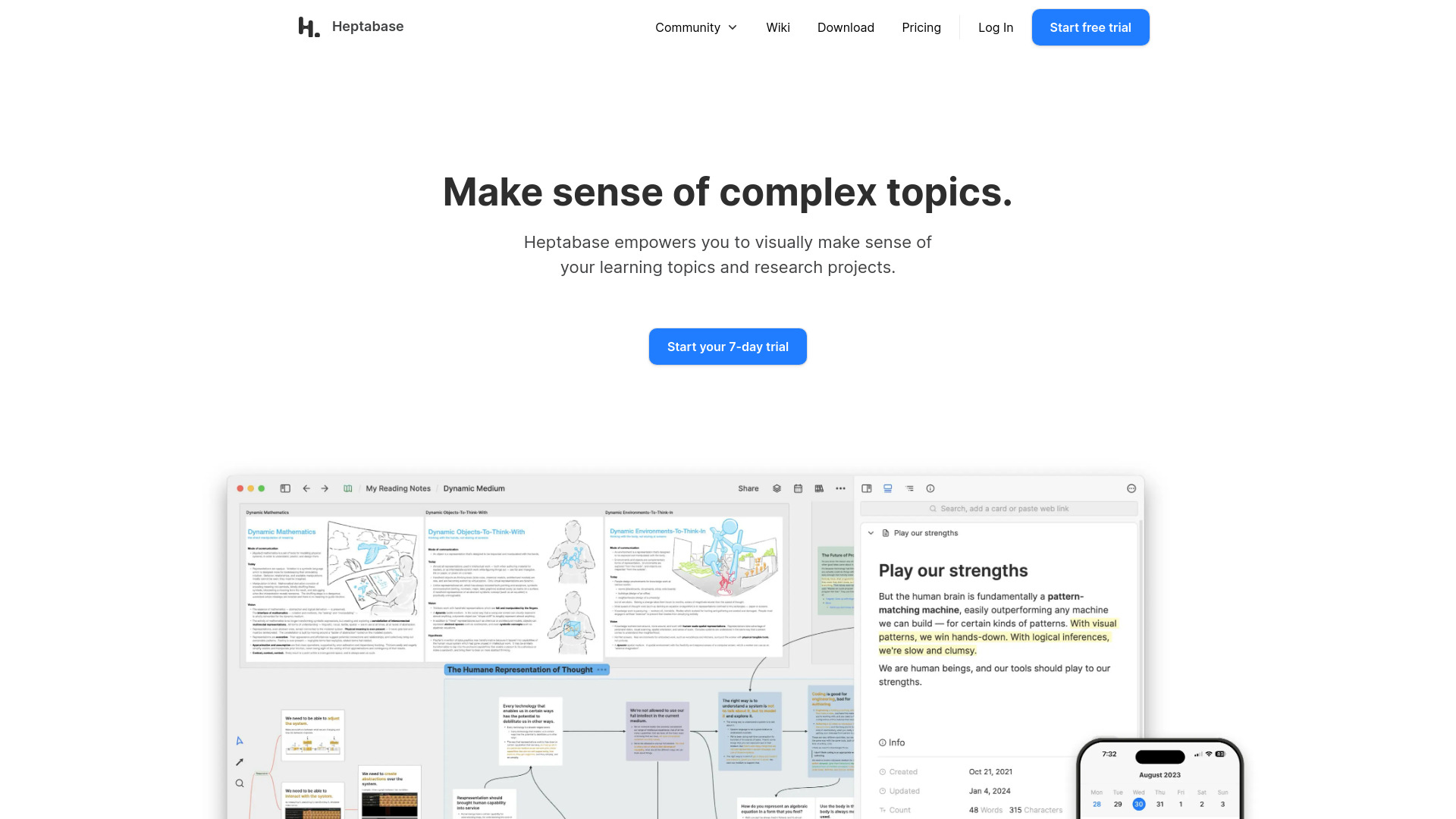
Heptabase
Enhance your learning and research with a visual note-taking tool designed to help you organize and retain information effectively.
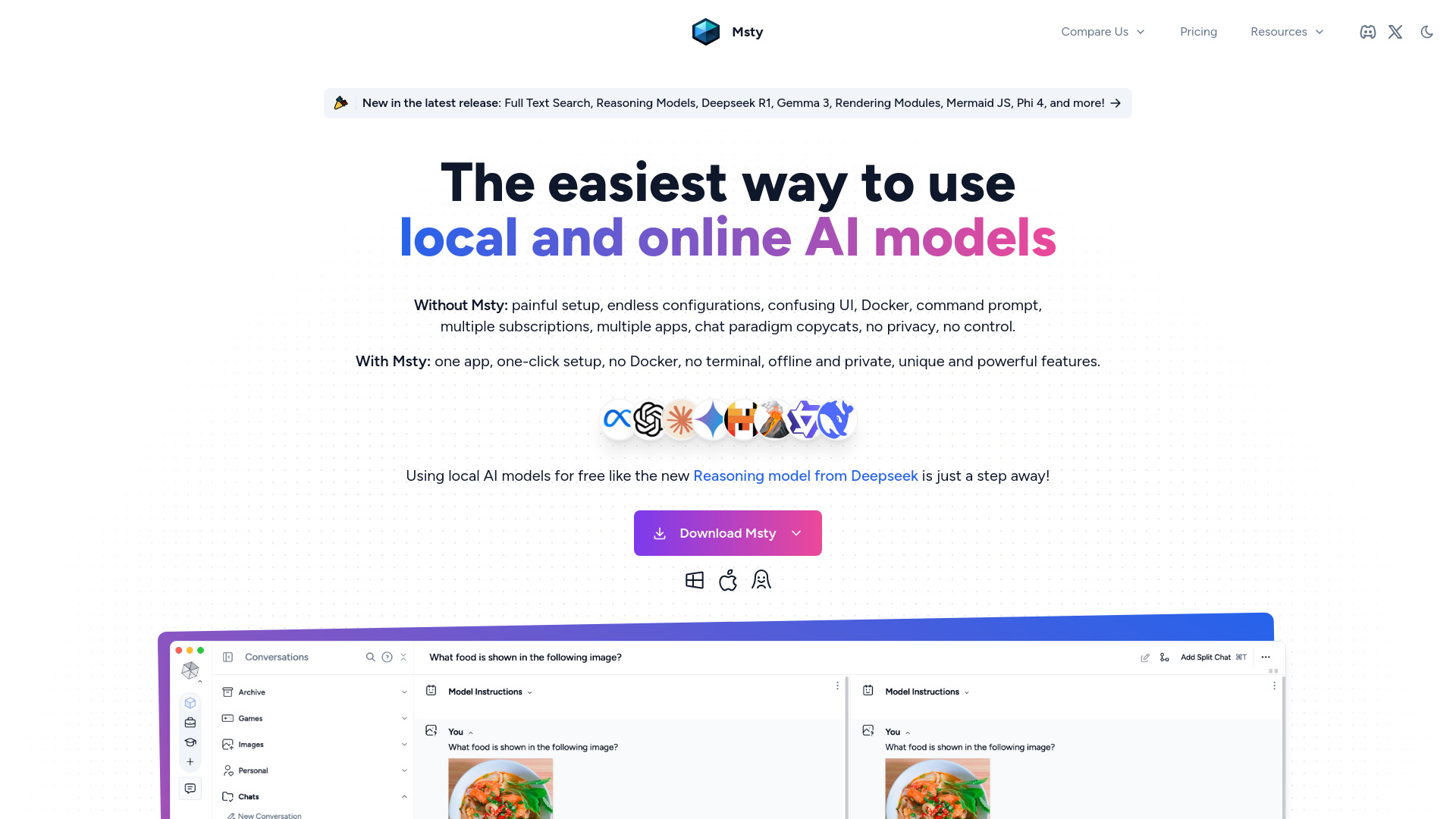
Msty
An integrated platform for easy communication with both offline and online artificial intelligence models. Simplify your AI interactions with this app.
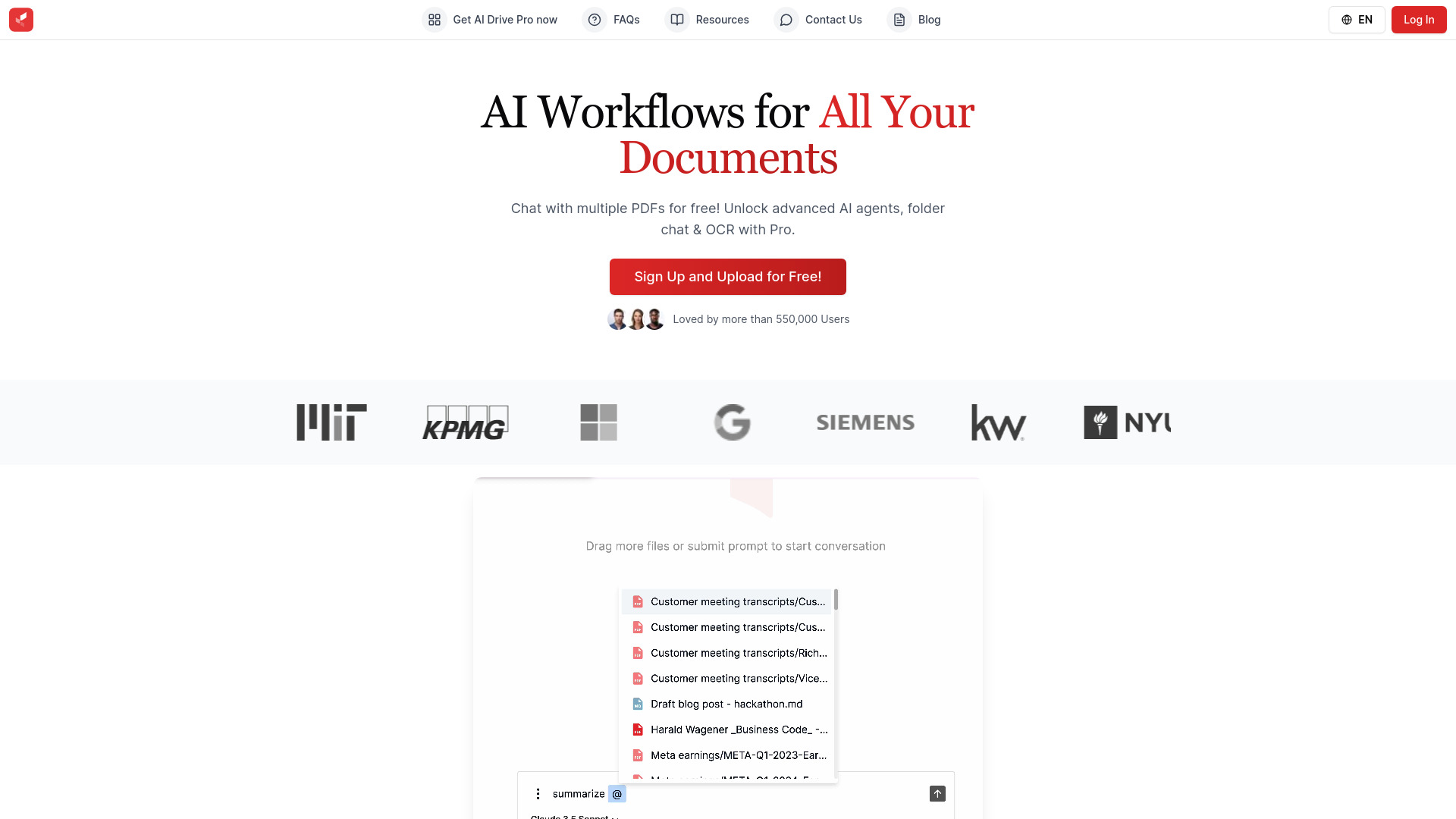
AI Drive
Experience the convenience of AI Drive, the app that utilizes artificial intelligence to enhance your driving experience. Say goodbye to manual control!
Use Cases
- Summarize lengthy documents for better understanding
- Analyze visual data by sending screenshots to AI for insights
How to Use
Simply install the extension and use shortcuts or click the icon to interact with AI tools.