
audeo.ai - Chrome Extension
Easily record and edit audio directly in your browser with this convenient tool for seamless audio editing on the go.
Introduction
What stands out?
Frequently Asked Questions
What is audeo.ai?
How to use audeo.ai?
Can I download my edited audio files?
Reviews & Feedback
Share your experience with the community
User Comments (0)
No reviews yet. Be the first to share your thoughts!
Statistics
Similar Tools
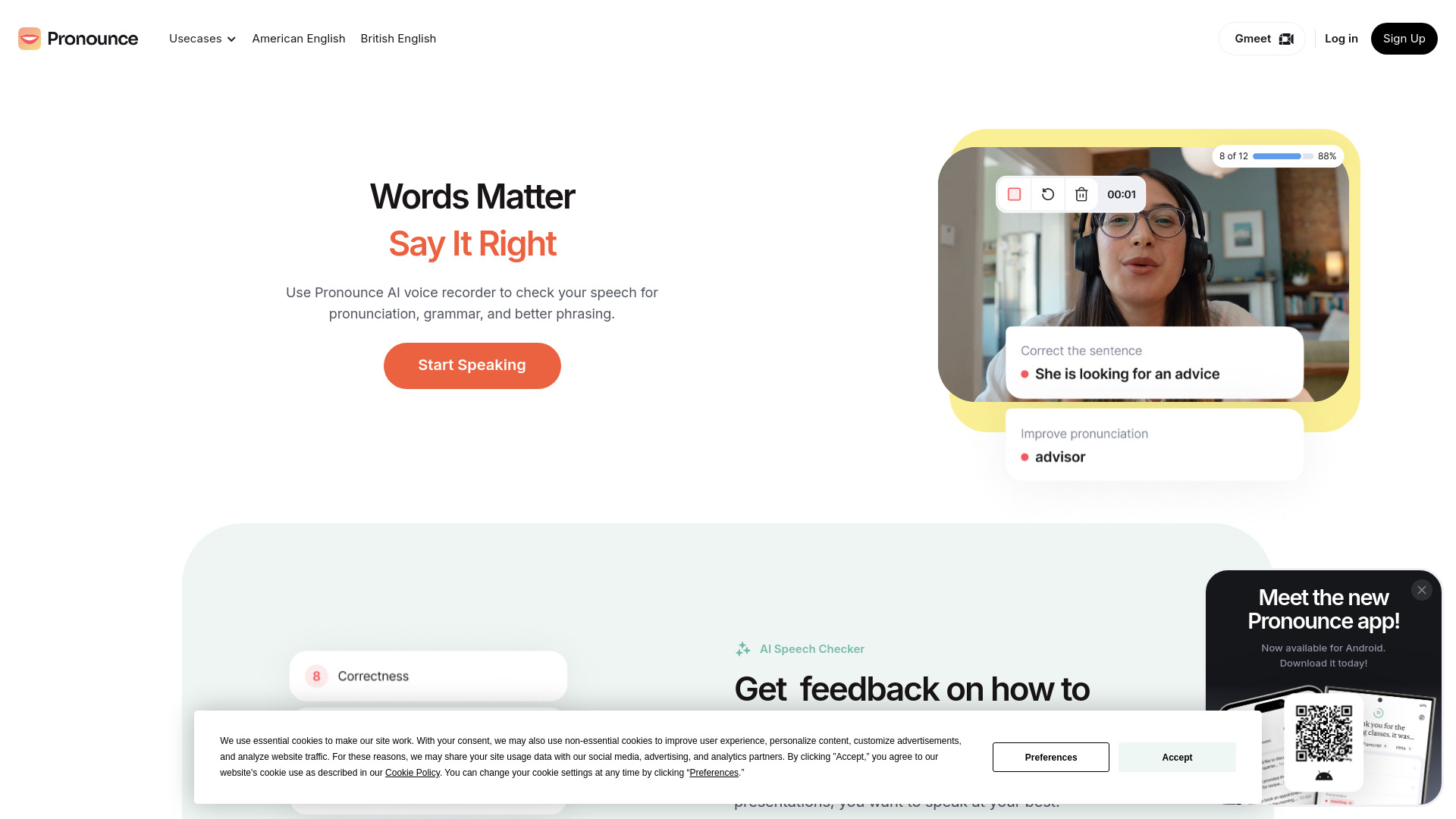
Pronounce
Enhance your English pronunciation and communication skills with our AI speech checker app. Perfect your spoken English today!

Meeting.ai
An advanced tool using AI to transcribe, organize, and summarize meetings efficiently. Ideal for enhancing productivity and collaboration.
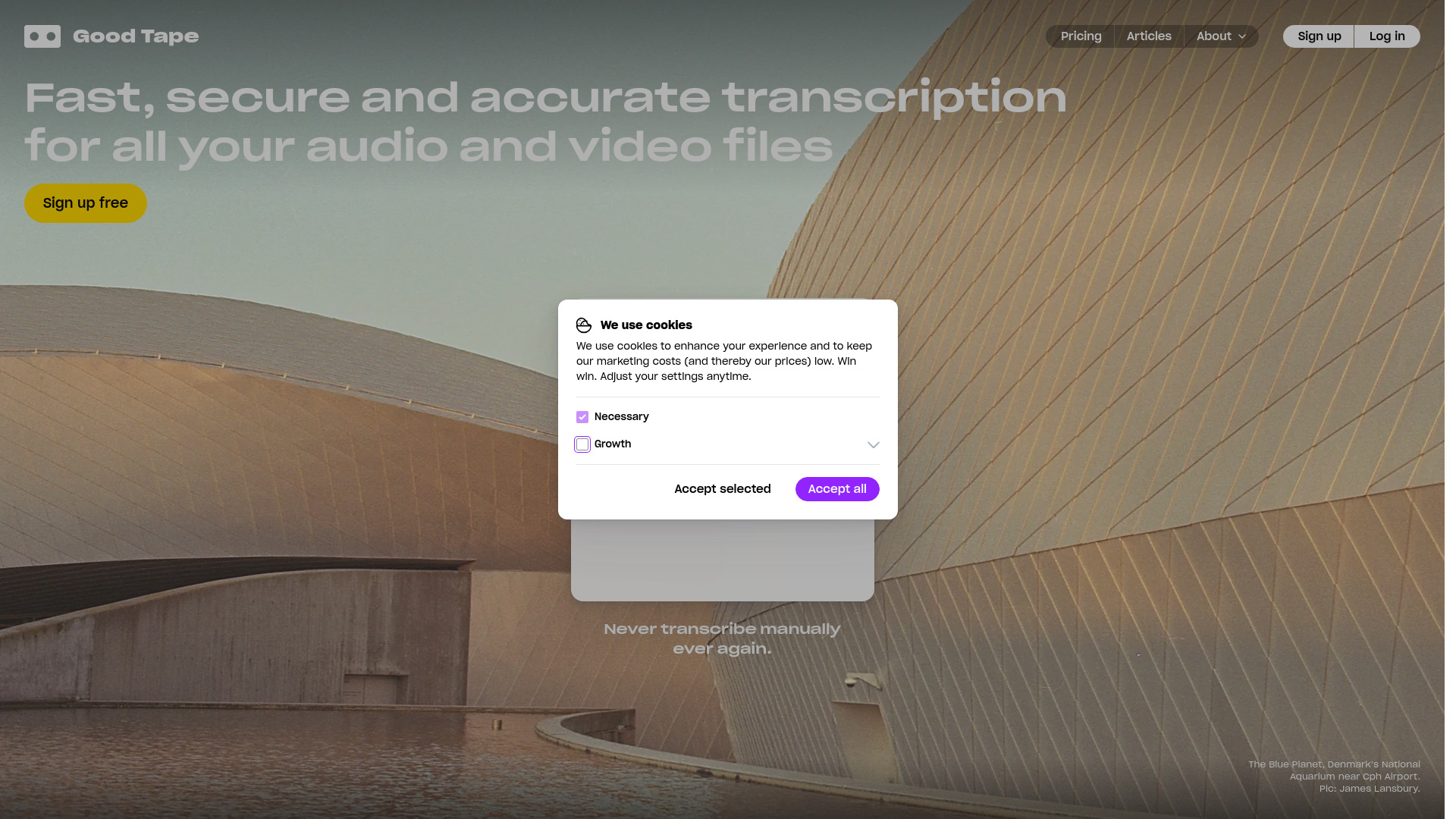
Good Tape
Easily convert audio files into text with our automatic transcription service. Fast and accurate speech-to-text conversion at your fingertips.
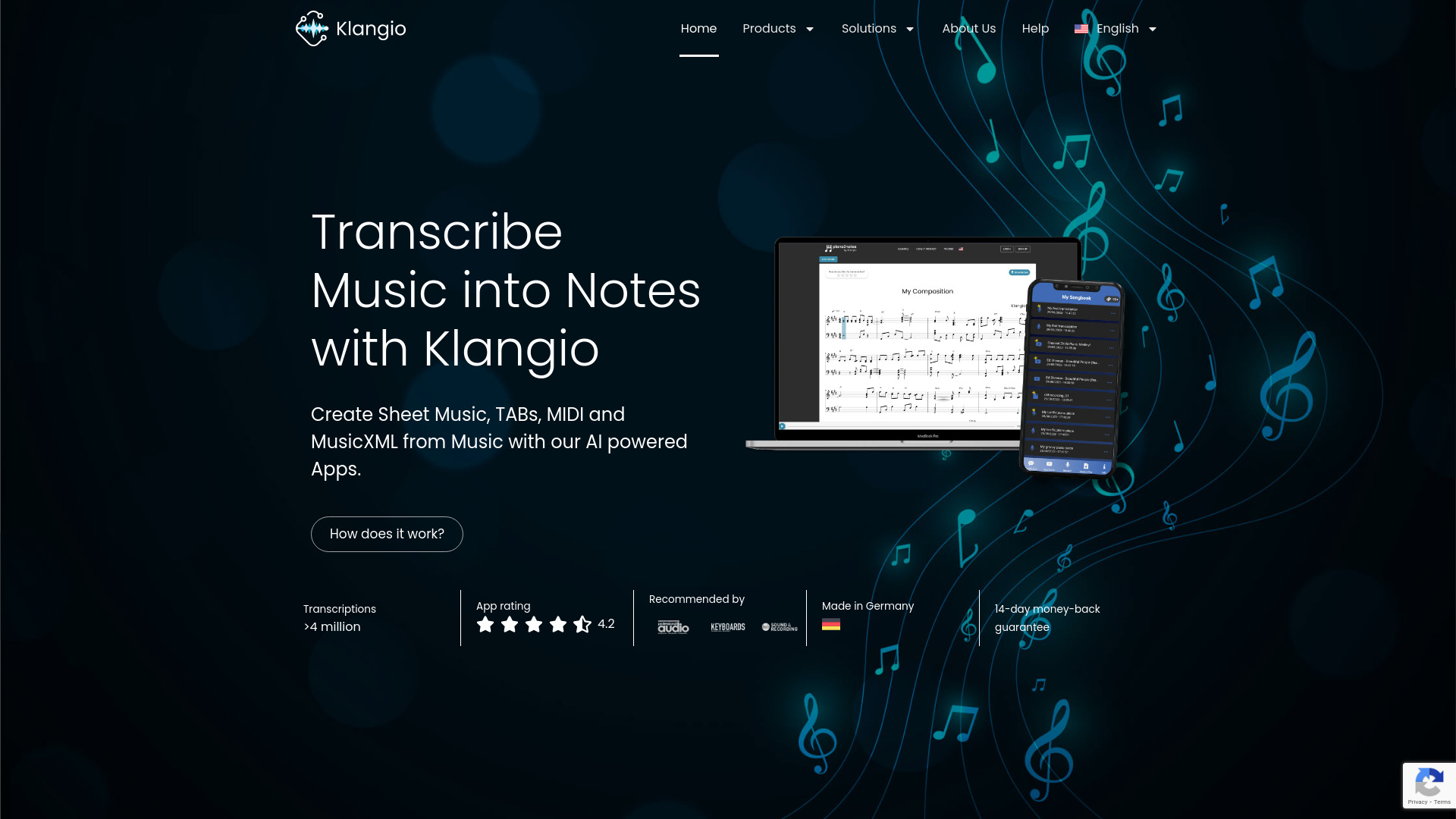
Klangio
Convert music to sheet music and MIDI files using AI transcription technology with this innovative application.
Image to Text Converter
Convert images to text easily with this innovative app. Transform photos into editable text for quick and convenient use on-the-go.
Use Cases
- Music production and mixing
- Podcast editing
- Noise reduction in audio recordings