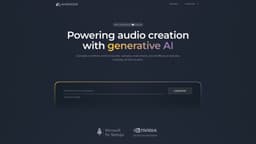
Audiogen
Audiogen is an AI platform that generates diverse audio content for creative projects.
Introduction
Audiogen is an AI-powered platform that provides a powerful and intuitive solution for generating a vast variety of audio content, including samples, instruments, sound effects, and textures. It allows users to generate high-quality, studio-ready sounds with infinite variations, all cleared for royalty-free use in various creative projects.
What stands out?
Generate studio-ready high fidelity sounds
Infinite variations for customized audio
Royalty-free sounds for worry-free usage
Variable lengths from half a second to 10 seconds
Real-time generation with minimal delay
Outpaint to extend existing sounds
BPM control for precise timing
Harmony control for diatonic sounds
Foley control using visual prompts
Event control for crafting sound effects
Frequently Asked Questions
What is Audiogen?
How to use Audiogen?
Are the generated sounds cleared for commercial use?
Can I specify the length of the generated sounds?
Is there any delay in the real-time generation of sounds?
Can I extend my existing sounds using Audiogen?
What kind of control do I have over the generated sounds?
Can I integrate Audiogen with my existing content creation software?
More Information
Audiogen Discord
Here is the Audiogen Discord: https://discord.gg/P9t3hYaj9q. For more Discord message, please click here(/discord/p9t3hyaj9q).
Audiogen Company
Audiogen Company name: Audiogen Limited . More about Audiogen, Please visit the about us page(https://www.audiogen.co/about).
Audiogen Login
Audiogen Login Link: https://app.audiogen.co/login
Audiogen Sign up
Audiogen Sign up Link: https://app.audiogen.co/signup
Audiogen Pricing
Audiogen Pricing Link: https://www.audiogen.co/pricing
Audiogen Linkedin
Audiogen Linkedin Link: https://www.linkedin.com/company/audiogen/
Audiogen Twitter
Audiogen Twitter Link: https://twitter.com/audiogen_co
Audiogen Instagram
Audiogen Instagram Link: https://www.instagram.com/audiogen_co
Reviews & Feedback
Share your experience with the community
0.0
Based on 0 reviews
User Comments (0)
Sort Criteria
Order
No reviews yet. Be the first to share your thoughts!
Statistics
Monthly visits
NaN
Saved by users
0
Rating
0.0/ 5.0
Added on
—
Similar Tools

Pixelcut
Easily create stunning product photos and ads with our free online design tool. Remove backgrounds and erase objects effortlessly.

Wondershare
Discover innovative tools for enhancing creativity, productivity, and efficiency with our app. Unleash your potential today!

TurboScribe
Unlimited AI transcription with 99.8% accuracy in 98+ languages.

Intercom
Get quicker solutions with Automation and human assistance. Enhance support efficiency for faster issue resolutions.
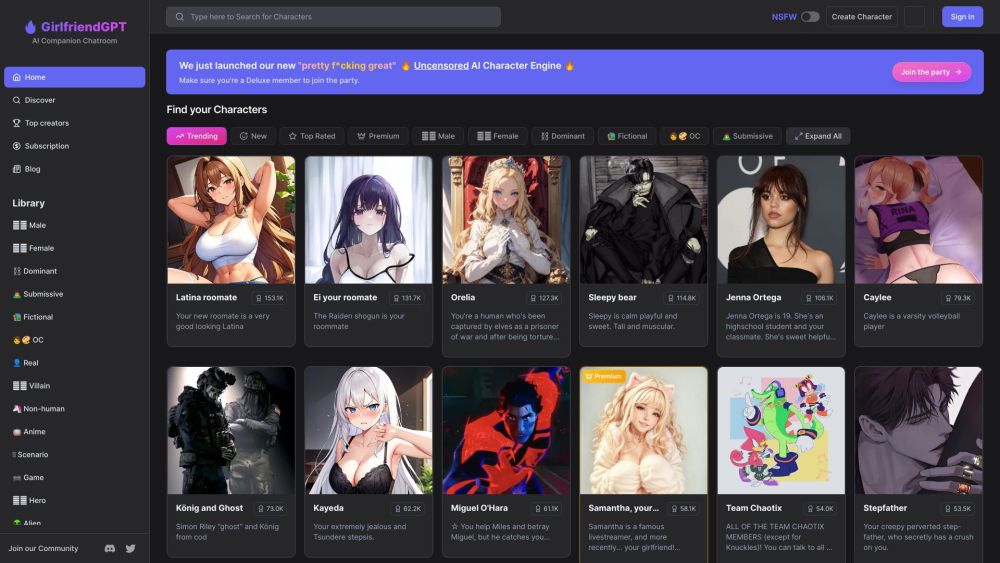
GirlfriendGPT - The AI Companion Chatroom
An uncensored AI companion chatroom for SFW and NSFW conversations.
Use Cases
- Music producers can generate 90s hip hop drum loops or other customizable samples and instruments for their tracks
- Video professionals can enhance their projects with intriguing sound effects, such as detective themes
- Foley artists can bring visuals to life by providing visual prompts to generate corresponding audio
- Users in various creative fields can benefit from Audiogen's products to fulfill their sound needs in an efficient and versatile manner.
How to Use
To use Audiogen, simply access the website or desktop application and select the desired audio category (samples, instruments, sound effects, or textures). Customize the generated sounds by specifying parameters such as length, desired novelty, BPM, harmony, foley prompts, or event sequences. The AI model will then generate the audio content instantly, giving users control over their sound creation process. The generated sounds can be easily integrated into music production, video editing, or other creative projects through drag and drop functionality.