
AutoCut
Premiere Pro plugin with AI for automated video editing.
Premiere Pro pluginAI-poweredAutomated video editing
Introduction
AutoCut is a Premiere Pro plugin that uses AI to add animated subtitles, remove silences, edit podcasts, add stock videos, zoom in/out, remove repetitions, and more.
Key Features
Automatically remove silences
Add animated subtitles
Edit podcasts
Zoom in/out
Remove repetitions
Frequently Asked Questions
What is AutoCut?
How to use AutoCut?
Can I use one license on two computers?
Is AutoCut compatible with Final Cut Pro or DaVinci Resolve?
Can I cancel my subscription later?
Similar Tools
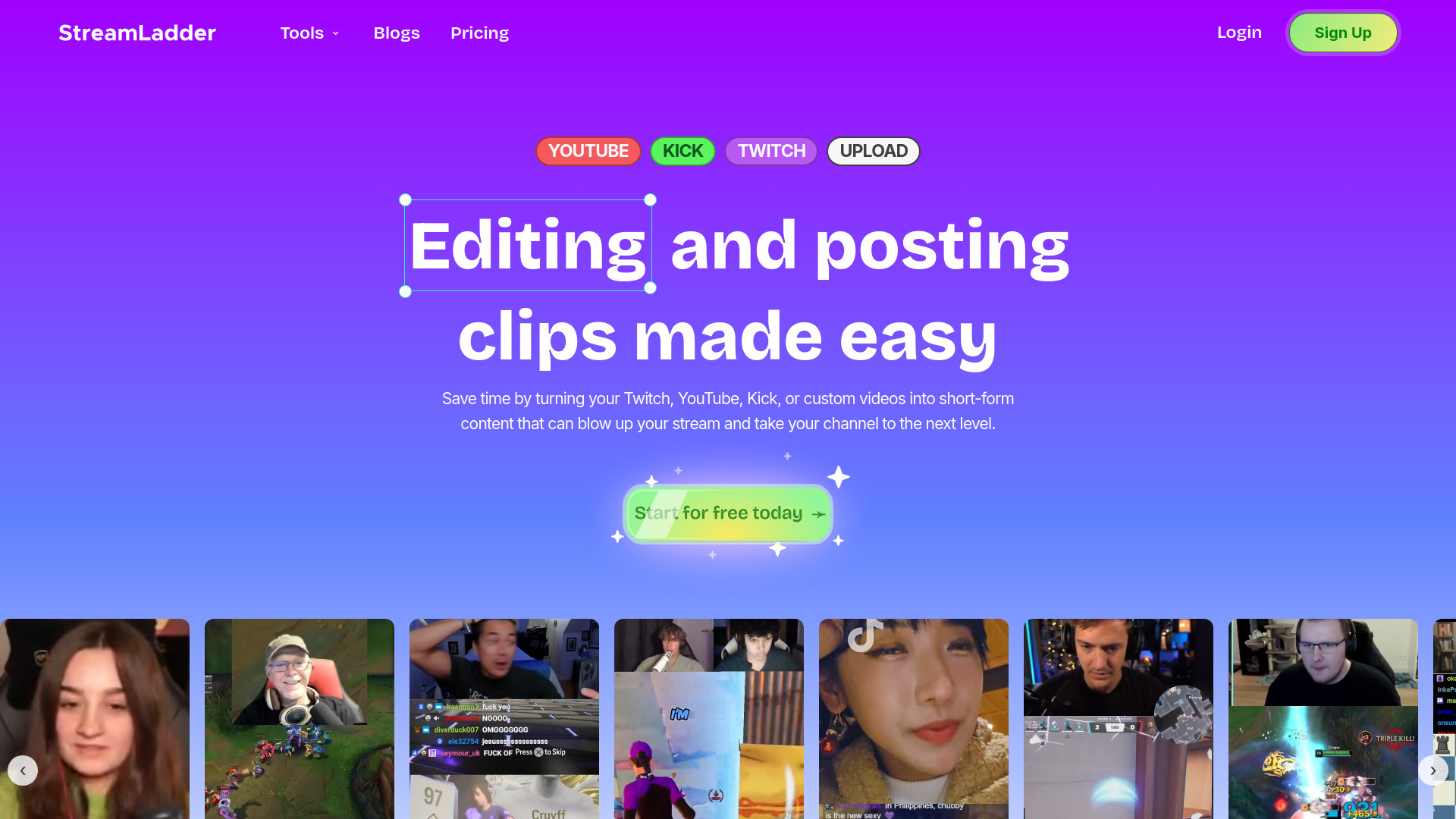
StreamLadder
Climb the ranks of popular streaming platforms with StreamLadder. Increase your visibility and grow your audience effortlessly. Start today!

Quickads
Effortlessly create image and video ads with this AI-powered tool. Say goodbye to the hassle and hello to effective marketing campaigns.
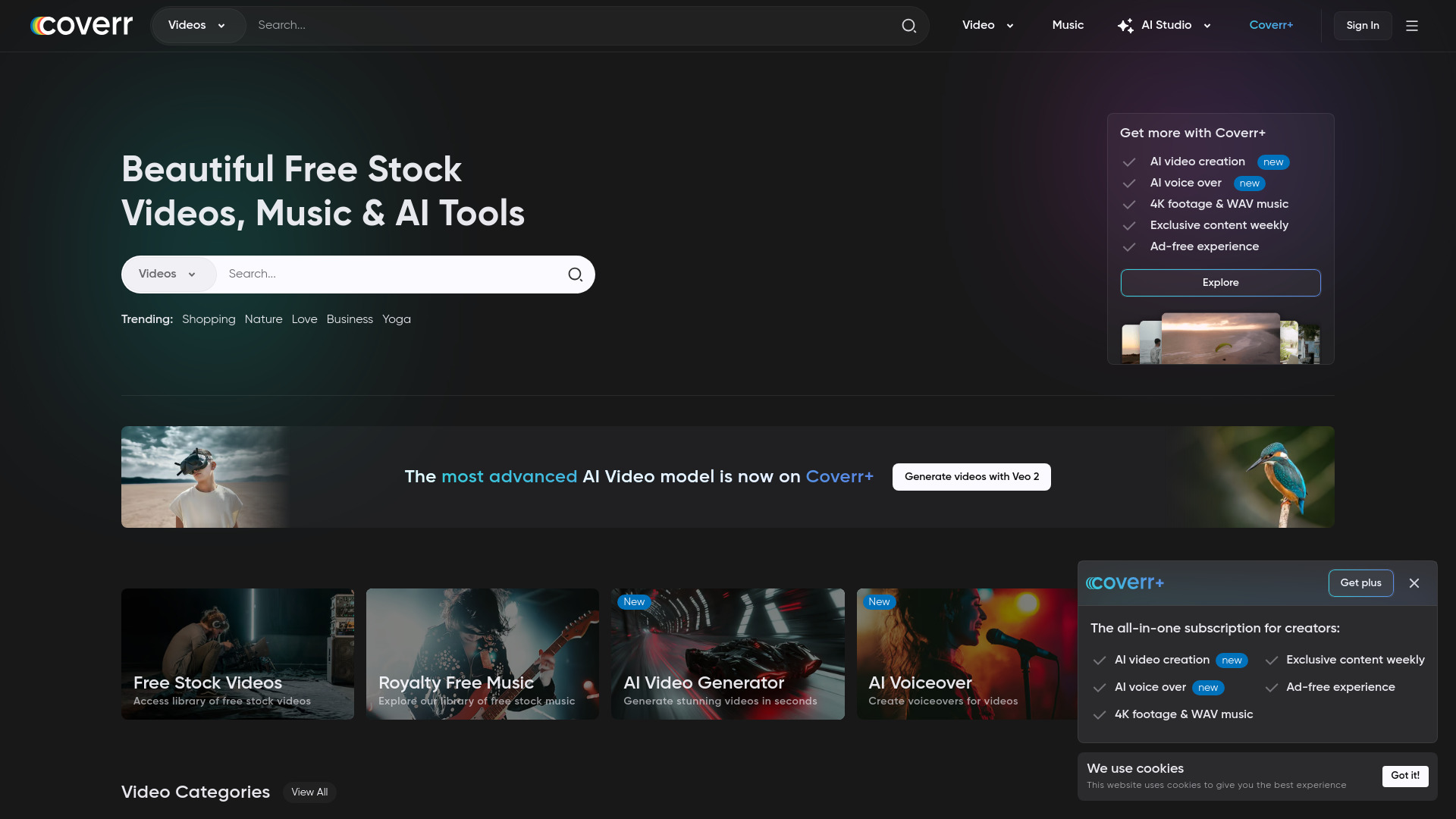
Coverr
Access a wide range of free high-definition and 4K stock videos, music, and AI tools with the Free HD app.
How to Use
Automate your video editing with AutoCut. Cut silences, add animated subtitles, zooms, and more with AI-powered tools.