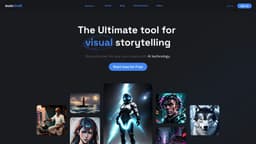
AutoDraft
Generate visually stunning images using advanced AI techniques from text or existing images.
AI toolgenerative AIvisual generation
Introduction
AutoDraft is a generative AI tool that creates stunning visuals with advanced techniques such as text-to-image, image-to-image, and AI-paint. It understands natural language descriptions and generates accurate visuals from existing images.
Key Features
Core features of AutoDraft include text-to-image generation, image-to-image generation, and AI-paint. The tool can accurately generate visuals based on textual descriptions, transform images into different styles or formats, and fill in missing or damaged areas of an image.
Frequently Asked Questions
What is AutoDraft?
How to use AutoDraft?
What is AutoDraft?
How do I use AutoDraft?
What are the core features of AutoDraft?
What are some use cases for AutoDraft?
Similar Tools

Quickads
Effortlessly create image and video ads with this AI-powered tool. Say goodbye to the hassle and hello to effective marketing campaigns.
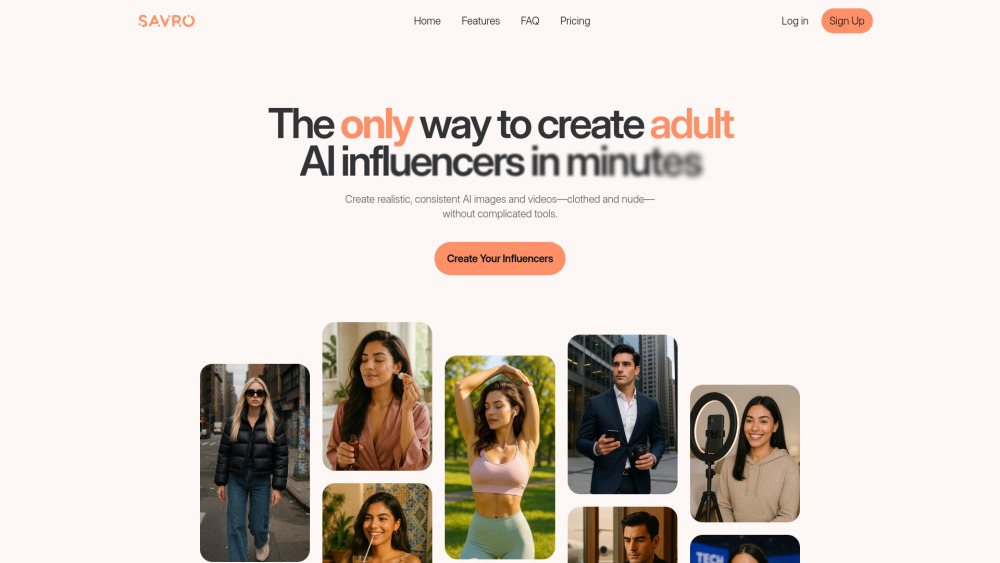
Savro AI
Create adult AI influencers in minutes
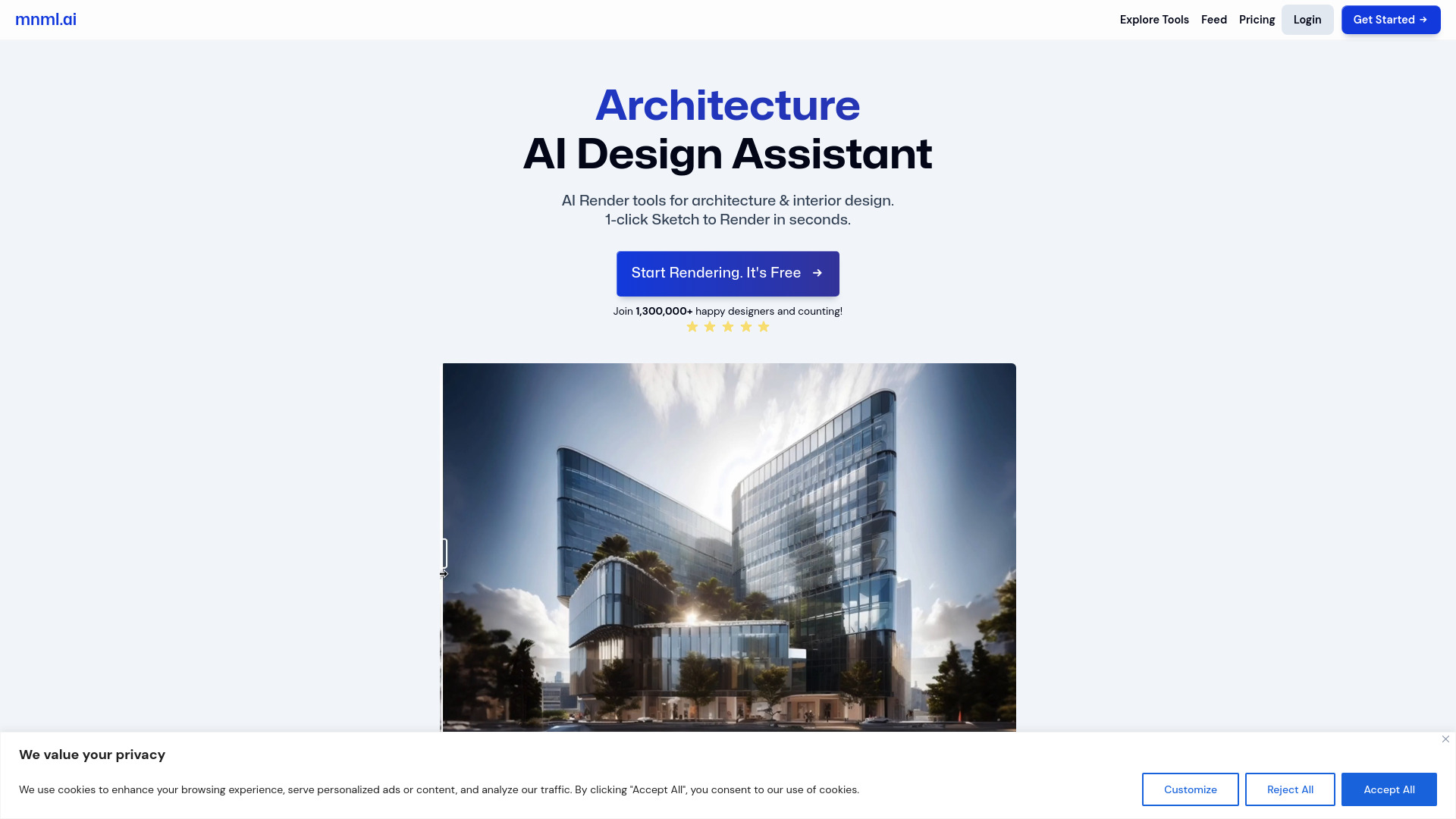
mnml.ai
Discover the power of mnml.ai, a cutting-edge app that harnesses AI technology to streamline your daily tasks and boost productivity.
Use Cases
- AutoDraft can be used in various creative workflows. It can assist artists in visualizing their ideas based on text descriptions, help designers transform images into different styles for unique visual effects, and aid in image restoration by filling in missing or damaged areas of an image.
How to Use
To use AutoDraft, simply input a natural language description or an existing image, and let the AI-powered tool work its magic. It will generate stunning visuals based on the input provided.