AutoDraw
AutoDraw helps users draw sketches by suggesting relevant icons or drawings based on their inputs.
Introduction
What stands out?
Frequently Asked Questions
What is AutoDraw?
How to use AutoDraw?
Can I use AutoDraw without any artistic skills?
Can I edit the suggested drawings?
Is AutoDraw a free service?
Reviews & Feedback
Share your experience with the community
User Comments (0)
No reviews yet. Be the first to share your thoughts!
Statistics
Similar Tools
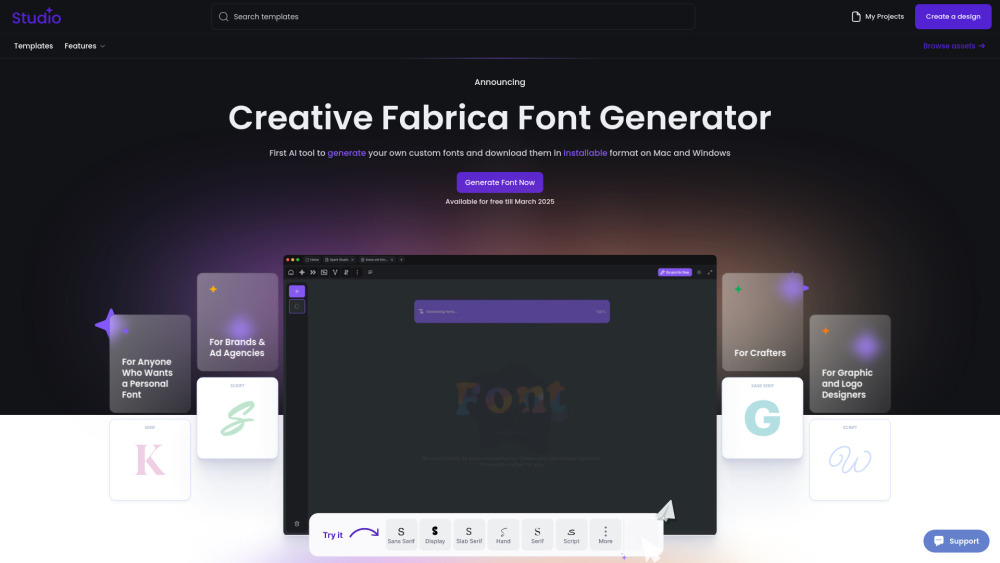
Creative Fabrica
Revolutionize your font creation process with the first AI-powered tool to customize and download fonts for Mac and Windows in an installable format.

Grok
AI assistant that promotes truth and objectivity with various features.
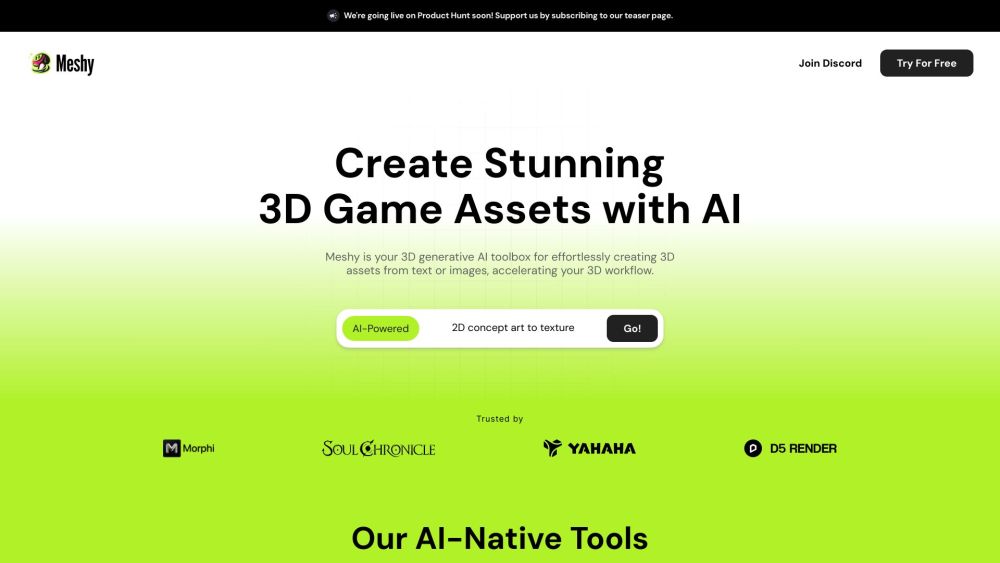
Meshy
Effortlessly transform text and images into captivating 3D assets.

Runway
Discover Runway, a cutting-edge application that utilizes AI to create innovative tools for artists and entertainers in the creative industry.

Civitai
Discover a vibrant community and extensive collection of Stable Diffusion AI Art models on this platform, perfect for all your creative needs.
Use Cases
- AutoDraw can be used for various purposes, such as: 1. Artistic Creations: Artists and designers can use AutoDraw to quickly generate ideas, refine sketches, or create visual elements for their projects. 2. Visual Communication: AutoDraw helps in creating visual aids or diagrams for presentations, educational materials, or online content. 3. Social Media: AutoDraw can assist users in creating eye-catching and personalized graphics for social media posts or profiles.