AutoEmber
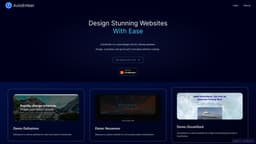
Design websites without coding with AutoEmber for stunning and customizable results.
Introduction
AutoEmber is a visual design tool for making websites. With AutoEmber, you can design stunning websites without any coding knowledge. It allows you to easily customize your website's design and go live all in one place.
What stands out?
AutoEmber provides several core features to help you design and create your website with ease. These features include: - Visual design tool: Design your website visually using the intuitive drag and drop editor. - Customization options: Easily customize the design, layout, and content of your website. - Pre-designed templates: Choose from a variety of pre-designed templates to jumpstart your website design. - Publishing options: Go live with your website by publishing it directly from AutoEmber. - Hosting options: Host your website on a domain provided by AutoEmber or on a custom domain. - Demo websites: Explore demo websites created with AutoEmber to see what's possible.
Frequently Asked Questions
What is AutoEmber?
How to use AutoEmber?
How do I get started with AutoEmber?
Can I customize the design of my website?
Can I publish my website directly from AutoEmber?
Can I host my website on a custom domain?
Are there any demo websites available for reference?
Is coding knowledge required to use AutoEmber?
What support options are available?
Can AutoEmber be used for business websites?
Reviews & Feedback
Share your experience with the community
0.0
Based on 0 reviews
User Comments (0)
Sort Criteria
Order
No reviews yet. Be the first to share your thoughts!
Statistics
Monthly visits
NaN
Saved by users
0
Rating
0.0/ 5.0
Added on
—
Similar Tools
Lovable
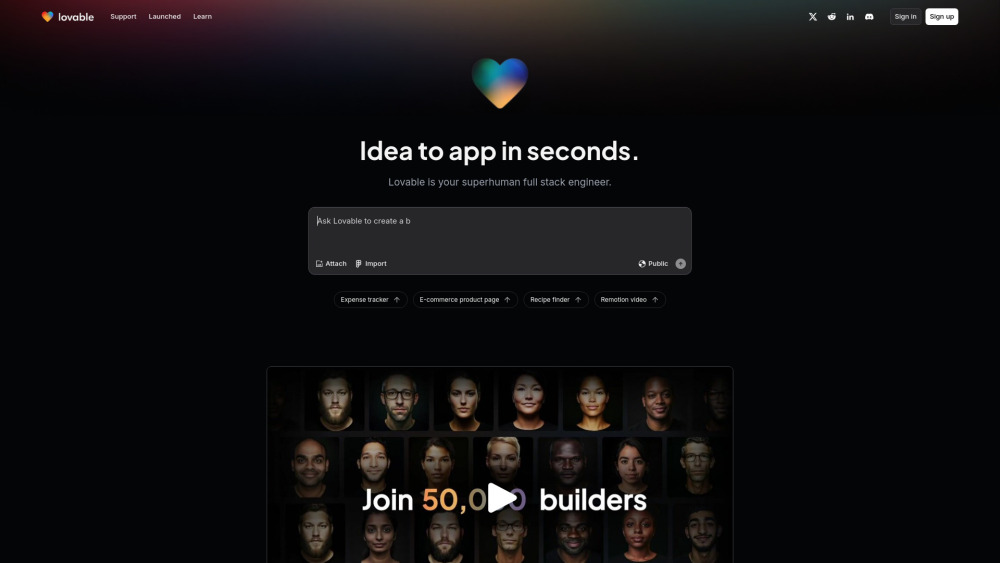
AI-powered platform for software development via chat interface.

HubSpot
Accelerate your business growth with HubSpot's customer platform. Drive faster results and expand your business efficiently.
MailerLite
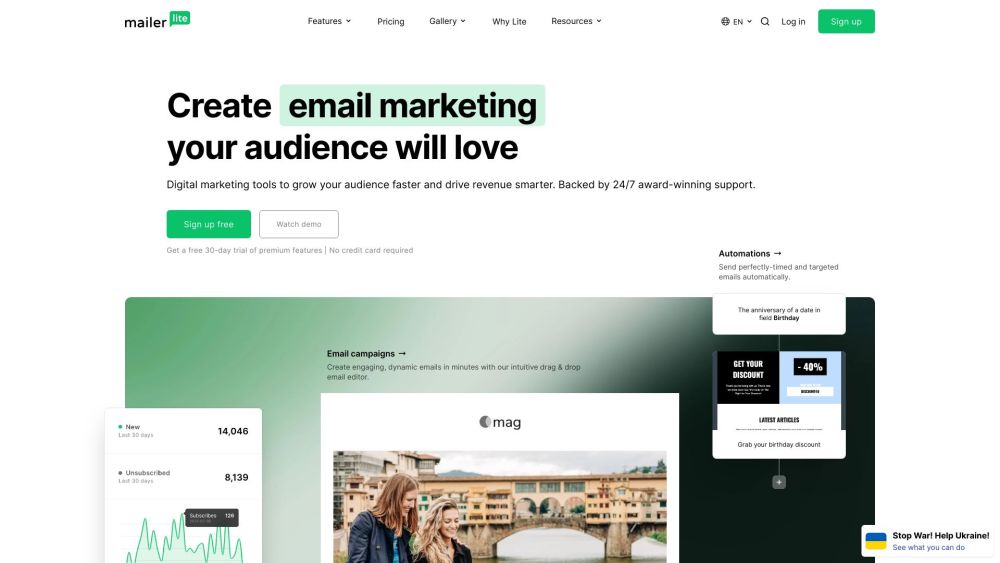
MailerLite is a powerful tool for businesses looking to expand their reach and increase profits through audience growth and revenue generation.
Framer
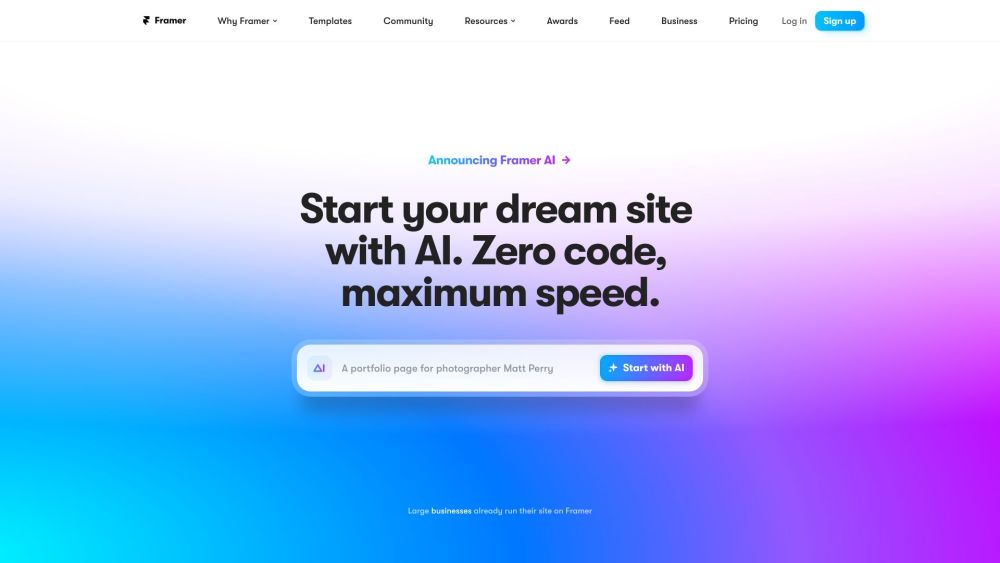
Framer app enables users to easily build and launch sleek websites without the need for coding skills. Start designing your site today!
Use Cases
- AutoEmber can be used for various use cases, including: - Personal websites: Create a stunning website to showcase your portfolio, blog, or personal brand. - Business websites: Design professional websites for startups, small businesses, or e-commerce stores. - Landing pages: Create high-converting landing pages for marketing campaigns or product launches. - Startup demos: Quickly create demo websites for showcasing your product or startup to investors and customers.
How to Use
Using AutoEmber is simple. First, sign up for a free account or log in if you already have one. Once logged in, you can start designing your website using the visual editor. Simply drag and drop elements onto your canvas, customize them to your liking, and add content. AutoEmber also offers various templates and pre-designed components that you can use to speed up the design process. Once your website is ready, you can publish it with just a few clicks.