AVbeam
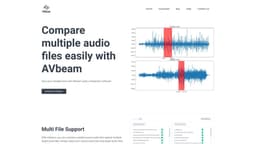
Compare audio files and identify matching segments.
audio comparisonaudio matchingaudio files
Introduction
AVbeam compares audio files to identify matching audio segments.
Key Features
Multi File Support
Partial Audio Matching
Robust Audio Comparisons
Different audio formats
Time offsets and similarity
Built-in audio player
Frequently Asked Questions
What is AVbeam?
How to use AVbeam?
What audio file formats does AVbeam support?
Does AVbeam handle audio distortions and noise?
Can AVbeam display the exact time offsets of matching audio segments?
Does AVbeam provide a built-in audio player?
Similar Tools
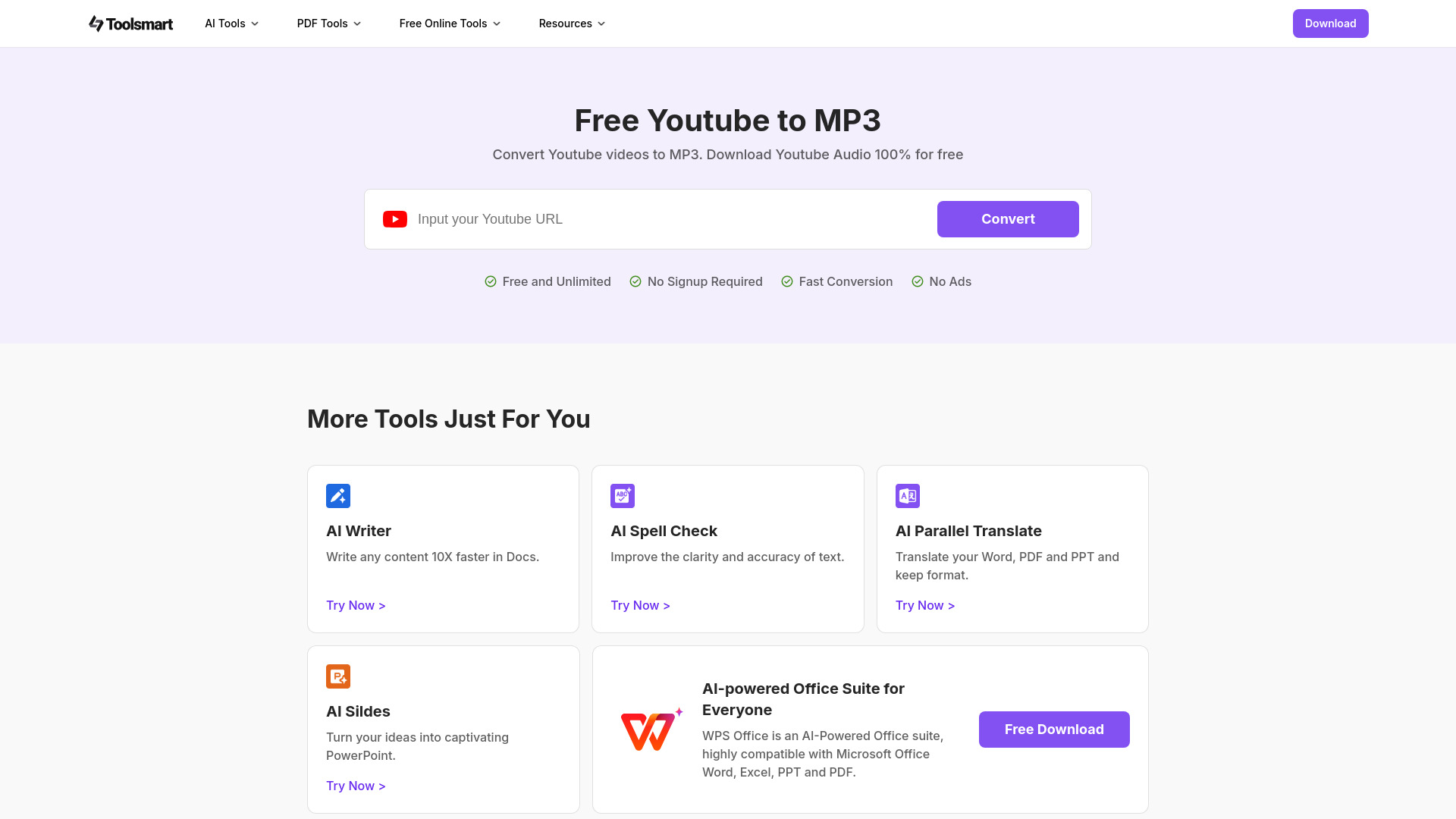
Free YouTube to MP3 Converter
Easily convert YouTube videos to MP3 files with our free AI-powered tool. Enjoy high-quality audio downloads of music, podcasts, and lectures in seconds.
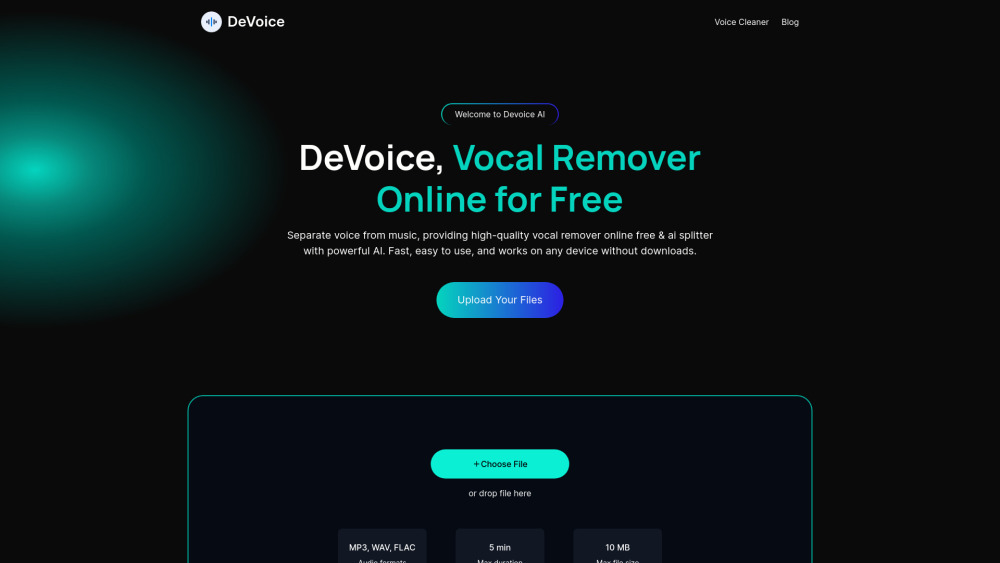
DeVoice
DeVoice is a free online tool that removes vocals from any song. Easily create karaoke tracks or instrumental versions in just a few clicks.
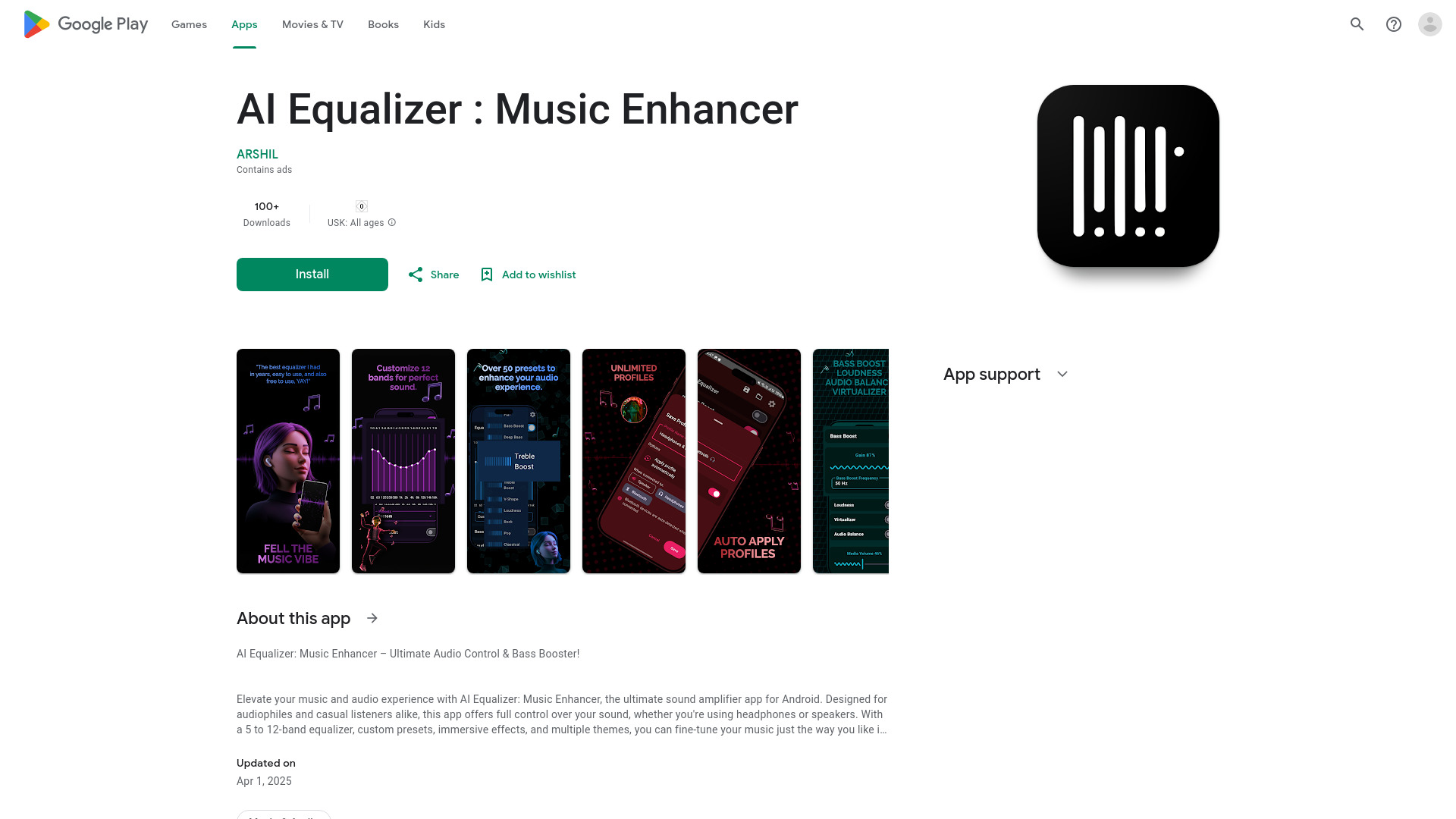
AI Equalizer : Music Enhancer
Elevate your audio experience with this top-rated app for Android. Take full control of your sound and enjoy enhanced audio quality.
Use Cases
- Comparing audio files for similarity
- Finding matching audio segments in different formats
- Identifying partial audio matches at different time offsets
How to Use
With AVbeam, you can compare multiple source audio files against multiple target audio files. Simply select your source audio files and target audio files, and AVbeam will compare and report all the matching audio segments.