
Avoma
Avoma is an AI assistant that transcribes, summarizes, and analyzes meetings for actionable insights.
Introduction
What stands out?
Frequently Asked Questions
What is Avoma?
How to use Avoma?
What is Avoma's core feature?
Who can benefit from using Avoma?
Does Avoma offer integration with other tools?
What is Conversation Intelligence?
Is there a free plan available?
More Information
Avoma Support Email & Customer service contact & Refund contact etc.
Avoma Company
Avoma Login
Avoma Sign up
Avoma Pricing
Avoma Linkedin
Avoma Twitter
Reviews & Feedback
Share your experience with the community
User Comments (0)
No reviews yet. Be the first to share your thoughts!
Statistics
Similar Tools

TurboScribe
Unlimited AI transcription with 99.8% accuracy in 98+ languages.

Clipto
Elevate your transcription game with our cutting-edge AI service for converting audio, video, and YouTube files into text. Try it now!
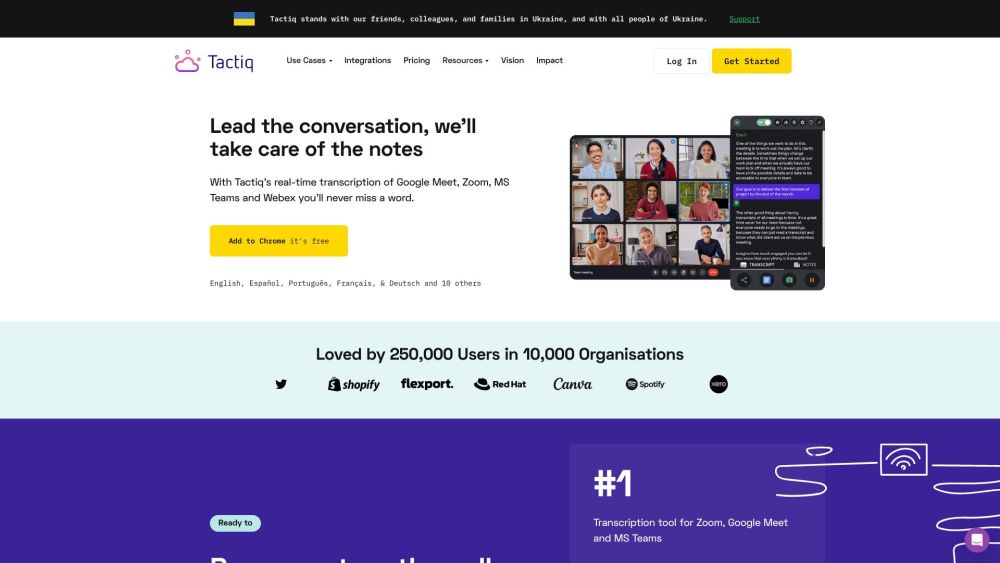
Tactiq
Tactiq is a top transcription tool for online meetings, offering real-time transcription and meeting summaries.
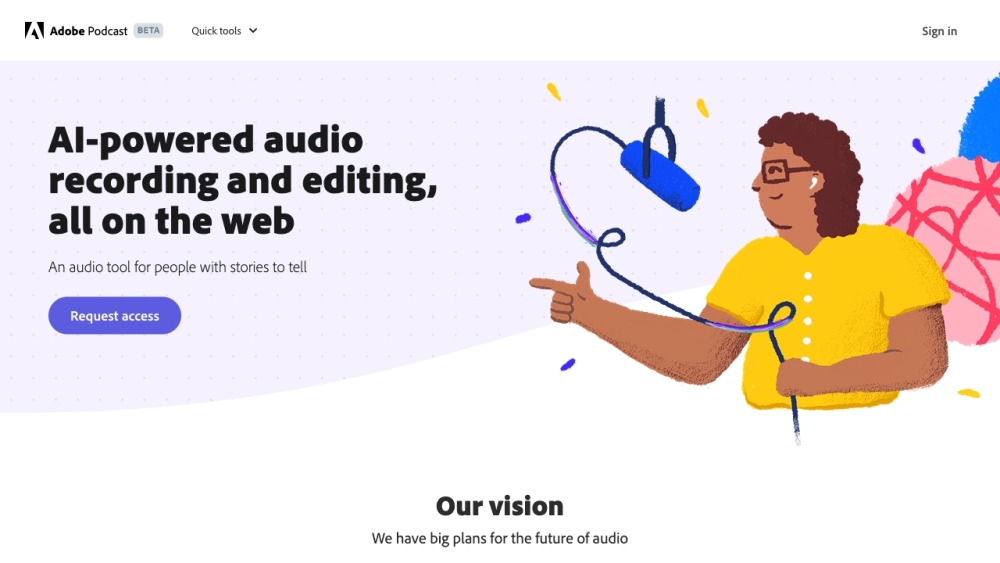
Adobe Podcast
Adobe Podcast is a web platform with AI audio features for recording, transcribing, editing, and sharing audio content.
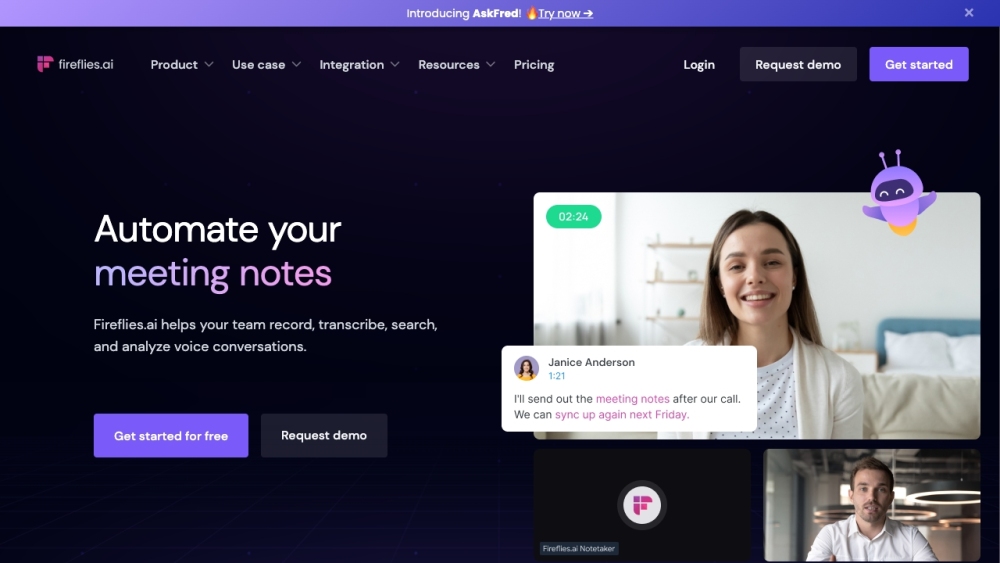
Fireflies.ai
Fireflies.ai is an innovative tool that uses artificial intelligence to transcribe, summarize, and analyze voice conversations effectively.
Use Cases
- Sales Leaders
- Sales Enablement
- Sales Managers
- SDR Leaders
- Account Executives
- Customer Success Leaders
- Customer Success Managers
- Marketing Managers
- Engineering Managers
- Remote Teams