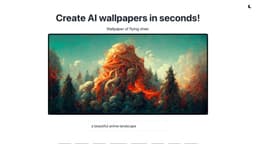
Leap AI Cover Images
Generate stunning AI cover images in various categories using Leap AI API.
Introduction
Leap AI Cover Images is a web app that utilizes the Leap AI API to generate stunning AI cover images in various categories such as anime, sunset, space, futuristic, waterfall, forest, fluid, and dream.
What stands out?
AI-powered cover image generation
Multiple categories to choose from
Quick generation process (approximately 30 seconds)
High-quality and visually appealing images
Downloadable cover images for immediate use
Frequently Asked Questions
What is Leap AI Cover Images?
How to use Leap AI Cover Images?
How long does it take to generate an AI cover image?
Can I download the generated cover images?
Are the cover images high-quality?
Can I use the cover images for commercial purposes?
Is there a limit on the number of cover images I can generate?
Reviews & Feedback
Share your experience with the community
0.0
Based on 0 reviews
User Comments (0)
Sort Criteria
Order
No reviews yet. Be the first to share your thoughts!
Statistics
Monthly visits
NaN
Saved by users
0
Rating
0.0/ 5.0
Added on
—
Similar Tools

Picsart
Unleash your creativity with Picsart - an innovative photo editing app that offers a wide range of tools and filters to enhance your images.
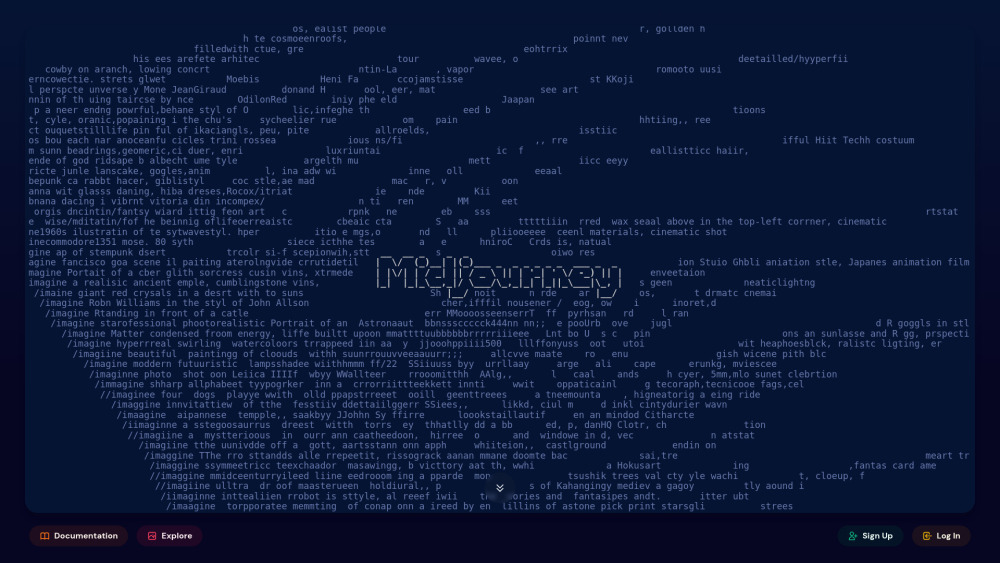
MidJourney
AI platform for creating and exploring images with community input.

Freepik AI Image Generator
Real-time AI image generator
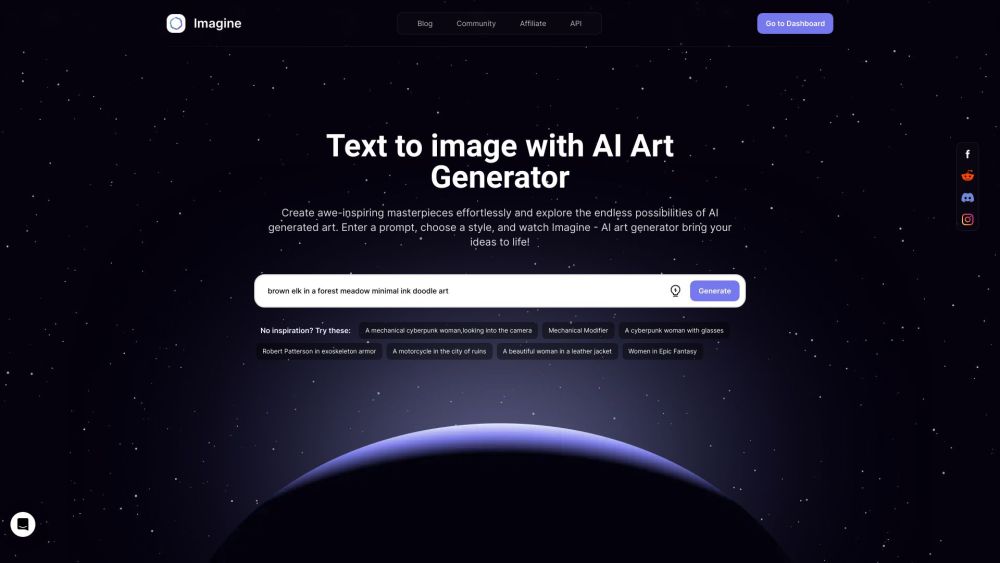
Imagine AI Art Generator
AI-generated art from text prompts.
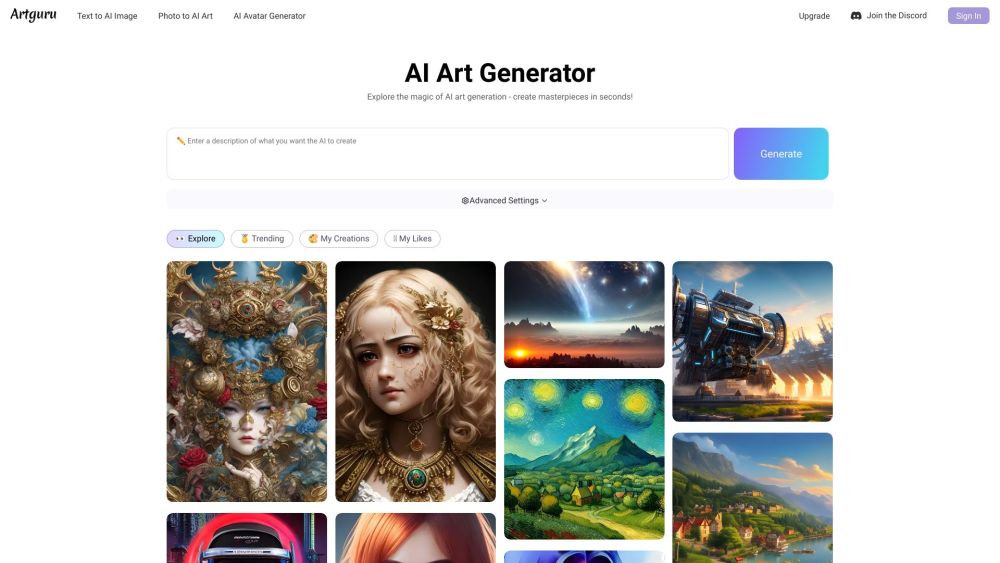
Artguru
Create beautiful art with the power of AI.
Use Cases
- Creating eye-catching cover images for websites or blogs
- Enhancing social media posts with visually appealing images
- Designing attractive cover images for presentations or slideshows
- Adding artistic and unique visuals to personal projects or artwork
How to Use
1. Visit the Leap AI Cover Images website. 2. Choose a category for your AI cover image, such as anime, sunset, or space. 3. Click on the 'Generate' button. 4. Wait for approximately 30 seconds for the AI to generate your unique cover image. 5. Download the generated cover image and use it for your project.