AI Bard PDF
Summarize and analyze PDF documents with AI
PDF documentsAI-poweredSummarization
Introduction
An AI-Powered Tool for Summarizing and Analyzing PDF Documents
Key Features
Summarize PDF contents
Extract tables, images, and text from PDFs
Add notes directly to PDFs
Frequently Asked Questions
What is AI Bard PDF?
How to use AI Bard PDF?
What is Bard PDF?
How can users work with PDFs on Bard PDF?
Is Bard PDF free to use?
Which file types can Bard PDF handle?
Can Bard PDF be accessed from any device?
Does Bard PDF integrate with other apps?
How do I provide feedback on Bard PDF?
Similar Tools

Plagiarism Remover
Eliminate plagiarism in your text with this free AI tool. Enhance your writing by rephrasing content effortlessly. Try it now!

Parafrasear Textos
Enhance the quality of your text with our online tool for paraphrasing. Improve readability and make your content stand out.
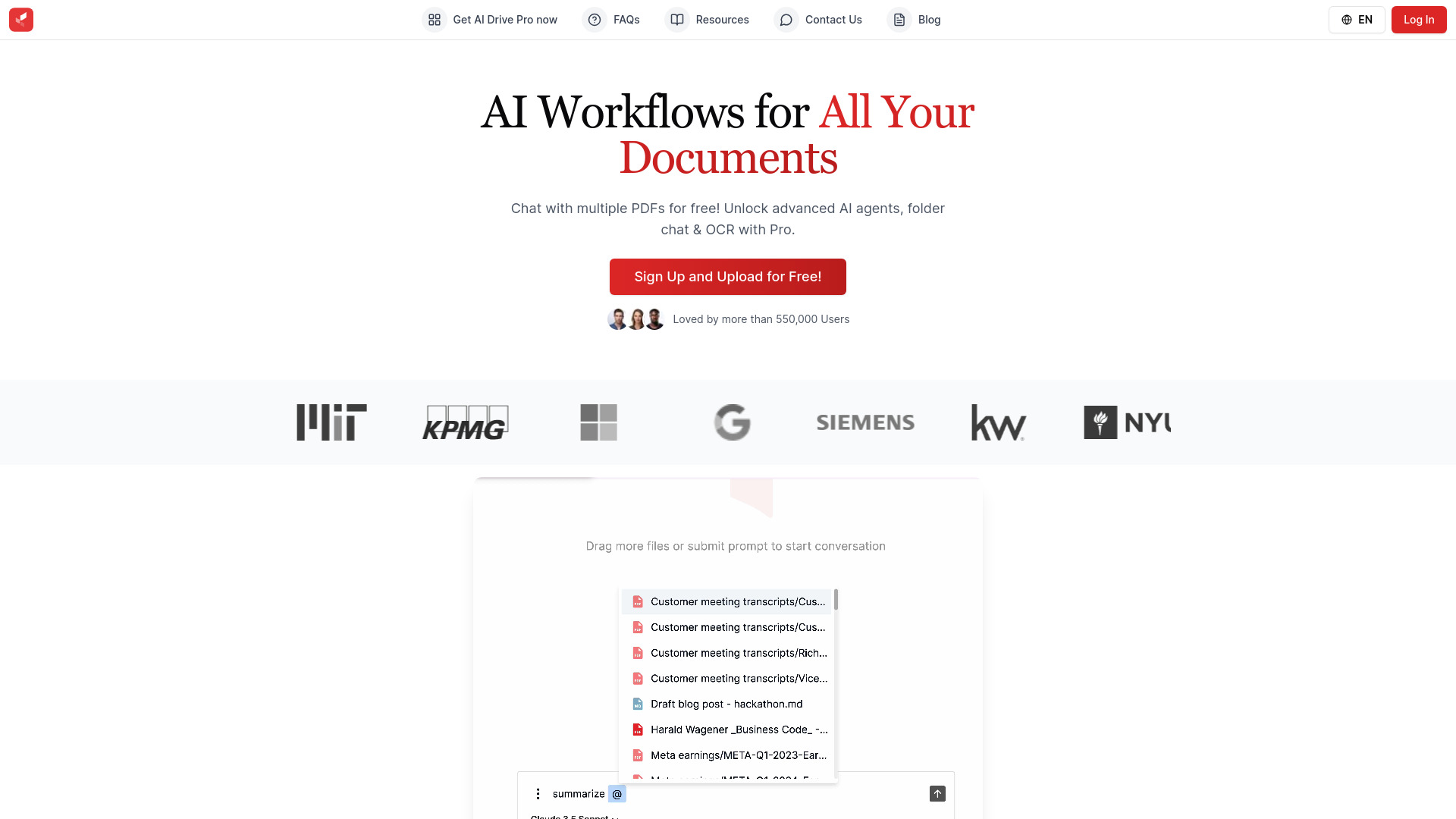
AI Drive
Experience the convenience of AI Drive, the app that utilizes artificial intelligence to enhance your driving experience. Say goodbye to manual control!
Use Cases
- Researchers can collaborate, analyze, and get summaries of research papers
- Professionals can review case documents, analyze client needs, and gather competitor insights
- Students can summarize course readings, generate practice test questions, and collaborate on group projects
How to Use
1. Access Bard PDF website. 2. Paste the URL of the PDF file. 3. Generate a summary.