
BgSub
BgSub website uses AI to remove or replace image backgrounds automatically.
Introduction
BgSub is a website that uses AI technology to automatically remove or replace image backgrounds.
What stands out?
The core features of BgSub include: - Automatic background removal - High precision background replacement - AI coloring for realistic color adjustments - One-click automatic color adjustment - Free adjustment of size, position, and mirroring - Artistic effects for creative enhancements
Frequently Asked Questions
What is BgSub?
How to use BgSub?
Is BgSub free and commercially available?
What is the maximum resolution supported by BgSub?
How does BgSub protect my privacy?
How can I use API or batch processing with BgSub?
More Information
BgSub Support Email & Customer service contact & Refund contact etc.
Here is the BgSub support email for customer service: [email protected] .
BgSub Company
More about BgSub, Please visit the about us page(https://bgsub.com/pages/#/about).
BgSub Facebook
BgSub Facebook Link: https://fb.com/BgSub
BgSub Twitter
BgSub Twitter Link: https://twitter.com/BgSub2022
Reviews & Feedback
Share your experience with the community
0.0
Based on 0 reviews
User Comments (0)
Sort Criteria
Order
No reviews yet. Be the first to share your thoughts!
Statistics
Monthly visits
NaN
Saved by users
0
Rating
0.0/ 5.0
Added on
—
Similar Tools

Fotor
The ultimate AI photo editor
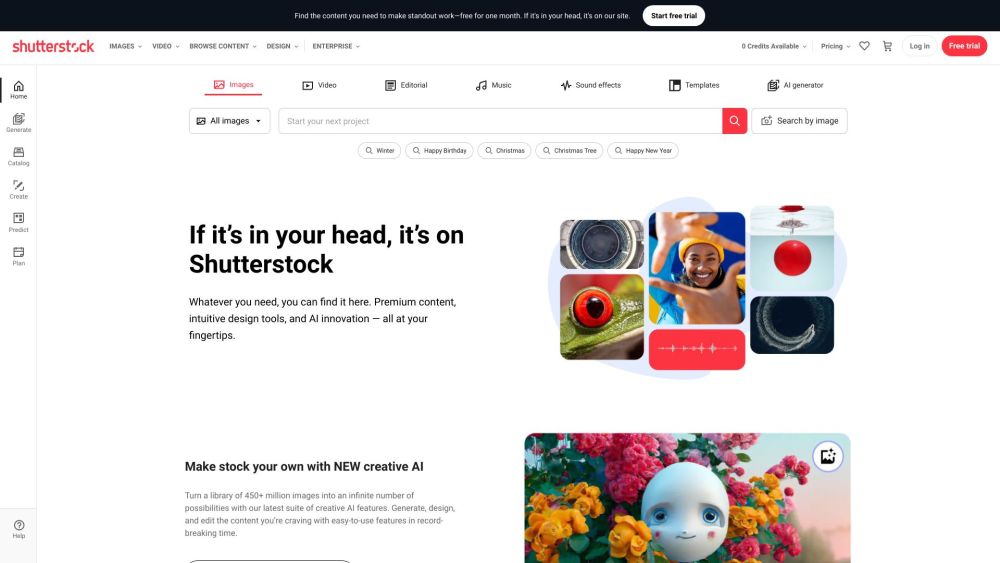
Shutterstock
Explore a variety of stock images, photos, vectors, videos, and music for your creative projects with this versatile application.

Pixelcut
Easily create stunning product photos and ads with our free online design tool. Remove backgrounds and erase objects effortlessly.
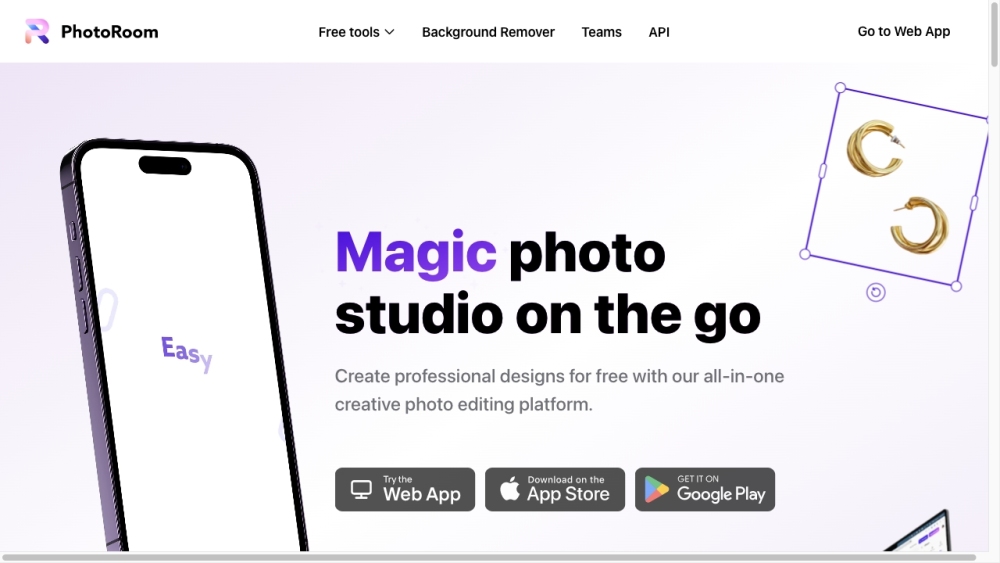
PhotoRoom
Easily enhance product and portrait photos on-the-go with the PhotoRoom app. Transform your pictures with professional quality right from your phone.
Use Cases
- BgSub is useful in various scenarios: - Individuals can change backgrounds for their personal photos on social media or personal pages. - Web/App Development can create attractive images for websites/applications to engage more users. - Photographers can change backgrounds for characters without a green screen. - E-commerce businesses can enhance product images by changing the background. - Media professionals can add creative images to tweets or blogs to increase followers. - Marketers can use BgSub for advertising with various interesting backgrounds to grab customers' attention.
How to Use
To use BgSub, simply visit the website and follow these steps: 1. Open the BgSub web app in your browser. 2. Select the image whose background you want to remove or replace. 3. Use the AI technology to automatically remove the background or choose to replace it with a color, gradient, or image. 4. Fine-tune the adjustments, such as size, position, and mirroring. 5. Apply artistic effects to achieve various creative looks. 6. Save or download the edited image.