
Bigjpg.AI
Efficient AI tool for upscaling images 8x with superior quality
AI image upscalerImage enlargement toolHigh-quality image upscaling
Introduction
Bigjpg.AI is a state-of-the-art AI tool that effortlessly upscales photos by 8 times their original size, providing unparalleled image clarity with efficient processing and superior quality. It uses advanced machine learning to analyze and enhance image details at massive scales, making it the best image upscaler around.
Key Features
Effortlessly upscale photos by 8 times their original size
State-of-the-art AI technology for image enhancement
High-quality image upscaling with efficient processing
Frequently Asked Questions
What is Bigjpg.AI?
How to use Bigjpg.AI?
What file types does Bigjpg.AI support?
Is there a limit on upscaling dimensions with Bigjpg.AI?
How much does Bigjpg.AI cost?
How long does image processing take with Bigjpg.AI?
Similar Tools

mnml.ai
Discover the power of mnml.ai, a cutting-edge app that harnesses AI technology to streamline your daily tasks and boost productivity.
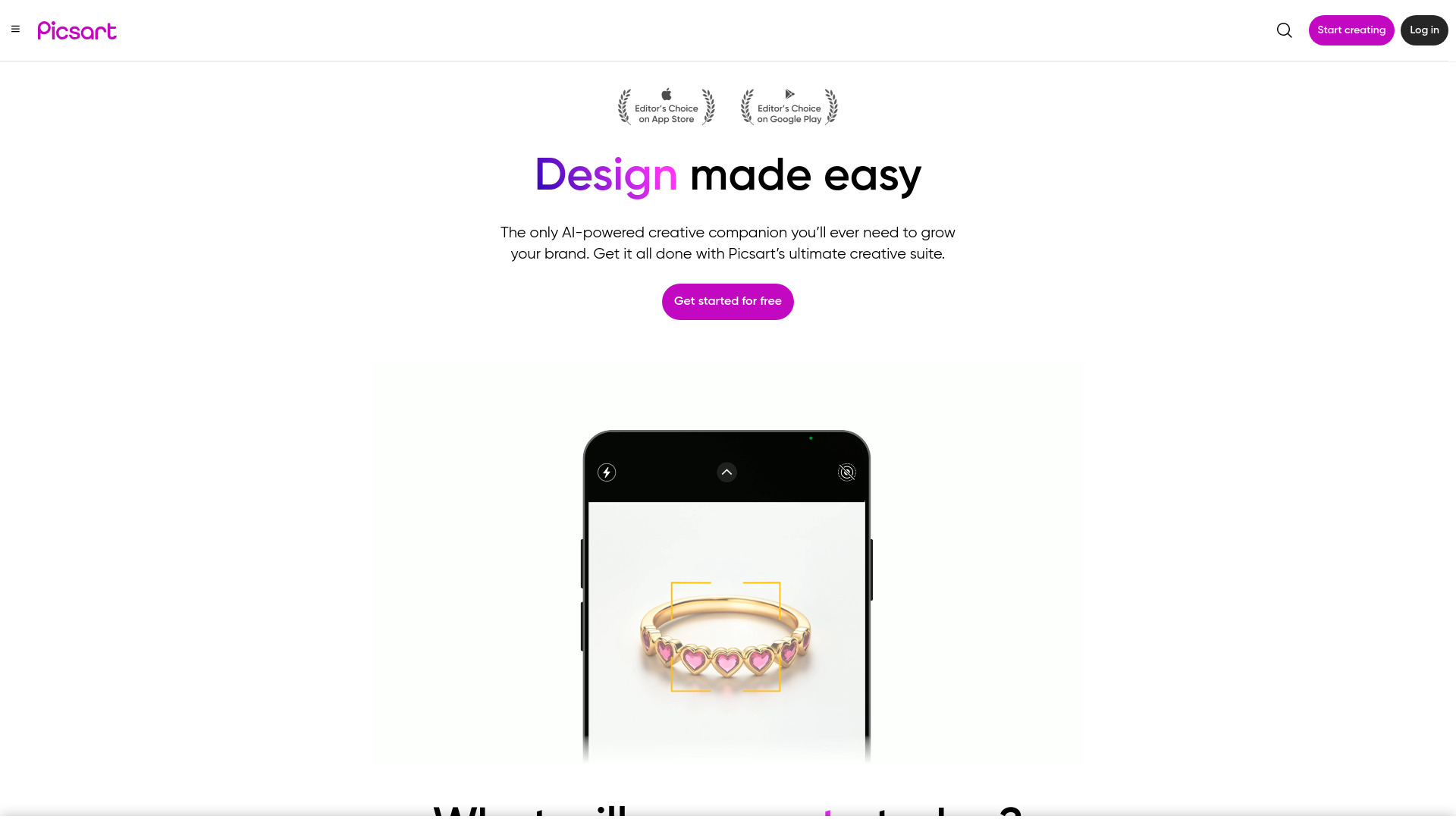
Picsart
Unleash your creativity with Picsart - an innovative photo editing app that offers a wide range of tools and filters to enhance your images.
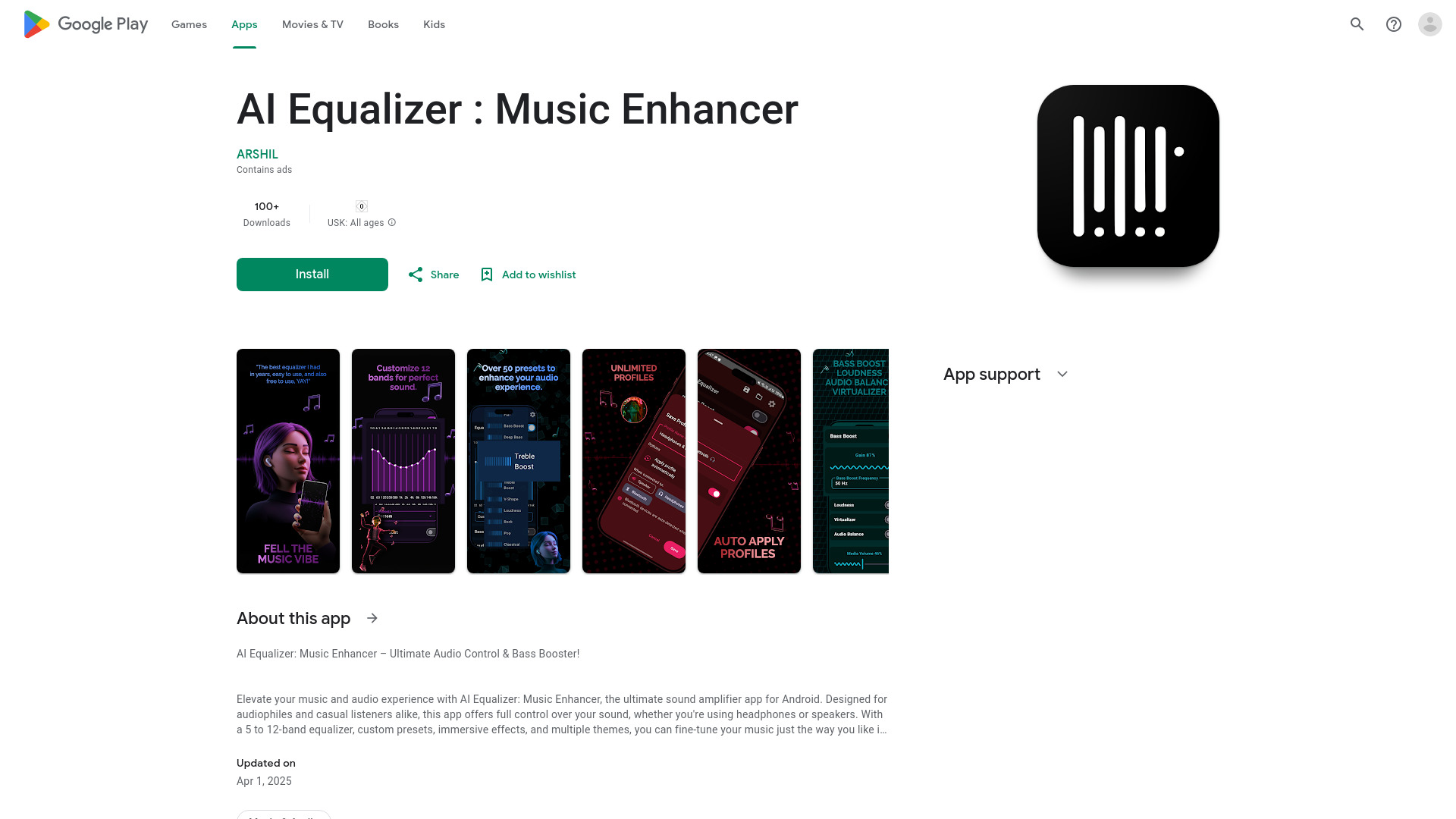
AI Equalizer : Music Enhancer
Elevate your audio experience with this top-rated app for Android. Take full control of your sound and enjoy enhanced audio quality.
Use Cases
- Enlarging photos for large print media
- Upscaling graphics and icons for high-res screens
- Creating super high-def images from small files
- Extracting maximum detail from telescopic/microscope images
How to Use
To use Bigjpg.AI, simply upload your image, set your desired dimensions, and let the AI intelligently enlarge and sharpen the image to achieve high-resolution results.