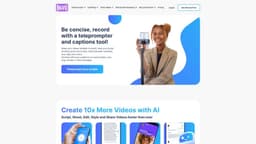
BIGVU Website
BIGVU is a versatile tool for creating professional videos with teleprompter, captioning, and video editing features.
teleprompter toolcaption makervideo editor
Introduction
BIGVU is an innovative teleprompter tool, caption maker, and video editor that provides a user-friendly interface and automatic editing features. It offers teleprompter apps for Android, iPhone, iPad, and desktop, allowing users to create professional videos with ease. The AI Magic Writer feature helps brainstorm ideas and quickly transform them into scripts, enabling users to create videos faster. The platform also includes automatic captioning and transcription capabilities, allowing users to generate closed captions for their videos. Users can style their captions for social media platforms like TikTok and Instagram, elevating their content. Additionally, BIGVU offers video editing features such as video trimming, cropping, and adding logos. The platform also provides social video analytics to track views across multiple channels.
Key Features
Teleprompter apps for Android, iPhone, iPad, and desktop
AI Magic Writer for fast script creation
Automatic captioning and transcription
Caption styling for social media platforms
Video trimming and cropping
Logo and branding customization
Social video analytics
Live streaming to Facebook, YouTube, and LinkedIn
Frequently Asked Questions
What is BIGVU Website?
How to use BIGVU Website?
What devices are compatible with BIGVU?
What can I use the AI Magic Writer for?
Can I customize the captions for my videos?
Can I add my logo and branding to my videos?
Can I analyze the performance of my videos on social media?
Can I livestream my presentations or events with BIGVU?
How can BIGVU be used for real estate marketing?
Can BIGVU be used for mobile journalism?
Is there a free trial available?
Similar Tools
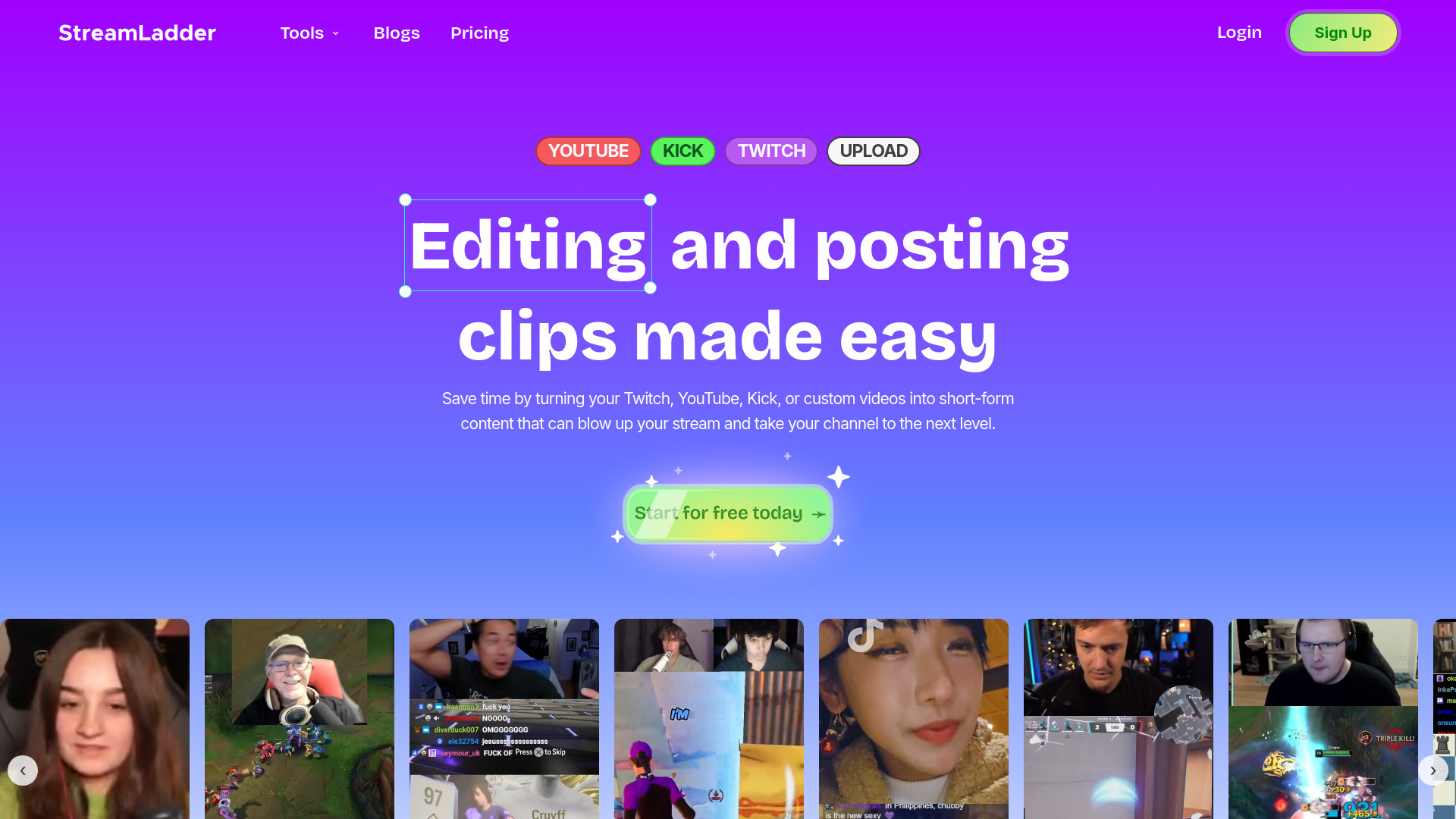
StreamLadder
Climb the ranks of popular streaming platforms with StreamLadder. Increase your visibility and grow your audience effortlessly. Start today!
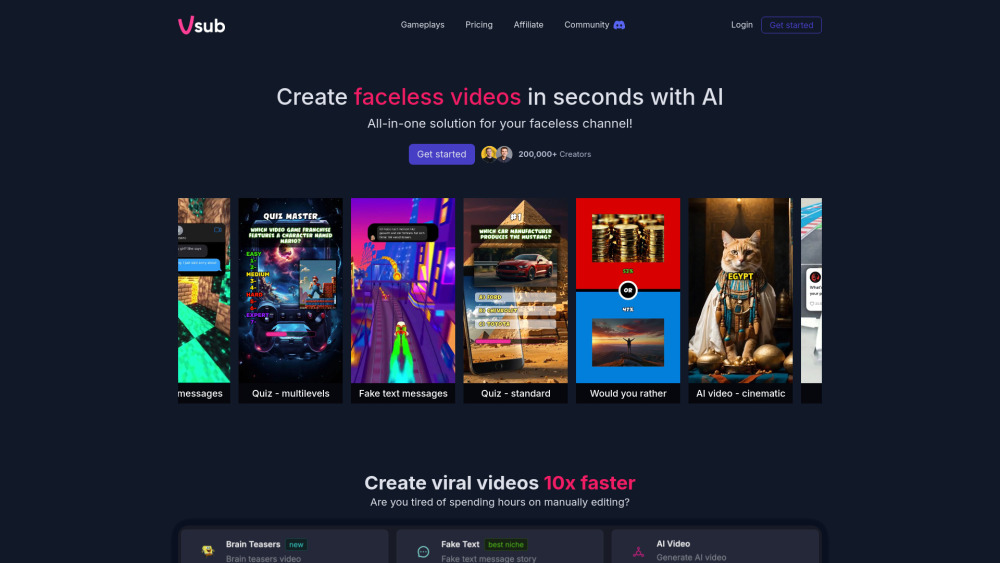
Vsub
Easily and quickly create videos without faces using an innovative AI platform.

Quickads
Effortlessly create image and video ads with this AI-powered tool. Say goodbye to the hassle and hello to effective marketing campaigns.
Use Cases
- Creating professional videos for personal use or business
- Generating closed captions for videos
- Editing and styling videos with ease
- Analyzing social video performance
- Live streaming presentations or events
How to Use
To use BIGVU, start by creating a script using the AI Magic Writer or writing your own. Then, use the teleprompter feature to read your script while recording with confidence. After recording, review the automatic subtitles to ensure accuracy. Use the video trimmer to cut your video and remove any unnecessary footage. You can also style your video by adding captions, logos, and selecting themes. Once your video is complete, you can share it on social media platforms or download it for further use.