
Blend Now
A tool to remove or change background in photos using AI technology.
Introduction
Blend Now is an online tool that allows users to remove the background from images or change the background color of photos. It uses AI technology to accurately and instantly remove the background or create high-quality product photos with AI-generated backgrounds.
What stands out?
AI-powered background removal
Background color change
AI-generated background scenes
Batch background removal for multiple photos
Customizable design templates
Intuitive editor with UI elements
Frequently Asked Questions
What is Blend Now?
How to use Blend Now?
Can Blend Now remove the background from high-resolution images?
Can I change the background color of a photo with Blend Now?
Can I remove the background from multiple photos at once?
Does Blend Now provide design templates for customization?
Is Blend Now suitable for e-commerce product photo optimization?
More Information
Blend Now Company
Blend Now Company name: BlendIt Studios Pvt Ltd . More about Blend Now, Please visit the about us page(https://www.blendnow.com/about).
Reviews & Feedback
Share your experience with the community
0.0
Based on 0 reviews
User Comments (0)
Sort Criteria
Order
No reviews yet. Be the first to share your thoughts!
Statistics
Monthly visits
NaN
Saved by users
0
Rating
0.0/ 5.0
Added on
—
Similar Tools

Fotor
The ultimate AI photo editor
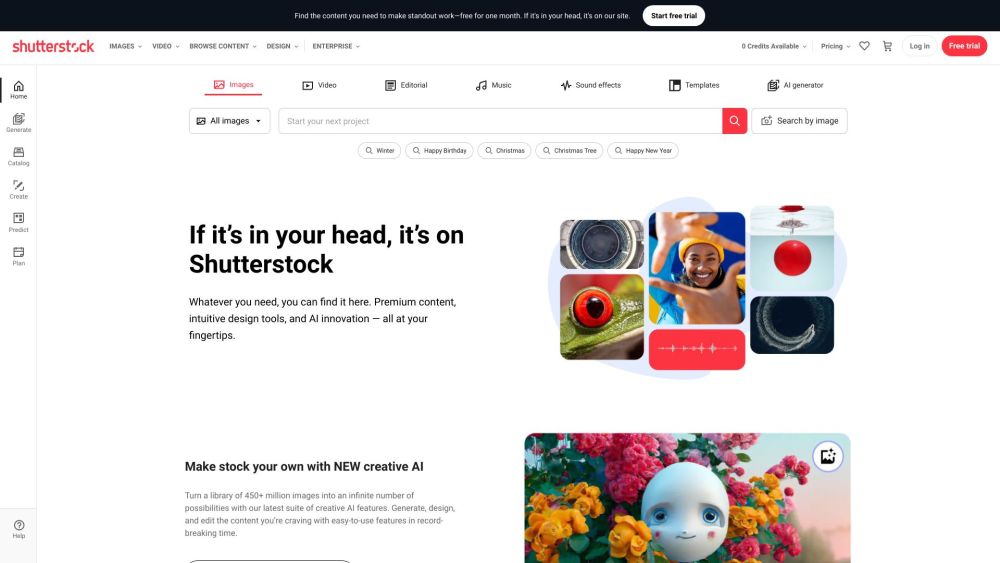
Shutterstock
Explore a variety of stock images, photos, vectors, videos, and music for your creative projects with this versatile application.

Pixelcut
Easily create stunning product photos and ads with our free online design tool. Remove backgrounds and erase objects effortlessly.

PhotoRoom
Easily enhance product and portrait photos on-the-go with the PhotoRoom app. Transform your pictures with professional quality right from your phone.
Use Cases
- Removing background from product photos for e-commerce
- Creating professional designs for social graphics
- Optimizing SEO with visually appealing product photos
- Enhancing profile pictures or photos for various platforms
- Creating attractive backgrounds for logos or websites
How to Use
To remove the background from an image using Blend Now, simply upload the image to the website. The AI-powered background remover will automatically detect and remove the background, giving you a pixel-perfect photo cutout. You can also change the background color of a photo by selecting a different color option. Additionally, you can use Blend's Magic Create feature to customize your own designs using design templates and UI elements like labels, fonts, and text effects.