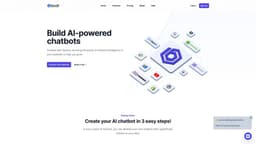
Bodt.io
Bodt.io offers no-code chatbot solutions to enhance customer interaction and lead generation.
AI chatbotno-codewebsite content
Introduction
Bodt.io is a platform that offers intuitive, no-code solutions to create conversational AI chatbots. It allows users to build personalized chatbots trained on their website content, enhancing customer interaction and lead generation.
Key Features
The core features of Bodt.io include: - AI-powered chatbot creation - Training chatbots on website content - Integration with favorite tools - 24/7 customer support - Lead generation - Enhanced website search - Knowledge hub of your business - Onboarding, training, and operations support - Data-driven analytics
Frequently Asked Questions
What is Bodt.io?
How to use Bodt.io?
Why is there no Free Plan for Bodt.io?
How do I add the chatbot to my website?
Do you store the chatbot messages?
Does Bodt.io work on websites in languages other than English?
How long does the training take?
Similar Tools

Gallabox
Elevate your business communication with our No-code WhatsApp automation tool. Streamline processes and engage customers effortlessly.
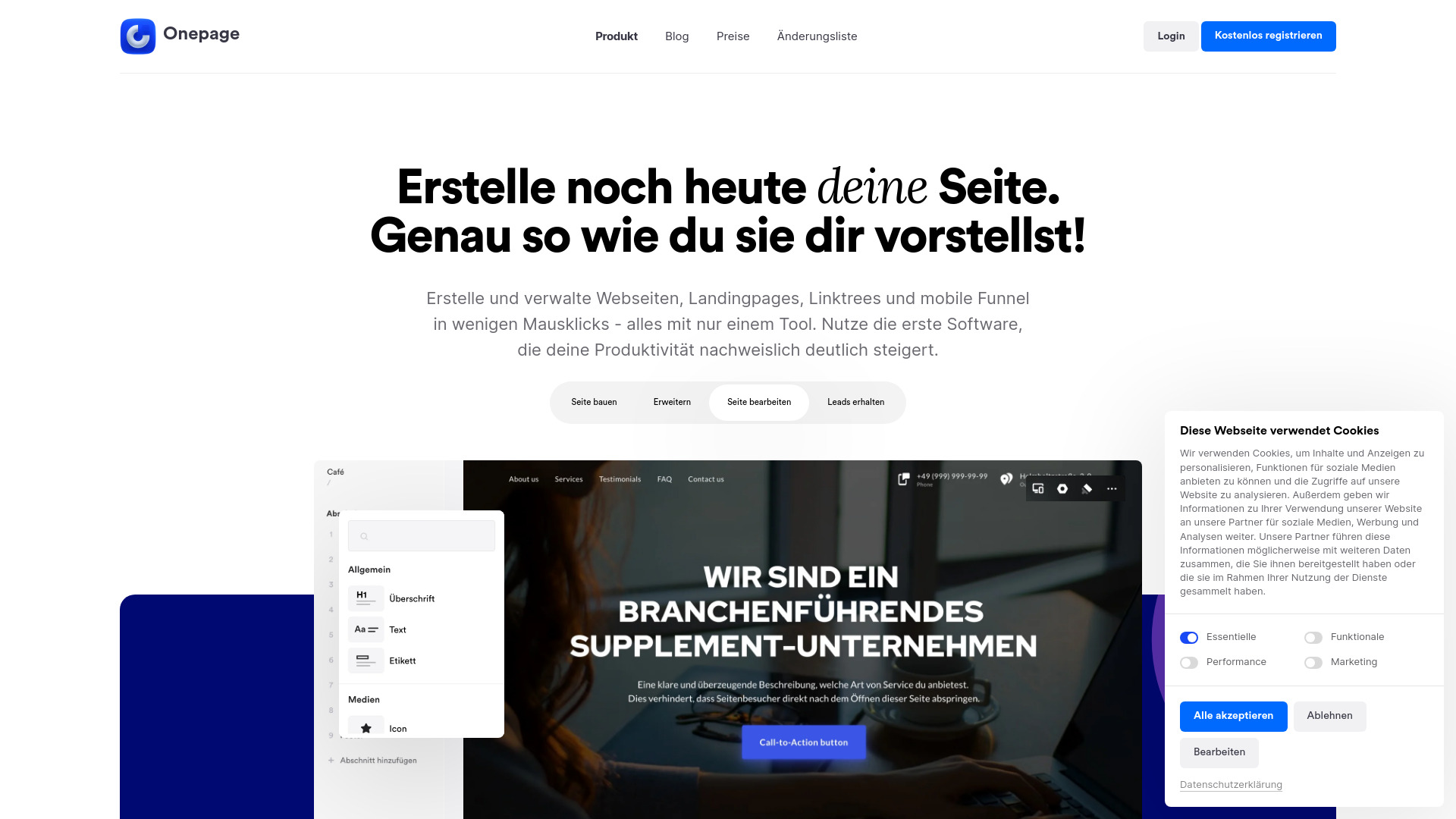
Onepage
Create websites, landing pages, and quizzes with our versatile all-in-one tool. Simplify your online presence in one convenient platform.
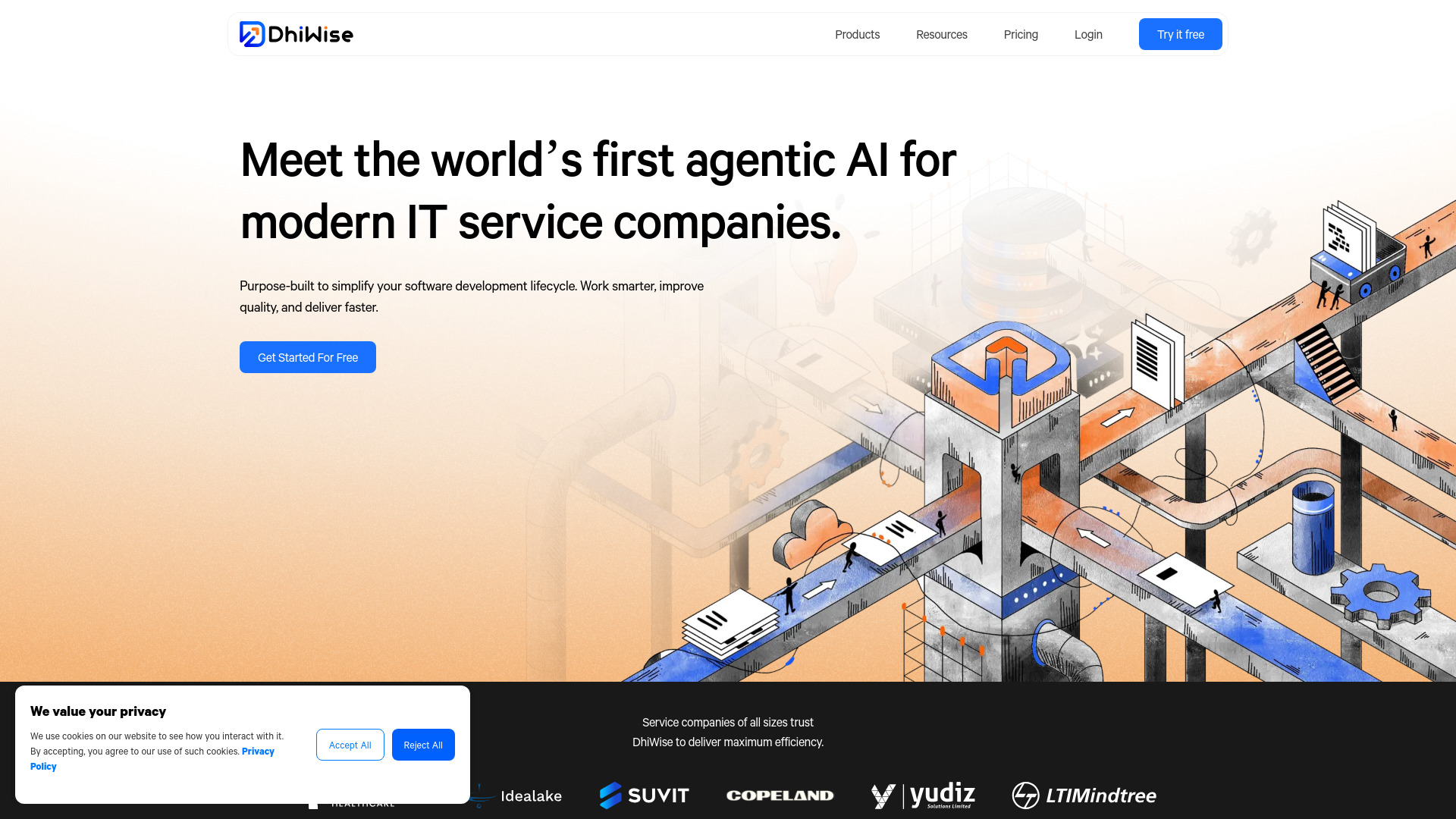
DhiWise
Revolutionize your software development process with the Agentic AI platform - the ultimate tool for automating the software development lifecycle.
Use Cases
- Bodt.io can be used for: - Reducing customer support expenses - Recommending and selling products through chatbots - Connecting with a global audience via multilingual capabilities - Providing round-the-clock AI customer support - Engaging with site visitors to upsell and cross-sell - Offering enhanced website search - Creating a centralized knowledge hub - Onboarding and training new employees - Analyzing business performance and identifying gaps
How to Use
To use Bodt.io, follow these steps: 1. Enter your website URL to connect your website. 2. Choose the pages from the list that you want your chatbot to learn from. 3. Click on 'Start Training' to train your chatbot. 4. Once trained, the AI chatbot is ready to answer queries related to your business.