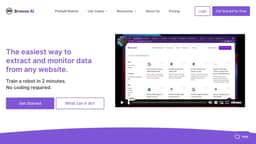
Browse AI
Browse AI is a user-friendly web automation tool for data scraping and monitoring.
Introduction
What stands out?
Frequently Asked Questions
What is Browse AI?
How to use Browse AI?
How can I get started?
Do I need to know how to code?
What is a Credit?
What is a Robot (or Task)?
Which sites does Browse AI support?
How do you make sure my data is secure?
Can you charge me in my local currency?
Do you offer any discounts?
What is the refund policy?
What if I have more questions?
Interested in a Professional or Company plan, but have questions?
More Information
Browse AI Support Email & Customer service contact & Refund contact etc.
Browse AI Company
Browse AI Login
Browse AI Sign up
Browse AI Pricing
Browse AI Linkedin
Browse AI Twitter
Reviews & Feedback
Share your experience with the community
User Comments (0)
No reviews yet. Be the first to share your thoughts!
Statistics
Similar Tools
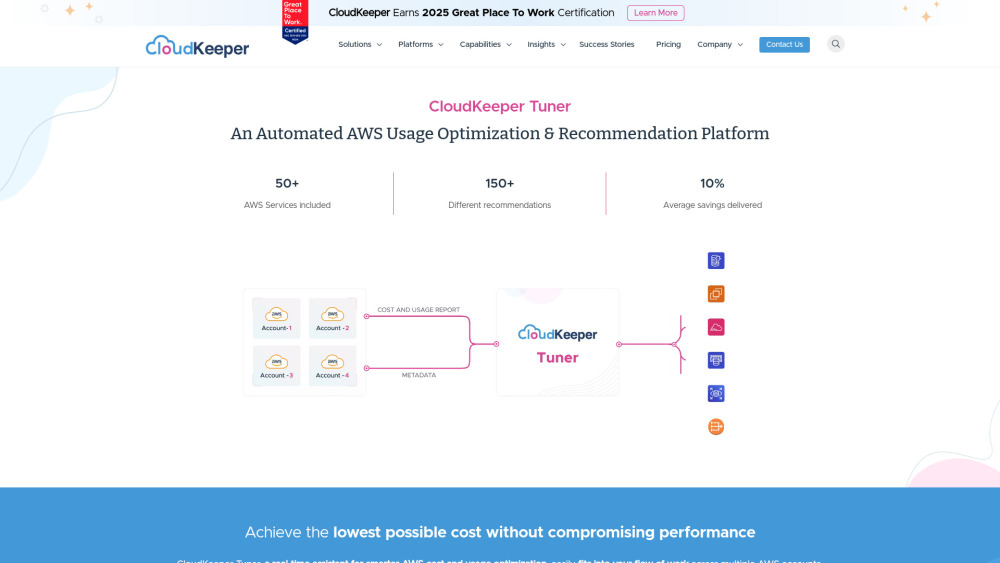
CloudKeeper Tuner
Optimize your AWS usage with CloudKeeper Tuner, the automated platform for recommendations and efficiency improvements. Start saving now!

Easycart
Effortlessly build a high-performing one-click checkout fast. Transform your sales process in minutes with this conversion-boosting app.
Beacons
Revolutionize your content creation with our AI-driven platform designed for creators. Unlock endless possibilities today!
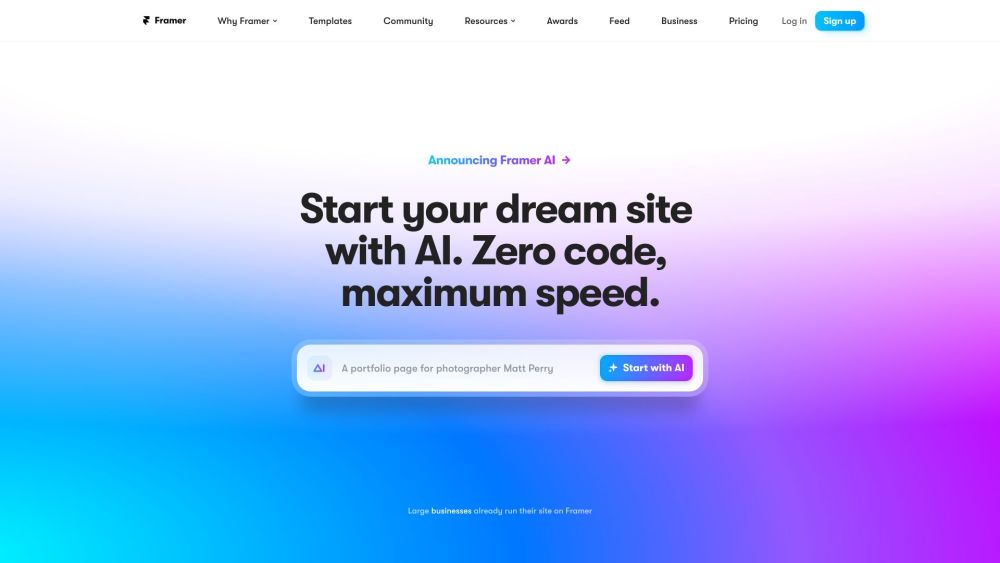
Framer
Framer app enables users to easily build and launch sleek websites without the need for coding skills. Start designing your site today!
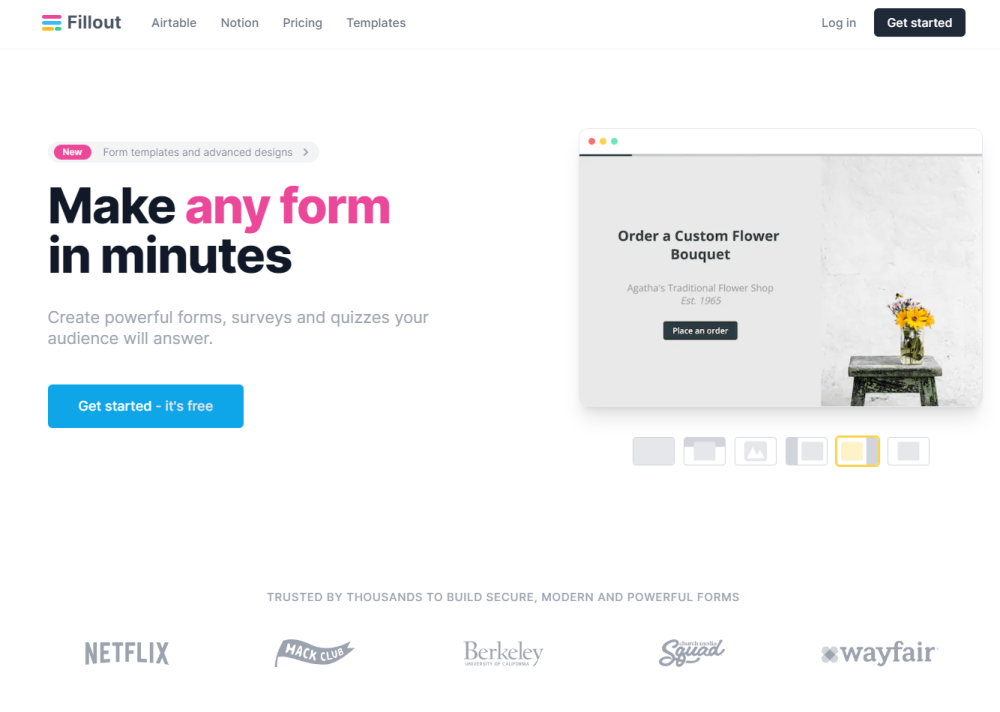
Fillout.com
"Fillout is a customizable tool for creating forms and collecting responses."
Use Cases
- Monitor Company Info on LinkedIn: Track changes in a company's details or employee list on LinkedIn.
- Extract Job Listings Information from LinkedIn: Extract job listings for a specific position and location from LinkedIn.
- Extract Apps List from Google Workspace Marketplace: Scrape the list of apps available on Google Workspace Marketplace.
- Extract Apps List from Zapier: Retrieve the list of apps available on Zapier.
- Extract App Details from Zapier: Extract specific details about an app listed on Zapier.
- Extract Job Posting Details from Monster.com: Extract details from a job posting on Monster.com.
- Extract Job Postings List from Upwork: Retrieve a list of job postings from an Upwork search URL.
- Extract Details from an Upwork Job Posting: Extract data from a job details page on Upwork.
- Extract Job Postings List from SEEK: Scrape job postings from Seek.com.
- Extract Companies Info from Clutch: Extract a list of companies from a category page on Clutch.co.
- Extract TikTok Video Information and Comments: Scrape data like description, author, and comments from a TikTok video.
- Extract Account Info and Videos from a TikTok Account: Retrieve account information and videos from a TikTok account.
- Extract Extension Info from Chrome Web Store: Extract information from an extension page on Chrome Web Store.
- Extract Extension Reviews from Chrome Web Store: Scrape reviews from an extension's page on Chrome Web Store.
- Extract Google Search Results by Country: Retrieve Google search results for a keyword from a selected country.
- Extract Job Posting Details from Indeed: Extract details from a job posting on Indeed.com.
- Extract Related Search Keywords from Google: Retrieve related searches listed at the bottom of a Google search page.
- Extract List of Job Postings from a LinkedIn Search URL: Extract job listings from a job search URL on LinkedIn.
- Extract DuckDuckGo Search Results: Scrape search results from DuckDuckGo.
- Extract Software List from Capterra.com Category: Extract a list of software from a category on Capterra.com.
- Extract Overview and Competitors from ZoomInfo: Extract company information from ZoomInfo.
- Extract Comments from Reddit Search Results: Extract valuable insights from Reddit discussions.
- Extract Eventbrite Online Events: Scrape Eventbrite online events for a specific keyword.
- Extract Search Results for Plugins on WordPress.org: Extract plugin information from the Wordpress.org plugin repository.
- Extract Sellers and Services from Fiverr Search Results: Retrieve sellers and their services from Fiverr search results.
- Extract Users from Reddit Search Results: Extract users from Reddit search results.
- Monitor Google Maps Search Results: Monitor Google Maps search results for changes in places.
- Monitor Organic Google Search Results: Monitor organic Google search results for a specific keyword.
- Monitor Google Places Information: Monitor a Google place for new reviews, photos, or profile changes.
- Extract Amazon US Search Results: Scrape Amazon US organic and paid search results for specific keywords.
- Extract Search Results from Google Maps: Scrape Google Maps and extract data about places for a search query.
- Get Google Search Results: Extract Google search results (organic and paid) for a keyword.
- Extract Hotel Reviews from Hotels.com: Extract hotel reviews from Hotels.com.
- Extract Group Posts from Indie Hackers: Extract group posts from Indie Hackers.
- Monitor Country Trends on Google Trends: Monitor search trends in a country for the emergence of new trends.
- Extract Hotel Data, Reviews, Listings, and Prices from Booking.com: Scrape booking data from Booking.com.
- Extract Specific Hotel Data from Booking.com: Extract specific details about a hotel from Booking.com.
- Extract Company Details from AngelList: Download company details from AngelList.
- Extract Videos from a YouTube Channel: Download a list of uploaded videos from a YouTube channel.
- Extract Craigslist Search Results Page: Scrape the Craigslist search results page.
- Extract Search Results from Google Scholar: Scrape search results from Google Scholar.
- Extract Hotel Price from Google Hotel: Extract hotel prices from Google Hotel.
- Extract Hotel Reviews from Booking.com: Scrape hotel reviews from Booking.com.
- Extract Products from Amazon Search Results via URL: Extract valuable data from any Amazon list.
- Extract Bing US Search Results: Scrape search results from Bing US.
- Extract HTML Code and Full Screenshot from a Webpage: Extract the HTML code and a full screenshot from any webpage.
- Extract Video Transcript from YouTube: Extract the transcript from any video on YouTube.
- Extract Channel Lists and Their Information from the YouTube US Search Page: Scrape the list of channels from a YouTube search page.
- Extract Comments from a Video on YouTube: Extract the list of comments from any YouTube video.
- Extract Freelance Projects List from Freelancer.com: Scrape the list of freelance projects from Freelancer.com.
- Extract Project Details from Freelancer.com: Extract project details from Freelancer.com along with the list of bidders.
- Extract Apps and Games Lists from Google Play: Extract lists of apps and games from Google Play.
- Extract Headings, Paragraphs, and Images from a Webpage: Extract headings, paragraphs, and images from any webpage.
- Extract Hotels List Info from Tripadvisor: Scrape the list of hotels from Tripadvisor.
- Extract List of Places in Search Result from Airbnb: Unlock valuable insights from Airbnb hotel listings.
- Extract Hotels List Info from Expedia: Discover the perfect accommodations with data extracted from Expedia.
- Extract Service List from Yellow Pages: Optimize your workflow by extracting service lists from Yellow Pages.
- Extract Product Details Info from Bestbuy.com: Extract product details info from Bestbuy.com.
- Extract List of Properties from LoopNet: Unlock valuable insights from LoopNet property listings.
- Extract Details Info of a Place on Google Maps: Extract details info of a place on Google Maps.
- Extract Channel Playlists from YouTube: Unlock in-depth insights from YouTube channel playlists.
- Extract Channel Shorts from YouTube: Scrape the list of Shorts on any YouTube channel.