
Browser Buddy
Powerful Chrome extension for ChatGPT conversations.
Google Chrome extensionChatGPT integrationProductivity
Introduction
Browser Buddy is a powerful extension for Google Chrome that allows users to interact with ChatGPT from any tab, keeping browsing and conversation together in a side panel. It prioritizes productivity, privacy, and ensures that chat history never leaves the browser.
Key Features
Interact with ChatGPT from any tab
Persistent sidebar for seamless browsing and conversation
Chat history stored locally for easy access
Chat with PDFs using a single click
Selection menu for quick interaction with websites
Full control over settings for desired results
Privacy-focused, with no chat history leaving the browser
Persistent chat across tabs
Frequently Asked Questions
What is Browser Buddy?
How to use Browser Buddy?
Where can I get an OpenAI key?
What would it cost to have my own OpenAI key?
Why do I need my own OpenAI key?
Similar Tools

CodeFast
Quickly learn coding to create successful online ventures with this app designed for fast-paced business growth. Start building today!
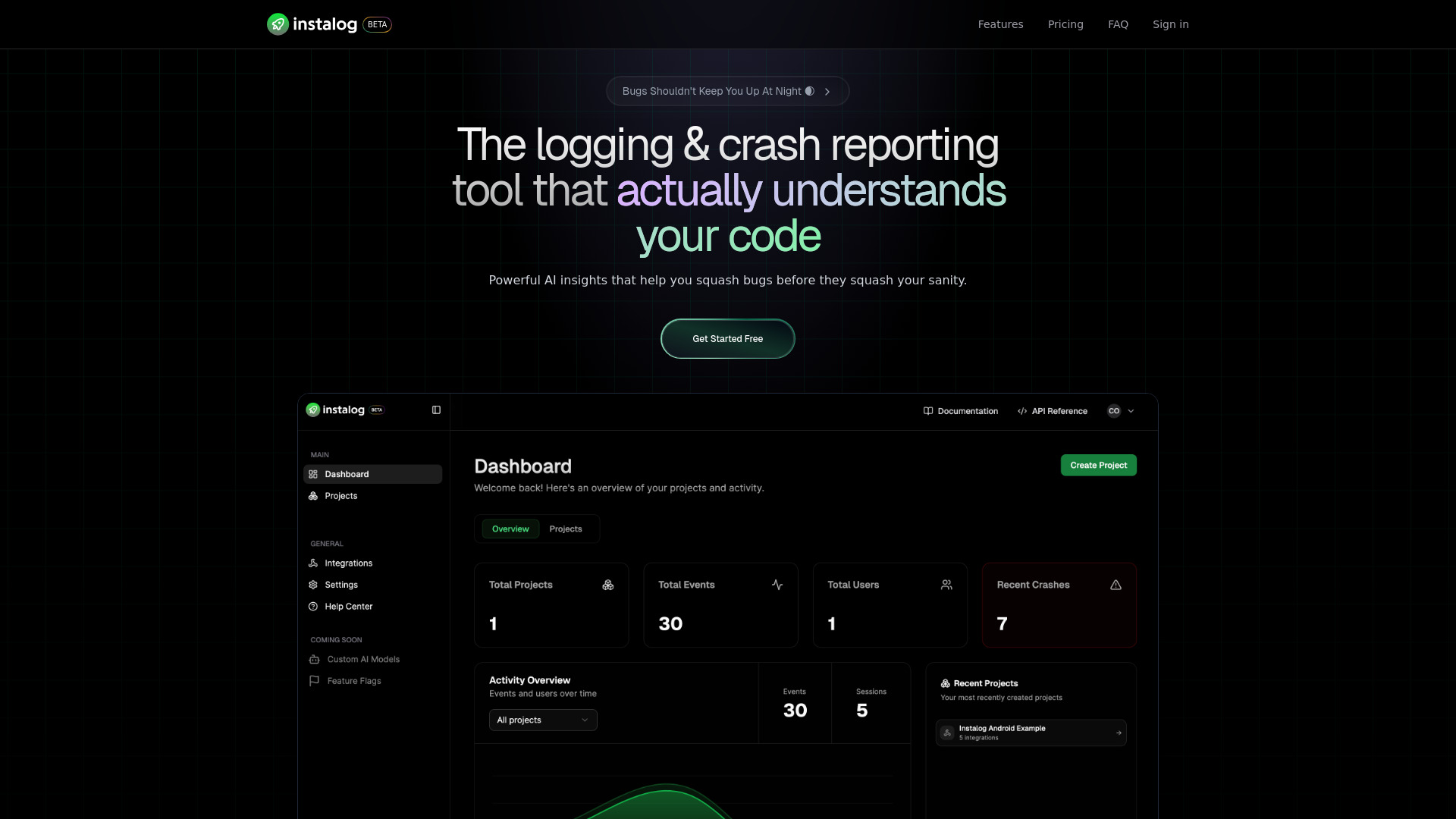
Instalog
A developer's essential: AI-powered tool for managing and analyzing logs. Perfect for streamlining your development process.
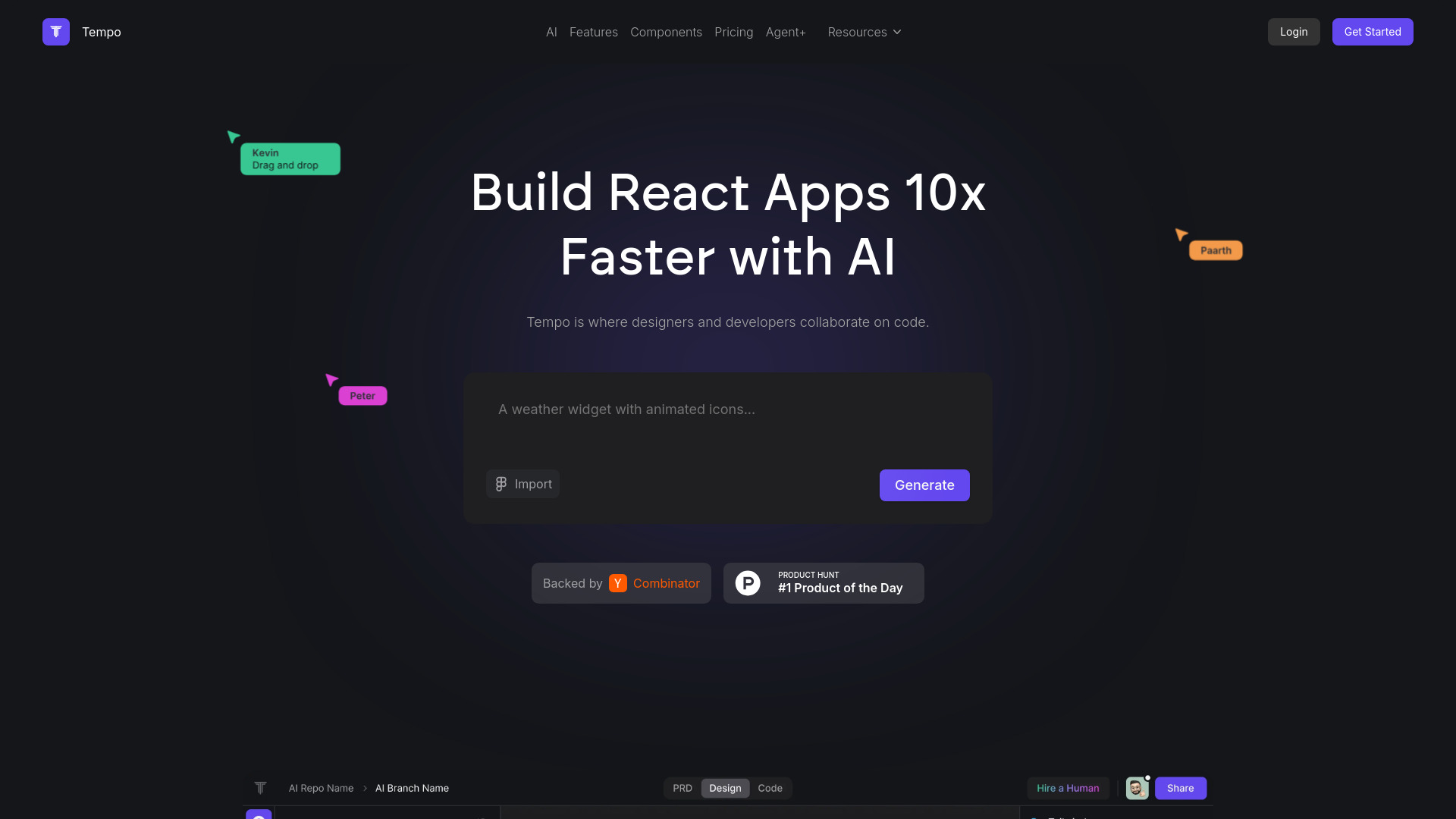
Tempo
Effortlessly create and manage React applications with our AI platform for seamless building and maintenance. Simplify your development process.
How to Use
To use Browser Buddy, simply download and install the extension on your Google Chrome browser. Once installed, a side panel will be available for you to interact with ChatGPT from any tab. You can chat with PDFs, quickly interact with any website using the selection menu, and access your chat history easily.