
BrowserGPT - Chrome Extension for ChatGPT in your Browser
Summary: BrowserGPT is a Chrome extension enabling direct access to ChatGPT in the browser for various tasks.
ChatGPTChrome extensionweb browsing
Introduction
BrowserGPT is a Chrome extension that allows users to access ChatGPT directly in their browser. With BrowserGPT, users can ask questions, read and summarize text, and compose emails, blog posts, and more.
Key Features
The core features of BrowserGPT include: 1. Seamless access to ChatGPT within your browser 2. Automatic reading and summarization of web content 3. AI-powered email composition 4. AI-powered blog post composition
Frequently Asked Questions
What is BrowserGPT - Chrome Extension for ChatGPT in your Browser?
How to use BrowserGPT - Chrome Extension for ChatGPT in your Browser?
Is BrowserGPT compatible with other web browsers?
Can I customize the AI model used in BrowserGPT?
Does BrowserGPT support multiple languages?
Does BrowserGPT require an internet connection?
Similar Tools

Genie AI
Experience a versatile AI chatbot capable of handling multiple tasks with ease. Engage with our multi-model application today!

Sohri
Discover the Sohri app for all your needs. Find everything you're looking for in one convenient place. Download now for a seamless experience.
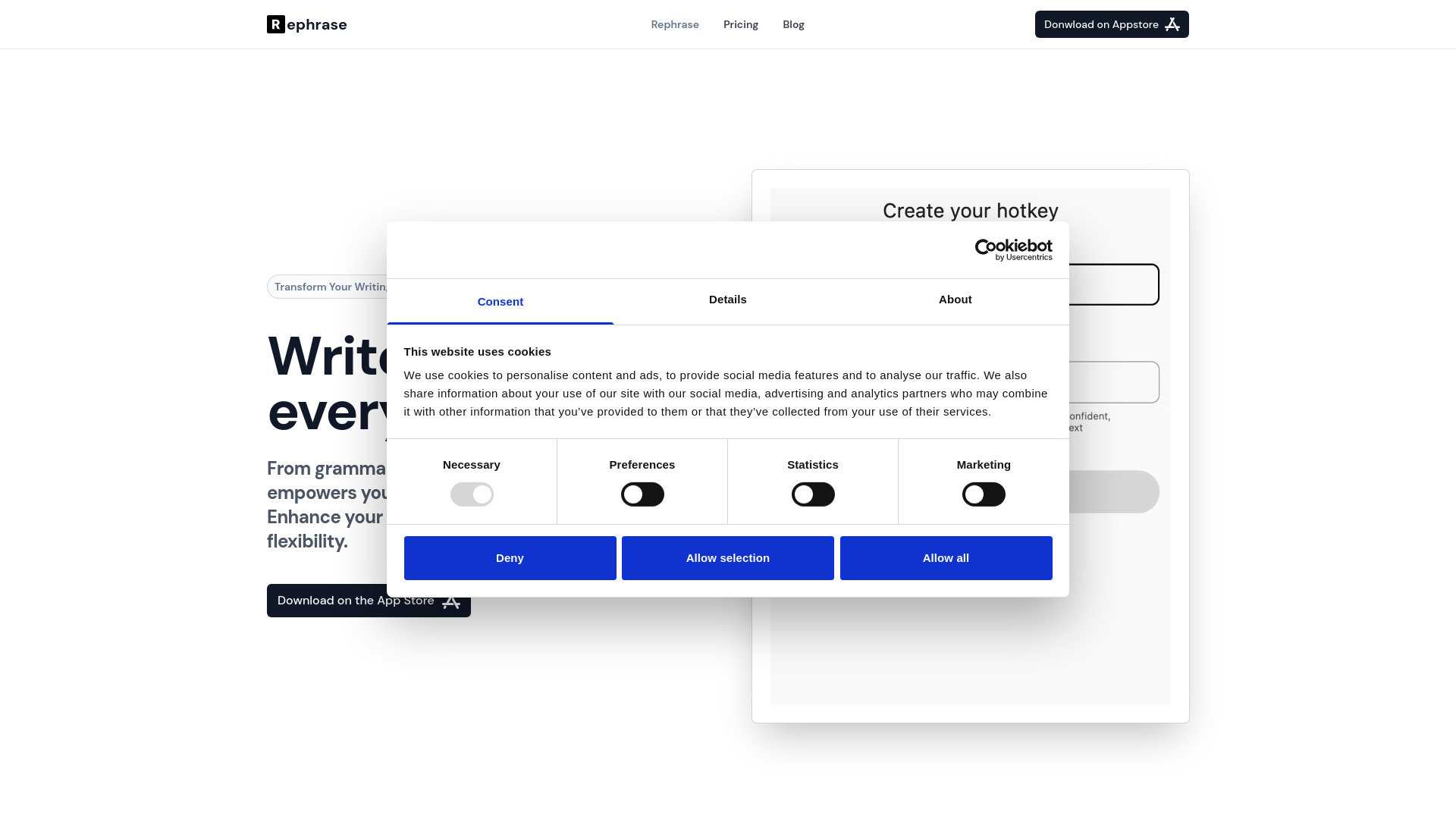
Rephrase
Boost text quality with our macOS AI writing assistant for improved content creation. Ideal for enhancing writing productivity on your computer.
Use Cases
- BrowserGPT is useful for a variety of tasks, such as: 1. Quickly getting answers and information without leaving your browsing session 2. Summarizing lengthy articles or documents for easier consumption 3. Writing emails more efficiently with AI-generated suggestions 4. Composing blog posts with the help of AI-generated ideas and content
How to Use
To use BrowserGPT, simply add the extension to your Chrome browser. Once installed, a ChatGPT window will appear, allowing you to interact with the AI model. You can ask questions, provide text to be summarized, and compose content directly within the ChatGPT window.