Build Chatbot
Build Chatbot is a versatile AI chatbot builder that supports multiple formats and enhances user experience.
AI chatbotno-codemultiple formats
Introduction
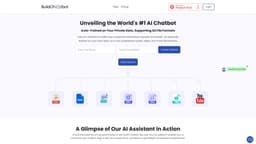
Build Chatbot is a no-code AI chatbot builder that supports multiple formats and is trained on private data. It enhances user experience by providing quick and easy customer interactions. The chatbot can understand audio, video, and most file formats, making it highly versatile.
Key Features
The core features of Build Chatbot include: 1. Support for multiple file formats: PDF, Docs, Text, Website URL, YouTube URL, Audio, and Video. 2. Personalized AI training: The chatbot can be trained on private data to provide accurate and personalized responses. 3. Customizable branding: Users can personalize the chatbot's logo, background color, and image to align with their brand's visual identity. 4. AI assistant in action: Build Chatbot enables users to customize their AI chatbot to deliver unparalleled conversational experiences. 5. Chat history: Capture every customer question with the unique chat history feature and witness a boost in conversions.
Frequently Asked Questions
What is Build Chatbot?
How to use Build Chatbot?
Similar Tools

Gallabox
Elevate your business communication with our No-code WhatsApp automation tool. Streamline processes and engage customers effortlessly.

LimeChat
Revolutionize your e-commerce business with our AI-powered platform that offers support and marketing through WhatsApp. Boost sales and engagement now!
Clodura.AI
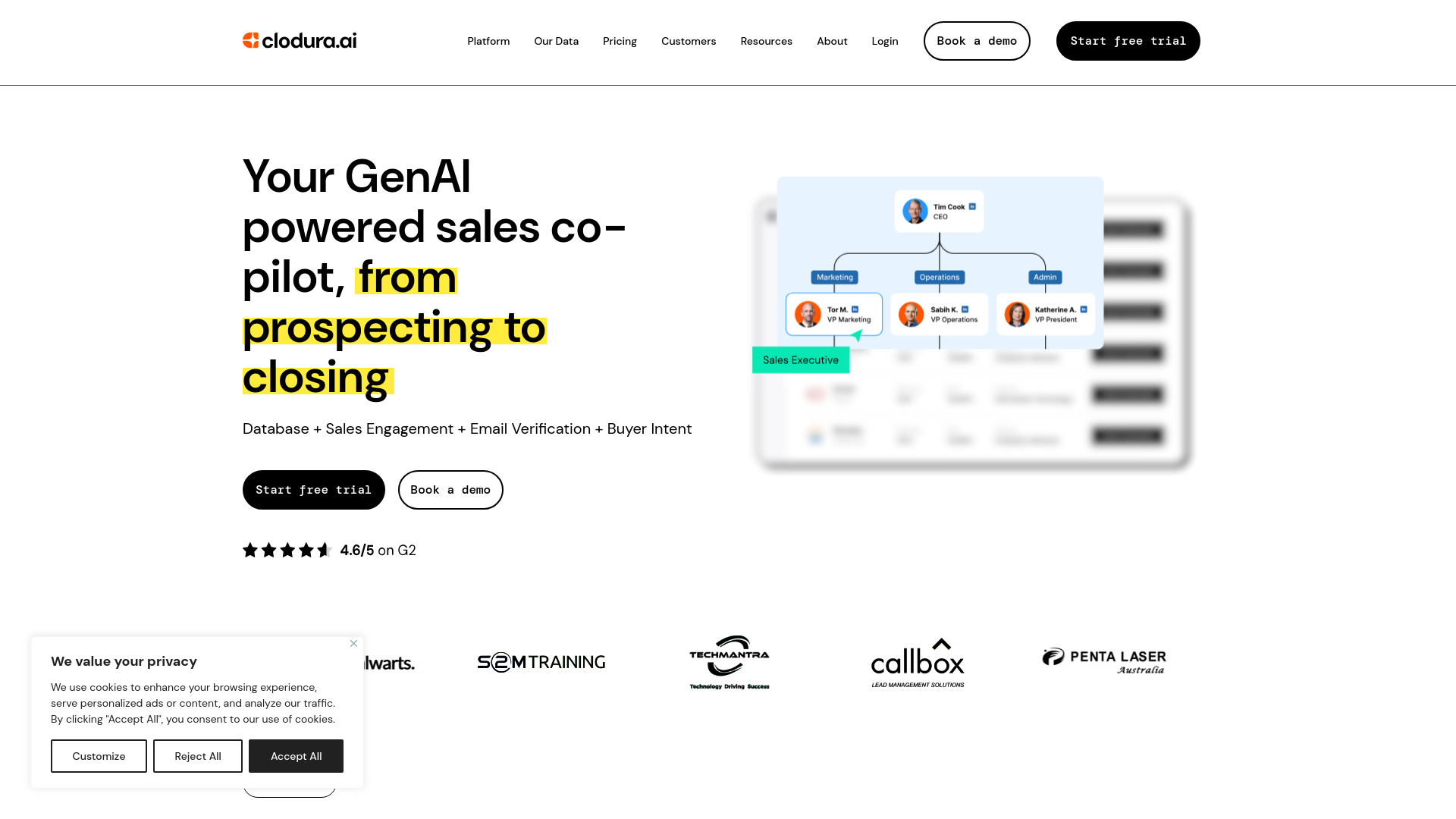
Discover GenAI, the ultimate sales prospecting platform for generating leads and engaging with potential customers effectively.
Use Cases
- Build Chatbot can be used in various scenarios, such as: 1. Customer support: It can provide quick and accurate responses to customer queries, improving customer satisfaction. 2. E-learning: The chatbot can assist learners by answering questions and providing relevant course material. 3. Healthcare: It can help in triaging patient symptoms and providing informational resources. 4. Lead generation: Build Chatbot can qualify leads by engaging with website visitors and collecting relevant information. 5. Sales and marketing: The chatbot can provide product information, generate leads, and assist with sales inquiries.
How to Use
To use Build Chatbot, follow these steps: 1. Sign up for free by providing your email. 2. Set up your personalized chatbot by clicking on the magic link sent to your email. 3. Upload your files, including audio, video, text, and website URLs, to train the chatbot. 4. Customize your chatbot by adding your brand's logo, background color, and image. 5. Take the embed code from the launch AI chatbot settings and add it to your website. 6. Test your chatbot by asking a question to see how it responds like a human.