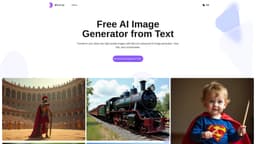
Bylo.ai: Free AI Image Generator
Transform text into stunning images — free, fast, and customizable.
AI image generatorAi art generator
Introduction
Bylo.ai is a cutting-edge AI image generator that transforms text into high-quality visuals in seconds. Featuring advanced tools like negative prompts and the Flux AI image generator, Bylo.ai allows users to create custom images tailored to their specific needs. ✨ Key Features: - Free Online Tool: Create visuals without downloads or costs, accessible directly in your browser. - Advanced Customization: Utilize negative prompts, multiple models, and custom settings. - Text to Image Conversion: Transform text prompts into images that match your needs. - Fast Generation: Produce professional-quality images in seconds to save valuable time. - High Quality Image: Generate professional images ideal for personal or commercial projects. Bylo.ai combines ease of use with powerful features, making it the go-to free AI image generator for creators and professionals.
Key Features
Free Online Tool
Advanced Customization
Text to Image Conversion
Fast Generation
High Quality Image
Frequently Asked Questions
What is Bylo.ai: Free AI Image Generator?
How to use Bylo.ai: Free AI Image Generator?
What is an AI Image Generator from text?
Can I use an AI image generator free online?
Why is Bylo.ai the best AI image generator for professionals?
Similar Tools

Quickads
Effortlessly create image and video ads with this AI-powered tool. Say goodbye to the hassle and hello to effective marketing campaigns.
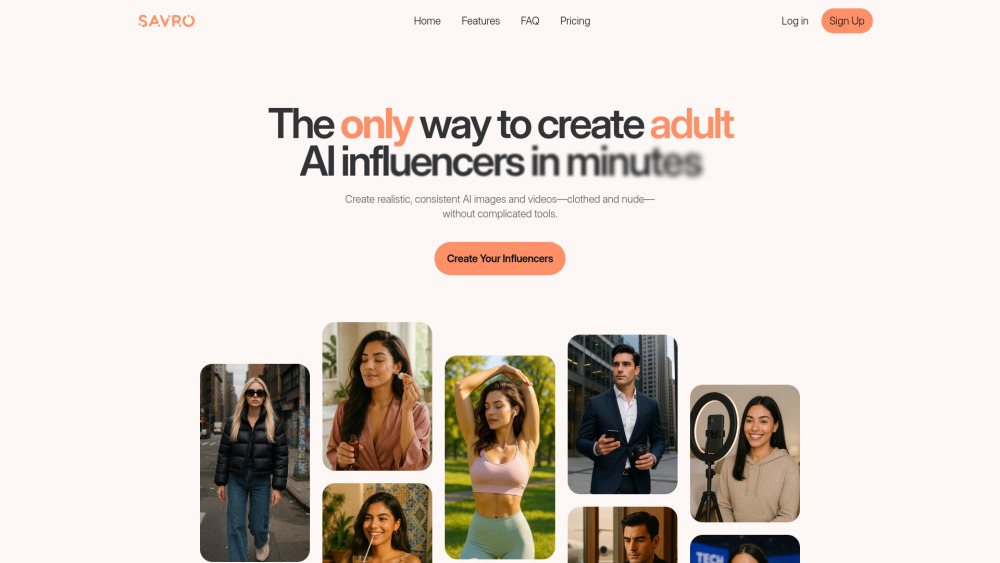
Savro AI
Create adult AI influencers in minutes
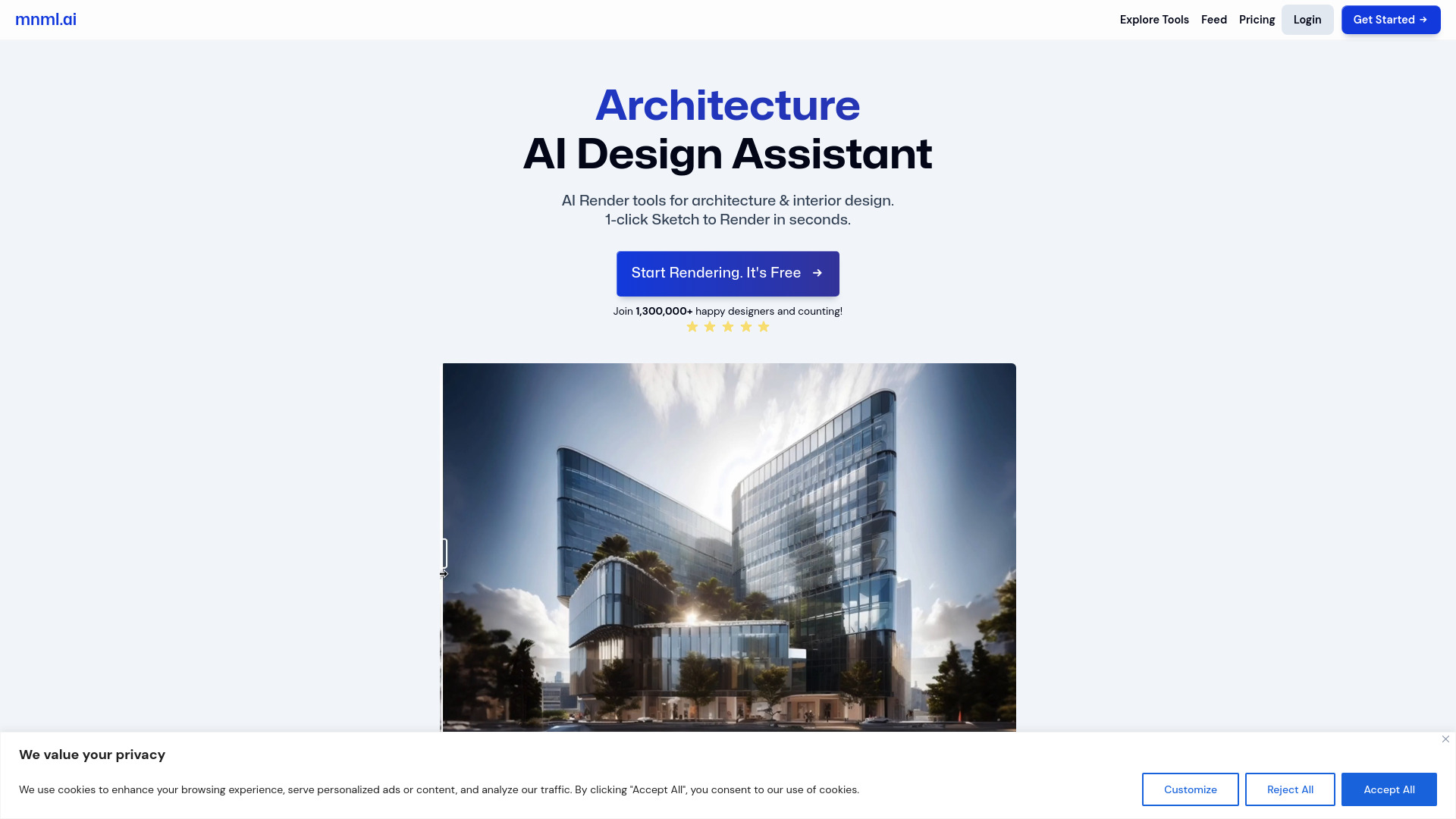
mnml.ai
Discover the power of mnml.ai, a cutting-edge app that harnesses AI technology to streamline your daily tasks and boost productivity.
Use Cases
- Bylo.ai's AI image generator is perfect for crafting eye-catching marketing visuals. Create unique advertisements, social media content, and product packaging designs that align seamlessly with your brand identity.
How to Use
STEP 1 Input Your Text Prompt Start by entering a clear text prompt in the provided field. Include optional negative prompts to refine the output further and guide AI image generation. STEP 2 Choose Model and Aspect Ratio Choose a model, such as the Flux AI image generator, and adjust the aspect ratio and number of images to match your project needs. STEP 3 Generate and Download Click "Generate" to let the AI image generator create your visual. Within seconds, your high-quality image will be ready for download.