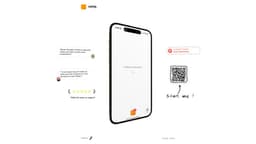
Introduction
Camp is a tool that uses AI to understand and organize screenshots.
What stands out?
AI-powered screenshot analysis
Automatic information extraction
Smart organization of screenshots
Frequently Asked Questions
What is Camp?
How to use Camp?
How does Camp use AI to analyze screenshots?
Is my data private and secure?
Can I use Camp on both iOS and Android devices?
Does Camp work offline?
More Information
Camp Company
Camp Company name: Studio Lanes .
Reviews & Feedback
Share your experience with the community
0.0
Based on 0 reviews
User Comments (0)
Sort Criteria
Order
No reviews yet. Be the first to share your thoughts!
Statistics
Monthly visits
NaN
Saved by users
0
Rating
0.0/ 5.0
Added on
—
Similar Tools

Cutout.Pro
Revolutionize your photo editing with our AI-powered platform that also generates content. Enhance your images effortlessly and efficiently!
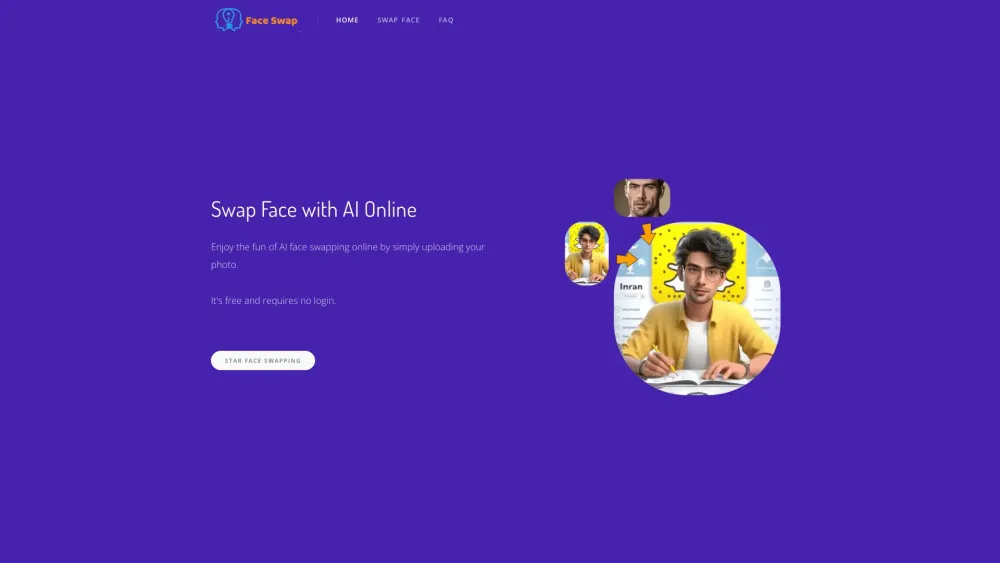
AI Face Swap
Easily swap faces using a cutting-edge AI technology online by uploading your photo for a fun and entertaining experience.

Kapwing
Collaborate online with Kapwing to create, customize, and expand your content effortlessly.
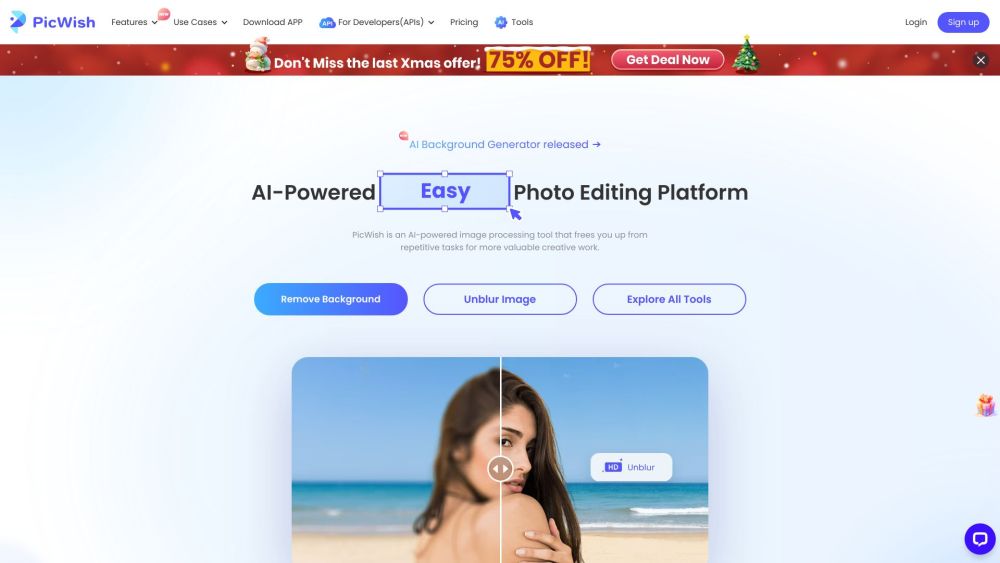
PicWish
Revolutionize your image editing with our AI-driven tool for processing images. Enhance, retouch, and transform your photos with ease.
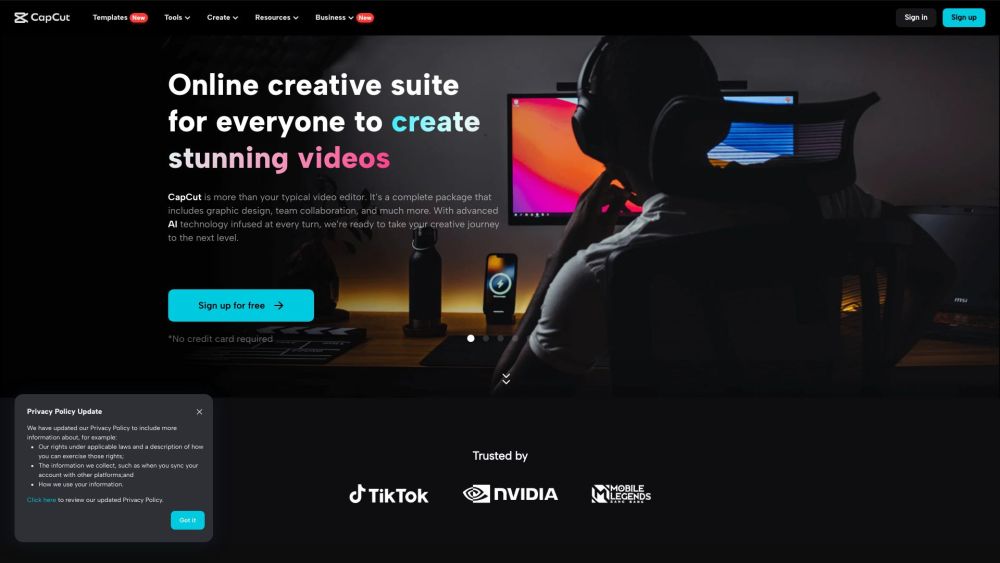
CapCut
AI-powered video editor and graphic design tool for all platforms.
Use Cases
- Organizing receipts and invoices
- Keeping track of important information
- Creating digital copies of handwritten notes
How to Use
To use Camp, simply download the app on your phone and allow it to access your screenshots. Camp will then automatically detect and extract relevant information from your screenshots.