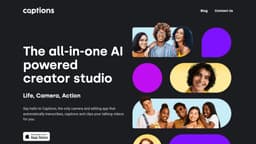
Captions
Creating professional videos made easy with Captions' AI-powered studio.
AI-poweredcreative studiovideo editing
Introduction
Captions is an AI-powered creative studio that allows users to easily create professional-grade videos in just a few taps. Powered by artificial intelligence, Captions offers various features to enhance the storytelling process, including video compression, eye contact correction, subtitles and captions generation, audio translation, script writing, and music composition.
Key Features
Video compression for optimizing file size
Eye contact correction in post-production
Subtitles and captions generation from audio
Translation of audio and captions into 28 languages
Script generation with any prompt or reference material
AI-powered music composition for background tracks
Color grading and scheme generation
Background removal
Rotoscoping for object cutouts
Sound effects and track selection
Metadata generation for video distribution
Voice dubbing in multiple languages
Automatic extraction of viral-worthy clips
Frequently Asked Questions
What is Captions?
How to use Captions?
What types of files does Captions support?
Can I use Captions on both mobile and desktop?
Is Captions suitable for beginners?
Can I translate my video's audio into multiple languages?
Does Captions provide royalty-free music?
Similar Tools
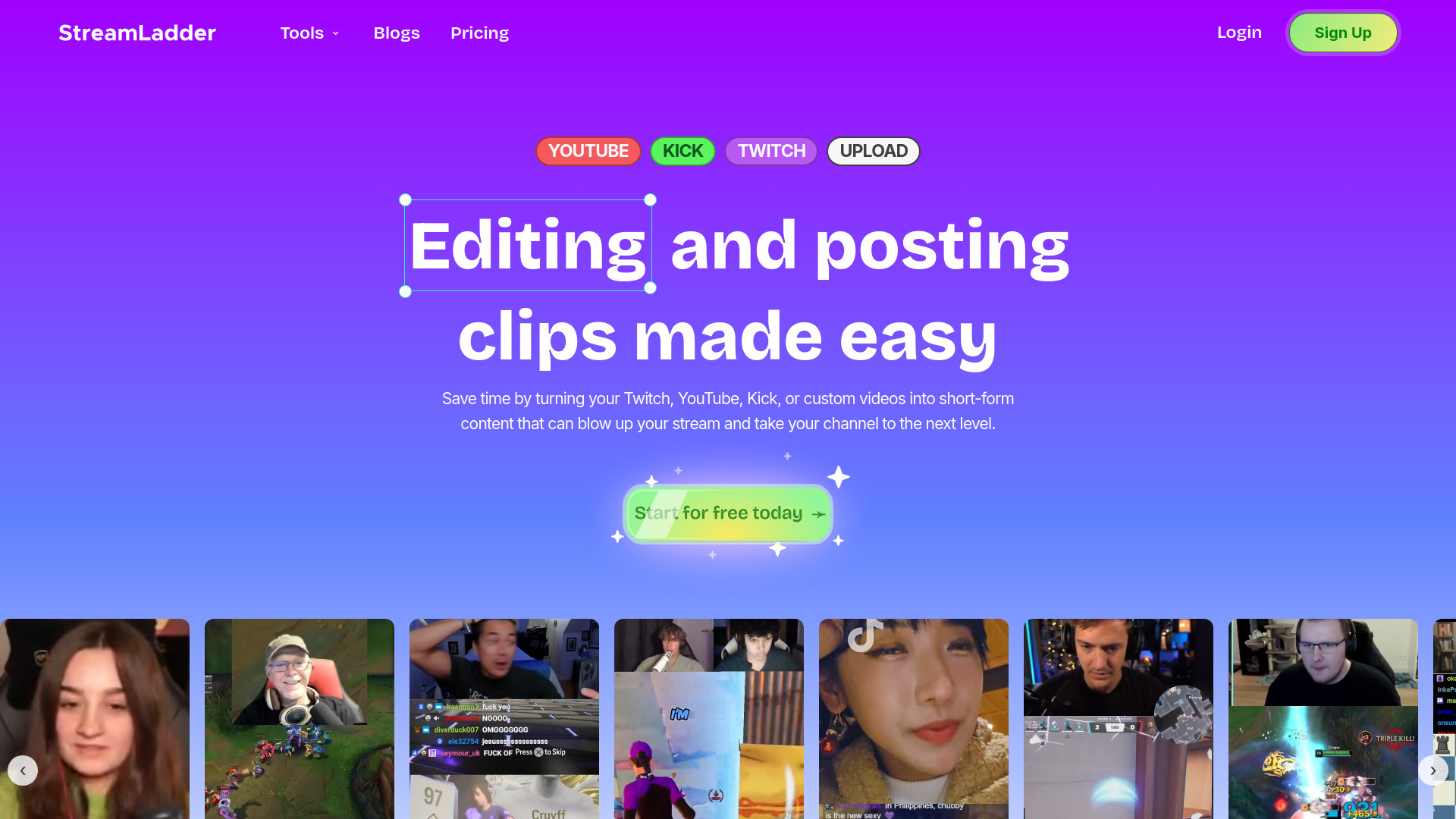
StreamLadder
Climb the ranks of popular streaming platforms with StreamLadder. Increase your visibility and grow your audience effortlessly. Start today!
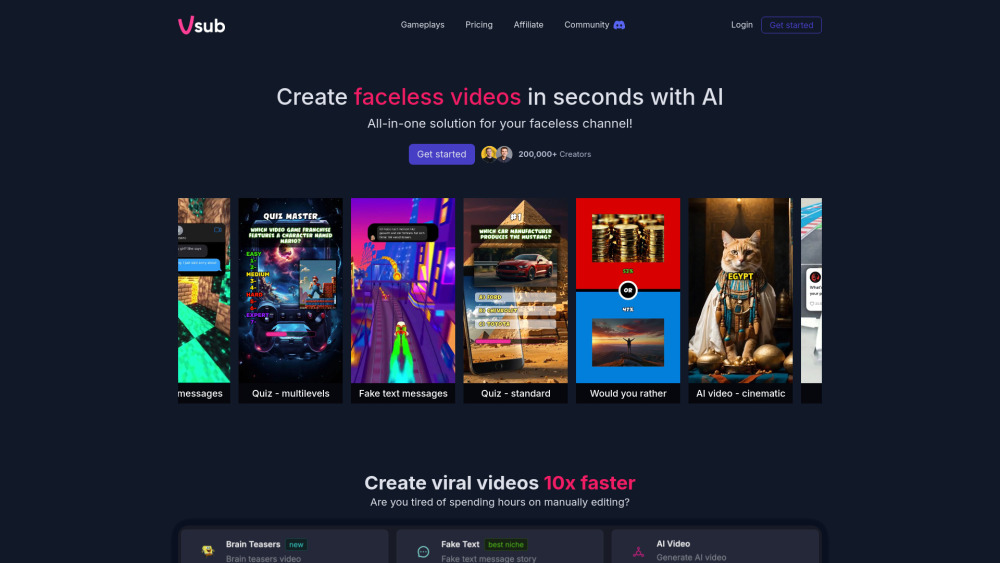
Vsub
Easily and quickly create videos without faces using an innovative AI platform.

Quickads
Effortlessly create image and video ads with this AI-powered tool. Say goodbye to the hassle and hello to effective marketing campaigns.
Use Cases
- Content creators looking to produce professional videos with ease
- Social media influencers seeking to engage their audience
- Marketing professionals wanting to enhance their brand storytelling
- Language learners and educators needing audio and caption translations
- Professionals in need of script generation for presentations or productions
- Video editors wanting to improve visual editing and cinematography
- Podcasters and audio producers aiming to enhance their recordings
- Businesses looking to optimize video distribution and captivate viewers
How to Use
To use Captions, simply download the app or access the desktop version. Once installed, you can start by selecting the desired video or audio files. From there, you can choose from a range of features to optimize and customize your content, such as compressing videos, correcting eye contact, adding subtitles, translating captions, generating scripts, and composing background music. The intuitive interface and automated processes make it easy to navigate and create high-quality videos effortlessly.