
Cata - AI Chat Directory - Chrome Extension
Enhance ChatGPT with a sidebar for easy navigation.
ChatGPTsidebarnavigation
Introduction
Enhance ChatGPT experience with a handy sidebar that allows for quick navigation and organization of questions in chat sessions.
Key Features
Convenient side directory for ChatGPT, quick navigation, organization of questions.
Frequently Asked Questions
What is Cata - AI Chat Directory?
How to use Cata - AI Chat Directory?
What is Cata - AI Chat Directory?
How can I install the Cata - AI Chat Directory extension?
Can I use Cata - AI Chat Directory with other chat platforms?
Is my data safe with Cata - AI Chat Directory?
Similar Tools

CodeFast
Quickly learn coding to create successful online ventures with this app designed for fast-paced business growth. Start building today!
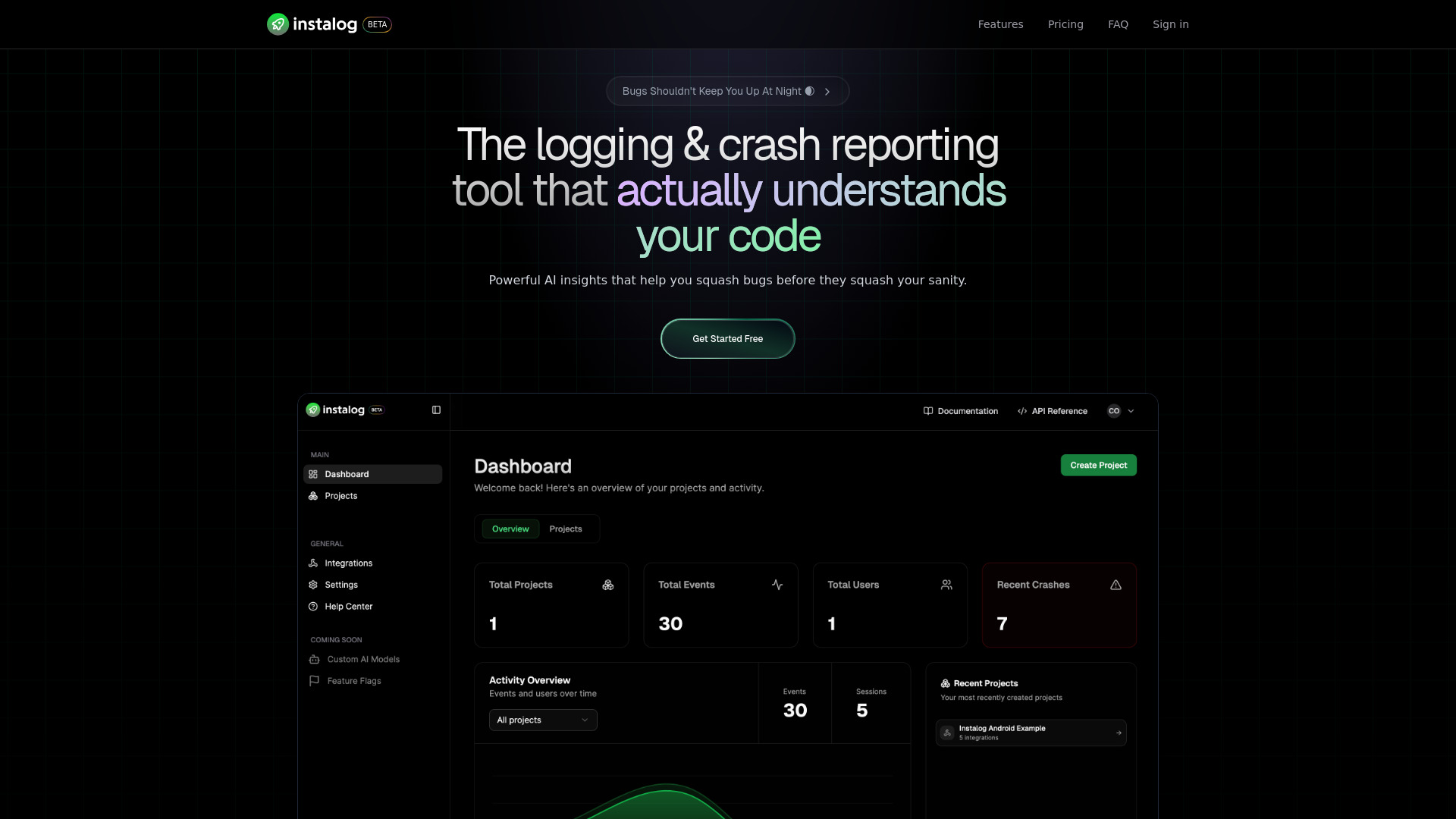
Instalog
A developer's essential: AI-powered tool for managing and analyzing logs. Perfect for streamlining your development process.
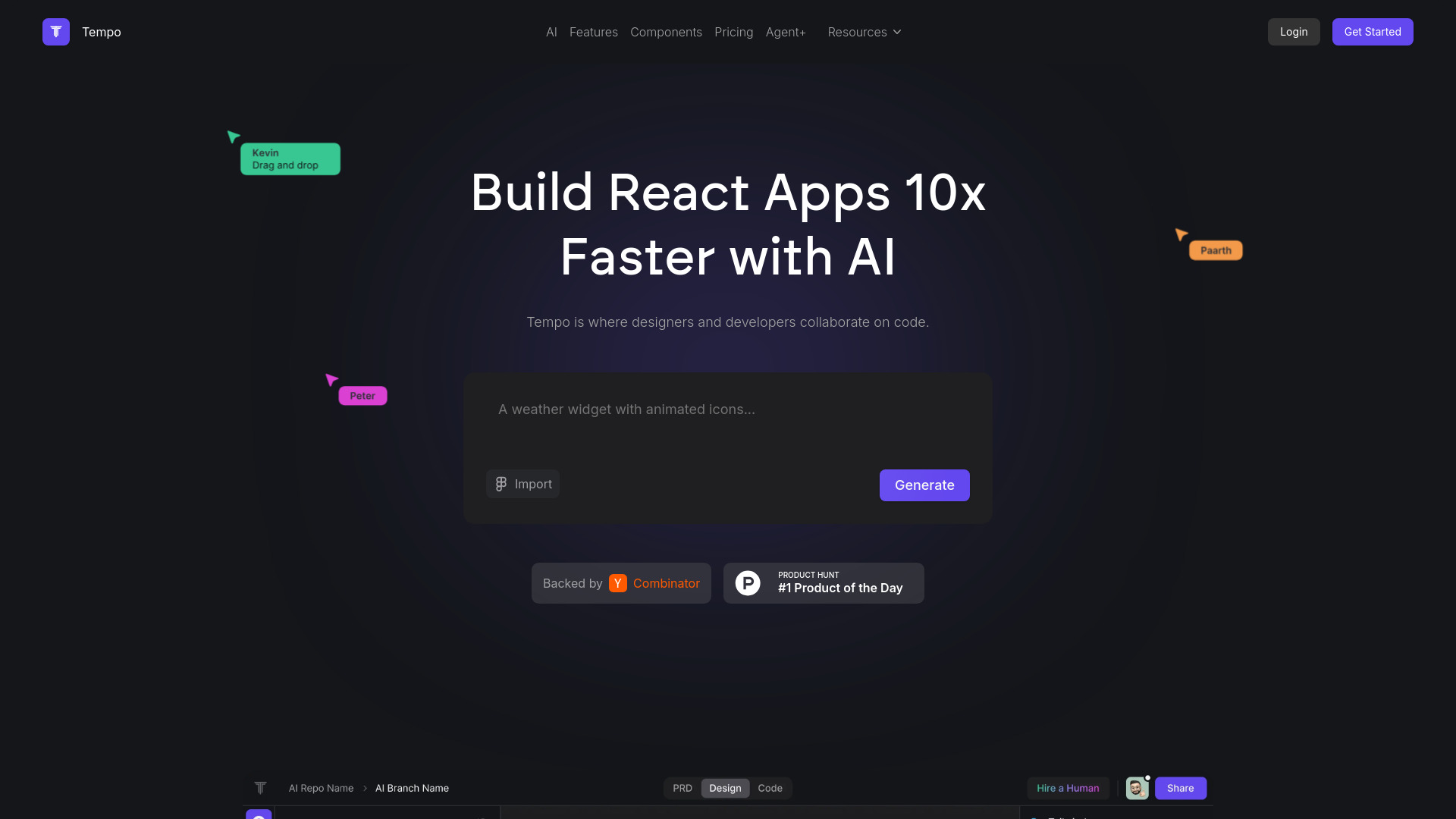
Tempo
Effortlessly create and manage React applications with our AI platform for seamless building and maintenance. Simplify your development process.
How to Use
Add the Cata - AI Chat Directory extension to your Chrome browser and click on the sidebar to view your question history and navigate to specific messages with a single click.