
Chatbase
Chatbase is an AI chatbot builder that uses your data to create a chatbot for your website.
Introduction
What stands out?
Frequently Asked Questions
What is Chatbase?
How to use Chatbase?
What is Chatbase?
What should my data look like?
Can I give my chatbots instructions?
Where is my data stored?
Does it use GPT-3.5 or GPT-4?
How can I add my chatbot to my website?
Does it support other languages?
Can I share a chatbot I created?
More Information
Chatbase Support Email & Customer service contact & Refund contact etc.
Chatbase Company
Chatbase Login
Chatbase Sign up
Chatbase Pricing
Chatbase Linkedin
Chatbase Instagram
Reviews & Feedback
Share your experience with the community
User Comments (0)
No reviews yet. Be the first to share your thoughts!
Statistics
Similar Tools

AI PDF Summarizer by PDF Guru
Simplify PDFs with AI! Summarize, extract key points, ask questions, and translate in 80+ languages. Perfect for work, study, or research.
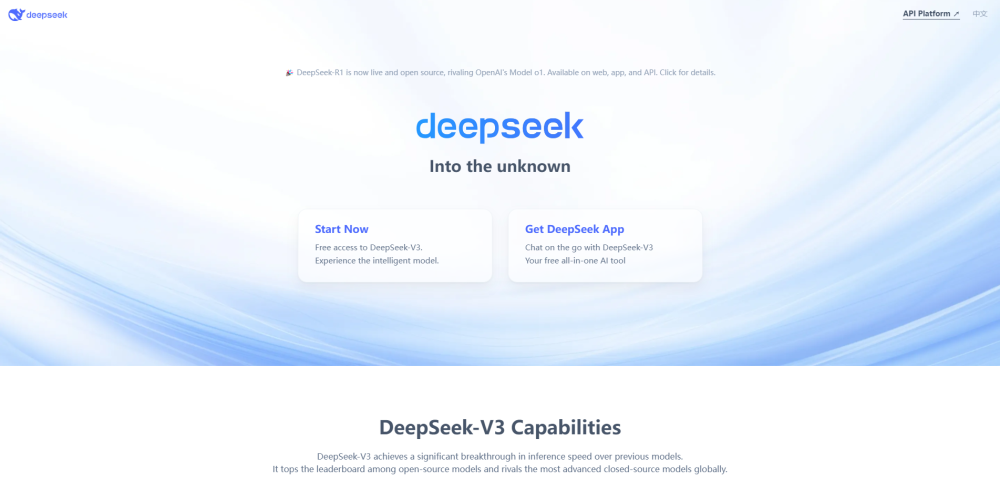
DeepSeek
Cutting-edge AI platform for programming and chatting with publicly available models, offering advanced capabilities and features.
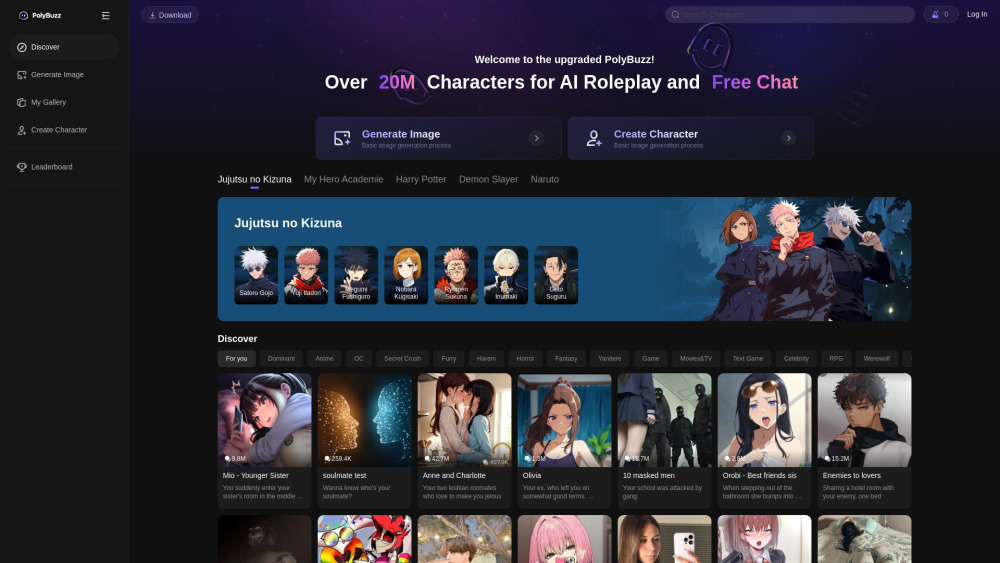
PolyBuzz
PolyBuzz offers free, private, and unrestricted AI chat and immersive roleplay with over 20 million characters.

AI Therapy
Your personal AI therapist for round-the-clock mental health support.

Wanderboat AI Travel Planner
Discover your personalized travel experiences with AI travel planner. Tailored recommendations for your perfect trip. Start planning now!
Use Cases
- Chatbase can be used for various purposes such as: 1. Customer support: Provide instant answers to common customer queries. 2. Knowledge base: Create a chatbot that can answer questions about a specific document or website content. 3. Lead generation: Use the chatbot to collect leads and contact potential customers. 4. Website engagement: Enhance user experience on your website by adding an interactive chatbot. 5. Multilingual support: Chatbase supports about 95 languages, making it suitable for global audiences.