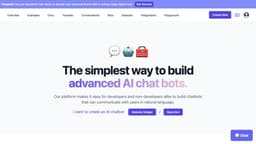
ChatBotKit
ChatBotKit is a platform for building and deploying user-friendly chatbots.
chatbotchatgpt
Introduction
ChatBotKit is a platform that helps developers and non-developers build chatbots that can communicate with users in natural language. It allows you to create conversational AI chatbots with your own data and deploy them on your website, Slack, and Discord. The platform provides user-friendly solutions to enhance customer engagement and simplify tasks.
Key Features
Chat History
Custom Datasets
Custom Skillsets
Contact Collection
GPT-4 Support
Sitemap Integration
Widget Integration
Document Importing
Media File Importing
Slack Bot Integration
Discord Bot Integration
WhatsApp Bot Integration
Twitter Integration
GPT-3.5 Support
Streaming
Widget Themes
Data Security
Focus on Privacy
Content Moderation
Semantic Search
AI Playgrounds
No-Code Platform
Simple Pricing
App Platform
Frequently Asked Questions
What is ChatBotKit?
How to use ChatBotKit?
What is ChatBotKit?
How do I use a chatbot?
Is there a cost to use the chatbot?
How do I sign up for a monthly membership?
Do you offer custom pricing plans?
Do you offer free trials?
How do I cancel my monthly membership?
Can I get a refund if I am not satisfied?
How do I contact customer support?
Similar Tools

Gallabox
Elevate your business communication with our No-code WhatsApp automation tool. Streamline processes and engage customers effortlessly.
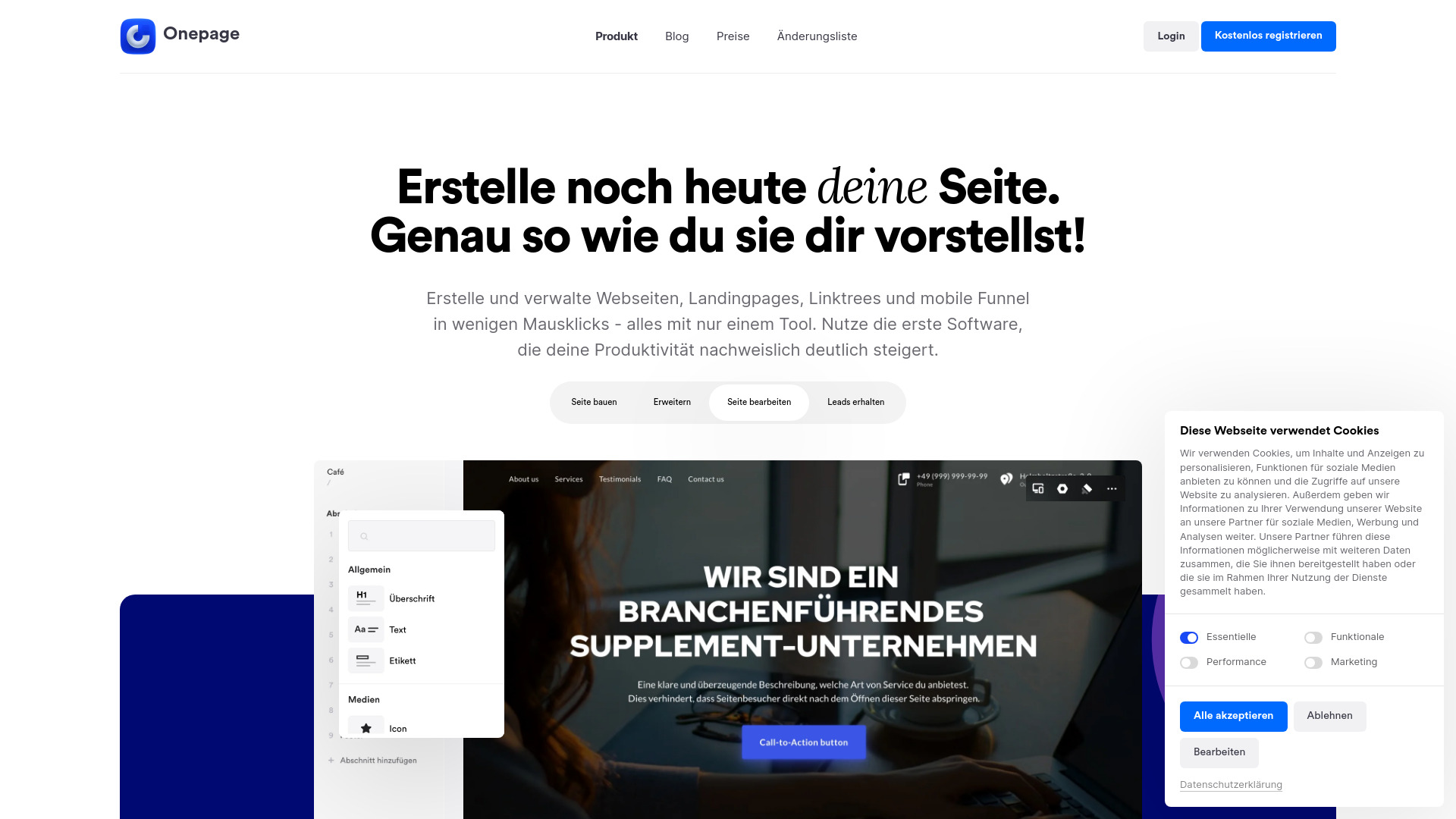
Onepage
Create websites, landing pages, and quizzes with our versatile all-in-one tool. Simplify your online presence in one convenient platform.
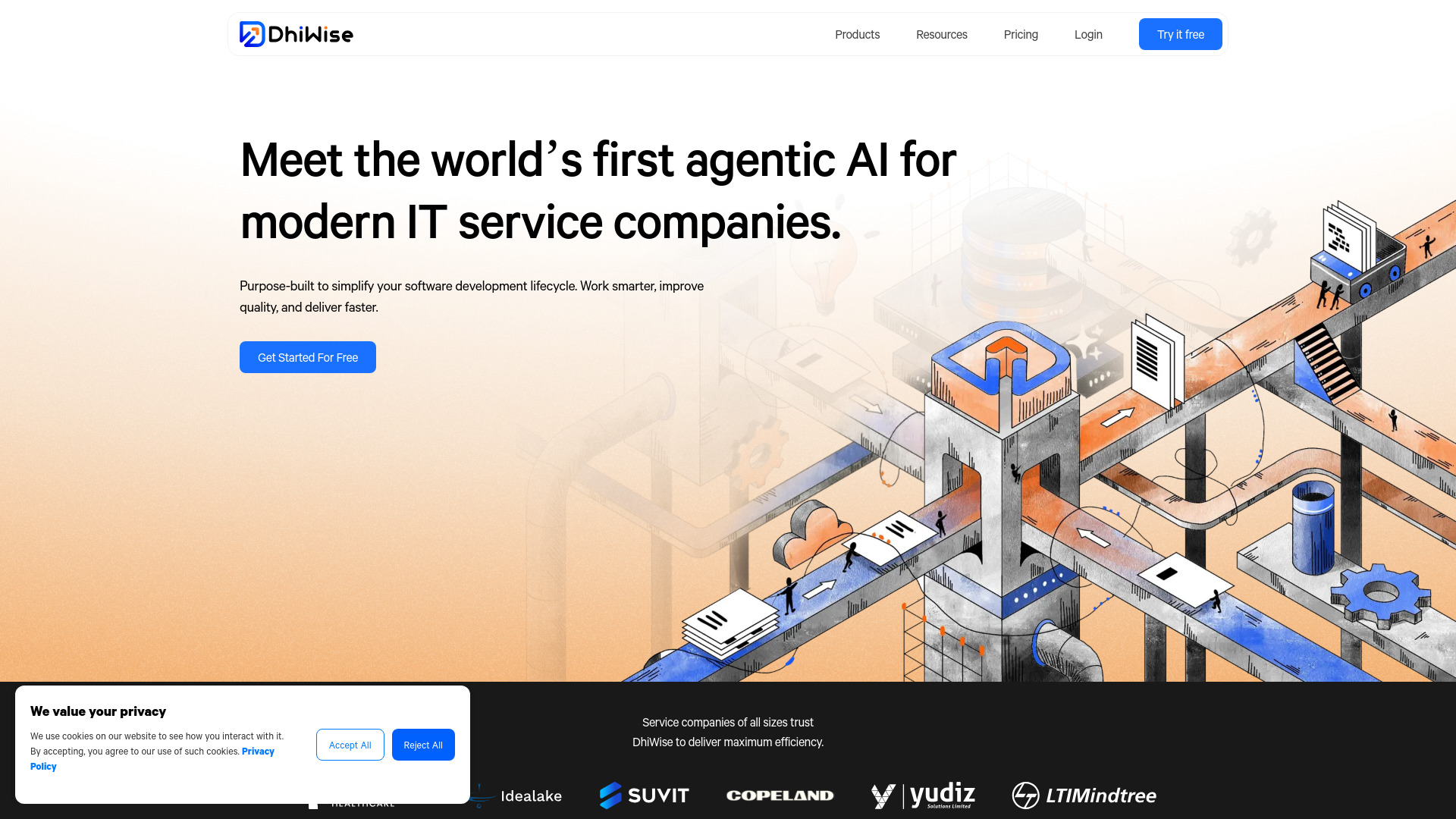
DhiWise
Revolutionize your software development process with the Agentic AI platform - the ultimate tool for automating the software development lifecycle.
Use Cases
- Enhance customer engagement
- Simplify everyday tasks
- Improve user experience on websites
- Automate customer support
- Streamline lead generation
- Provide personalized recommendations
- Create virtual assistants for various platforms
How to Use
To use ChatBotKit, follow these steps: 1. Sign up for a monthly membership by clicking the 'Get Access' button on the front page. 2. Create an account and log in to the platform. 3. Build your AI chatbot using the intuitive template wizard, customizing its responses and abilities. 4. Integrate your chatbot with messaging platforms like Slack, Discord, and WhatsApp. 5. Embed your chatbot on your website using the widget integration. 6. Review and reference chat history to ensure your chatbot has the necessary information. 7. Manage and organize your chatbot's data through custom datasets. 8. Enhance your chatbot's abilities by creating custom skillsets. 9. Explore advanced features like contact collection, GPT-4 support, sitemap integration, document importing, media file importing, and more. 10. Ensure data security and privacy by leveraging ChatBotKit's robust measures and privacy controls. 11. Get support from the customer support team if needed.