ChatDOC - Chrome Extension
PDF assistant with AI answers
Introduction
A reliable file-reading assistant that answers PDF queries with sources, serving over 500,000 users for enhanced productivity.
What stands out?
Ask file, get info
AI analysis for texts/tables/formulas
Follow-up questions
Footnote verification
GPT-4 responses
Frequently Asked Questions
What is ChatDOC?
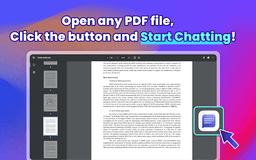
How to use ChatDOC?
Why can't I open PDF in Chrome?
Reviews & Feedback
Share your experience with the community
0.0
Based on 0 reviews
User Comments (0)
Sort Criteria
Order
No reviews yet. Be the first to share your thoughts!
Statistics
Monthly visits
NaN
Saved by users
0
Rating
0.0/ 5.0
Added on
—
Use Cases
- Interacting with PDFs
- Analyzing documents
How to Use
1. Click 'Add to Chrome' and pin to toolbar. 2. Log in. 3. Open PDF file. 4. Click button to chat.