
ChatGPT For Social
Integrate ChatGPT into social platforms for improved conversations.
ChatGPTsocial platformextension
Introduction
ChatGPT For Social is an extension that allows you to integrate ChatGPT into your favorite social platform. It enhances your conversations by providing quick and accurate AI-generated responses.
Key Features
Easy integration with your favorite social platform.
Fast and precise AI-generated responses.
Customizable responses to better suit your needs and preferences.
Frequently Asked Questions
What is ChatGPT For Social?
How to use ChatGPT For Social?
What is ChatGPT For Social?
How to install the extension?
How to use the extension?
Why is there no response when I @ the bot?
Why are the message responses slow?
What should I do if I get an error while using the extension?
Similar Tools

Gallabox
Elevate your business communication with our No-code WhatsApp automation tool. Streamline processes and engage customers effortlessly.

LimeChat
Revolutionize your e-commerce business with our AI-powered platform that offers support and marketing through WhatsApp. Boost sales and engagement now!
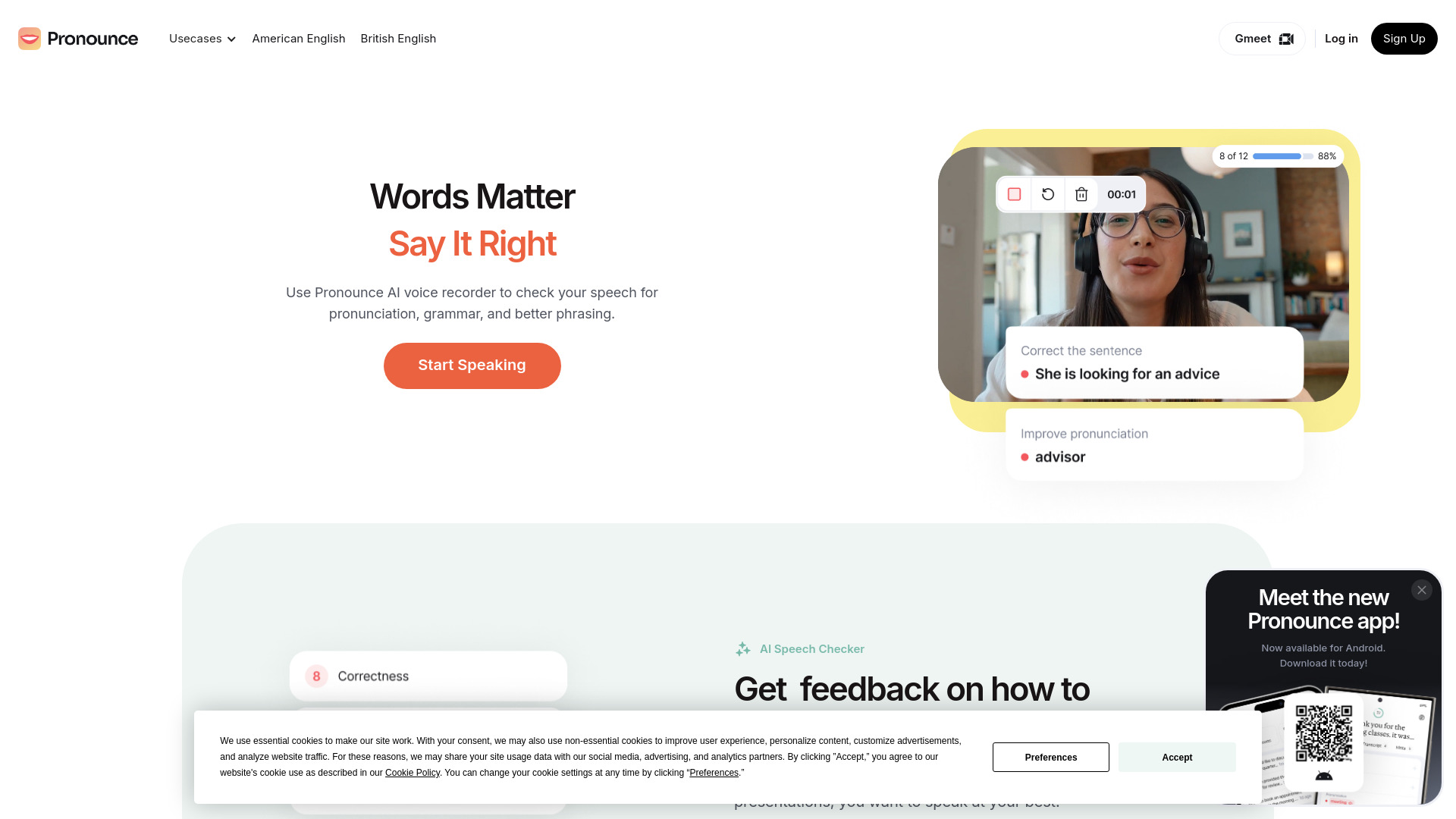
Pronounce
Enhance your English pronunciation and communication skills with our AI speech checker app. Perfect your spoken English today!
Use Cases
- Enhancing communication and productivity in personal conversations.
- Getting quick and accurate information in group chats or professional settings.
- Engaging in entertaining and informative conversations with AI assistance.
How to Use
To use ChatGPT For Social on WhatsApp, you need to install the extension on your preferred browser (Chrome, Firefox, or Edge). After installing, choose your AI source, log in to the corresponding website, and start chatting on WhatsApp Web. In a private chat, type '@gpt' followed by your query. In group chats, use '@botname hello' to engage with ChatGPT.