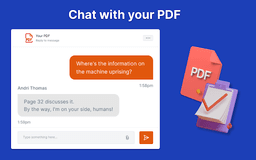
PDF Summarizer and ChatGPT - Chrome Extension
Streamline PDF interactions with AI summarization.
PDF SummarizationChatGPT IntegrationAI Annotations
Introduction
An AI-powered Chrome extension that revolutionizes PDF interactions by combining PDF summarization and ChatGPT capabilities for efficient knowledge extraction and navigation.
Key Features
PDF Summarizer
ChatGPT Integration
Intelligent Annotation
Seamless Document Navigation
Frequently Asked Questions
What is PDF Summarizer and ChatGPT?
How to use PDF Summarizer and ChatGPT?
How to feed a document to the AI?
How to use 'Ask Your Document' feature?
How to upload a document for interaction?
How to get the AI to summarize a document?
Can the AI summarize a document?
Similar Tools

Plagiarism Remover
Eliminate plagiarism in your text with this free AI tool. Enhance your writing by rephrasing content effortlessly. Try it now!

Parafrasear Textos
Enhance the quality of your text with our online tool for paraphrasing. Improve readability and make your content stand out.
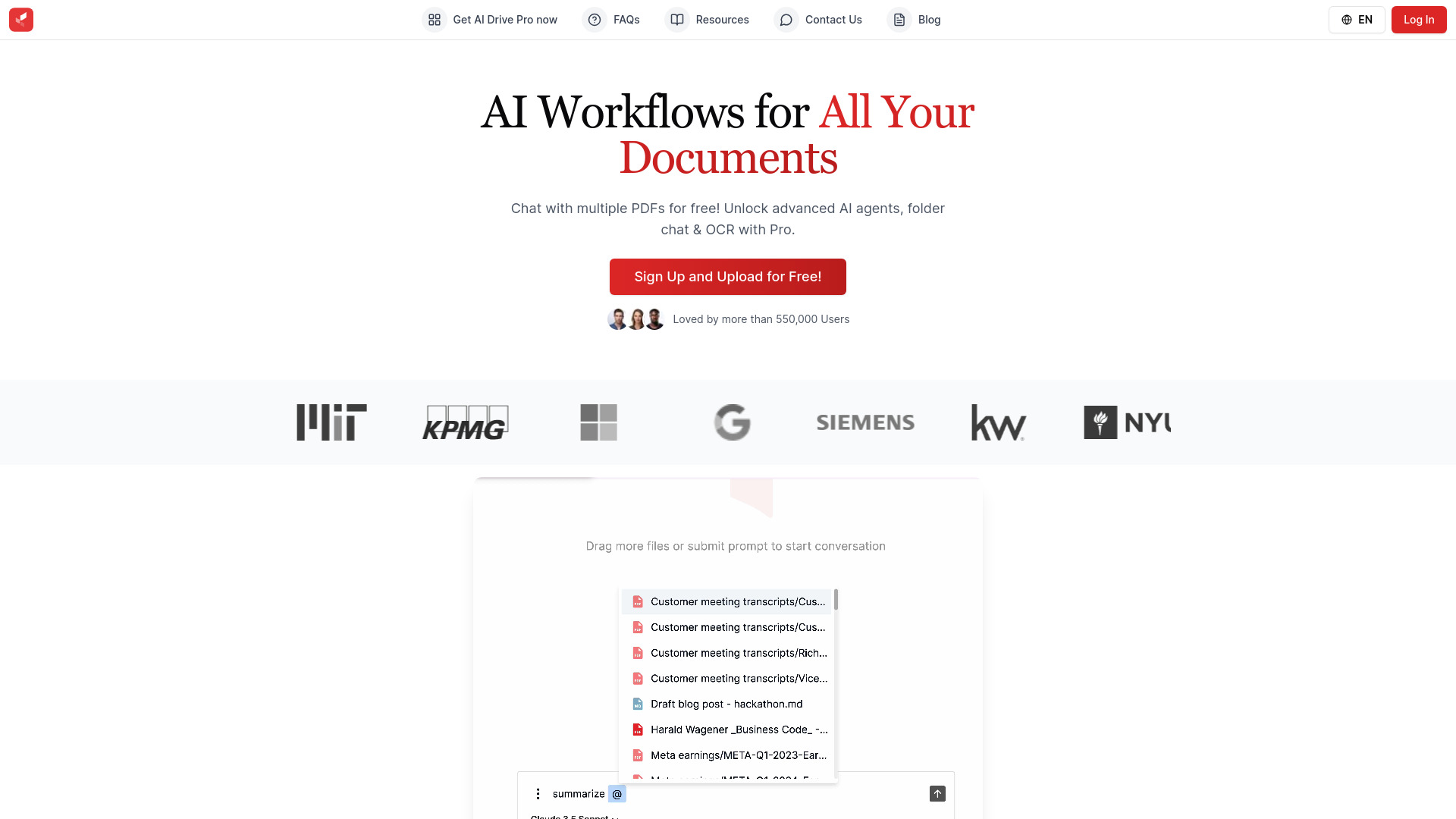
AI Drive
Experience the convenience of AI Drive, the app that utilizes artificial intelligence to enhance your driving experience. Say goodbye to manual control!
Use Cases
- Summarize lengthy PDF documents effectively
- Annotate key points for better understanding
How to Use
1. Install the extension on Chrome. 2. Open a PDF document. 3. Engage with the AI assistant by clicking on the extension icon. 4. Request document summary or ask queries for instant responses.