ChatGPT Sidebar by cloudHQ - Chrome Extension
AI assistant for browsing enhancement
AI assistantWeb browsingText summarization
Introduction
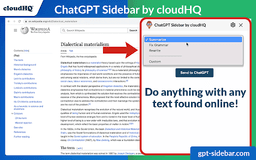
An AI assistant that emerges from the side of any webpage you browse, providing straightforward knowledge and answers while enhancing your web experience.
Key Features
Access to ChatGPT prompts for summarizing, rewriting, grammar checking, translating, code clarification, web page summaries, and finding related pages
Ready-to-use prompt library customizable for specific needs
Full support for ChatGPT-4 and ChatGPT-3.5
Full support for Open AI API
Frequently Asked Questions
What is ChatGPT Sidebar by cloudHQ?
How to use ChatGPT Sidebar by cloudHQ?
What tasks can ChatGPT prompts help with?
Similar Tools

Plagiarism Remover
Eliminate plagiarism in your text with this free AI tool. Enhance your writing by rephrasing content effortlessly. Try it now!
TextGears
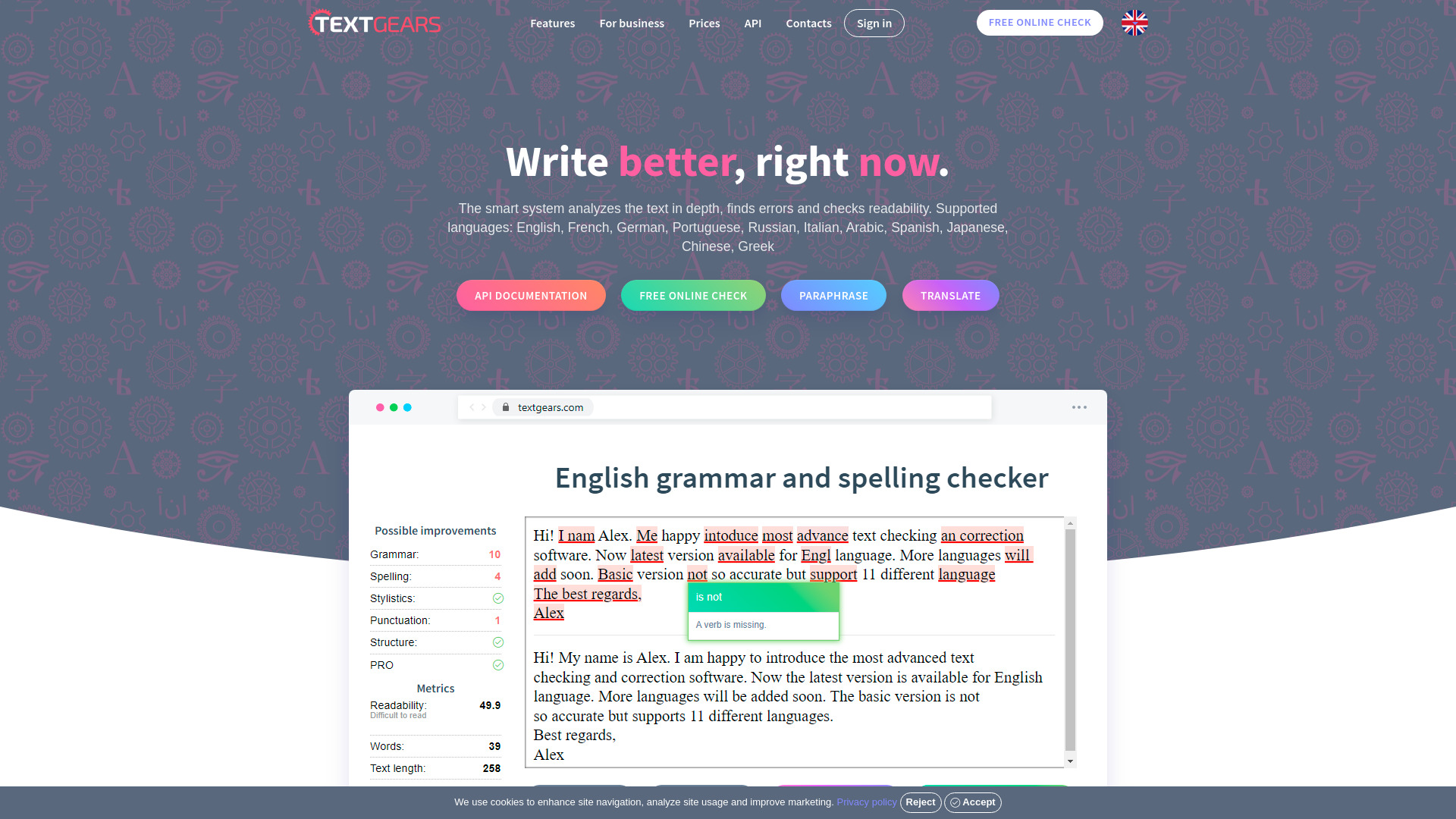
Discover TextGears - a powerful app for enhancing your writing with advanced text analysis tools. Improve your content effortlessly with TextGears.

Parafrasear Textos
Enhance the quality of your text with our online tool for paraphrasing. Improve readability and make your content stand out.
Use Cases
- Deciphering dense articles
- Exploring new topics
- Casual browsing
How to Use
1. Visit any website 2. Select the text 3. Click on the ChatGPT Sidebar icon on the right side of the screen, choose a prompt, and click on "Send to ChatGPT".