ChatPDF
AI-powered service ChatPDF allows users to chat with any PDF, providing instant answers and better understanding.
PDFAIresearch
Introduction
ChatPDF is an AI-powered service that allows users to chat with any PDF document. It uses AI technology to instantly answer questions and provide a better understanding of research, making it easier to read and analyze journal articles and other PDF files.
Key Features
The core features of ChatPDF include: 1. AI-powered document understanding: The system uses AI to comprehend the content of the PDF and provide accurate answers to questions. 2. Multi-language support: ChatPDF accepts PDFs in any language and can chat in any language, making it accessible worldwide. 3. Cited sources: The answers provided by ChatPDF include references to the original PDF document, allowing users to easily locate the source. 4. Simple and secure: The platform is fast, easy, and secure. PDF files are stored in a secure cloud storage and are not shared with others.
Frequently Asked Questions
What is ChatPDF?
How to use ChatPDF?
What types of files does ChatPDF support?
How accurate are the answers provided by ChatPDF?
Can ChatPDF chat in different languages?
Is ChatPDF secure?
Can ChatPDF summarize lengthy documents?
Similar Tools

Plagiarism Remover
Eliminate plagiarism in your text with this free AI tool. Enhance your writing by rephrasing content effortlessly. Try it now!
TextGears
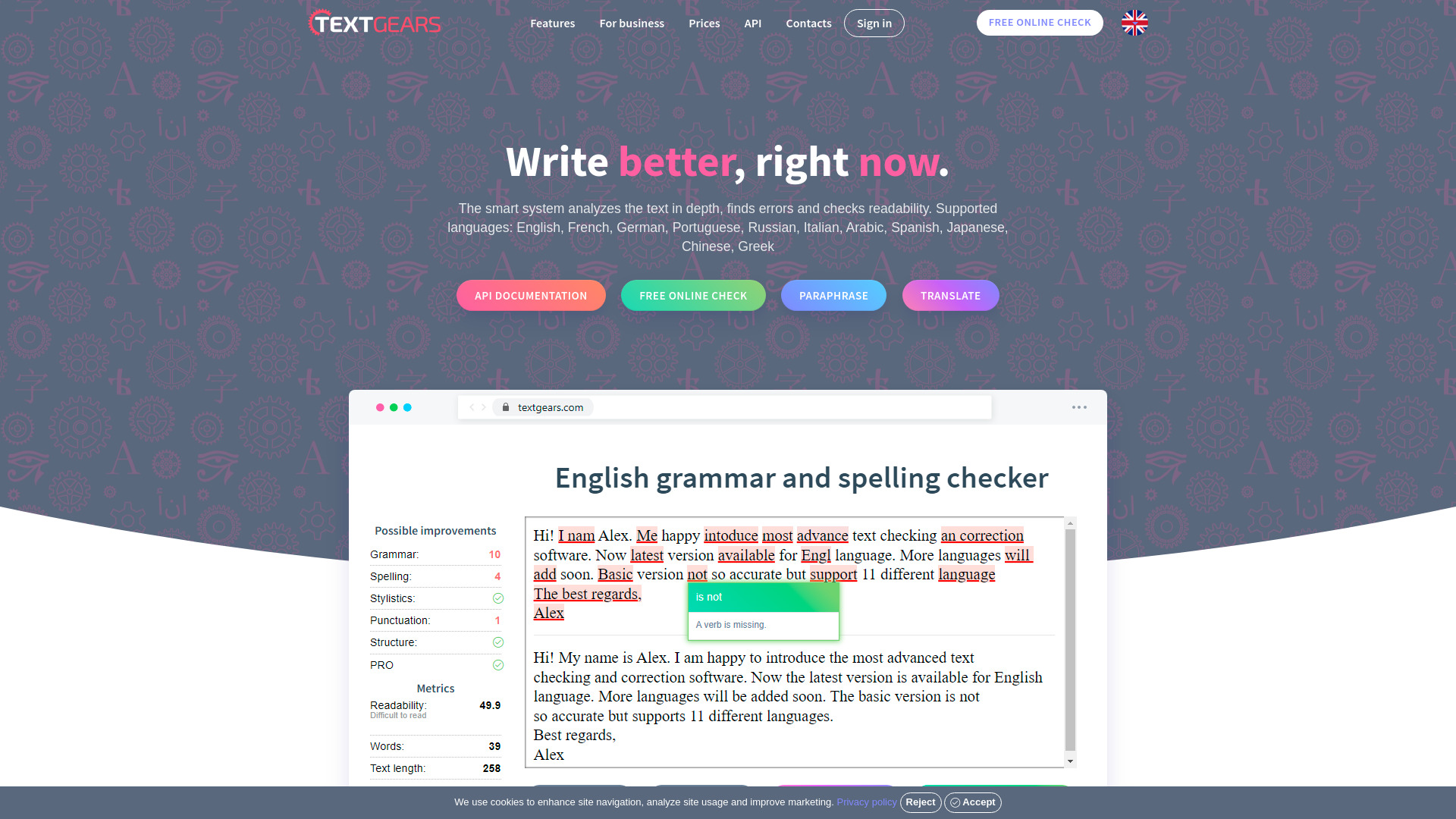
Discover TextGears - a powerful app for enhancing your writing with advanced text analysis tools. Improve your content effortlessly with TextGears.

Parafrasear Textos
Enhance the quality of your text with our online tool for paraphrasing. Improve readability and make your content stand out.
Use Cases
- ChatPDF has various use cases: 1. For students: It helps students prepare for exams, get help with homework, and answer multiple-choice questions using PDF resources. 2. For researchers: ChatPDF is a valuable tool for researchers, enabling them to quickly extract relevant information from scientific papers, academic articles, and books. 3. For professionals: It assists professionals in analyzing legal contracts, financial reports, manuals, and training material by providing quick insights through AI-powered chat.
How to Use
To use ChatPDF, simply select a PDF file and upload it to the platform. Once the PDF is uploaded, you can start asking questions about the content of the document. The AI-powered system will summarize the document and provide answers to your questions. It's like having a virtual assistant for PDF files.