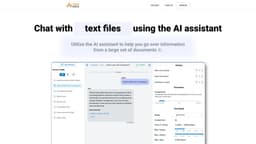
ChattyDocs: AI assistant for your documents
ChattyDocs is an AI assistant for managing documents and communicating with data.
AI assistantchat with documentsdata management
Introduction
ChattyDocs is an AI assistant that allows users to chat with their documents, PDFs, files, and websites. It uses artificial intelligence to help manage datasets, communicate with data through Telegram, and more.
Key Features
Chat with documents using AI assistant
Upload files or provide website links as data sources
Add or delete documents in a dataset
Background indexing of uploaded data
Track usage of data and subscription quota
Choose AI chat model and control AI creativity
Share datasets with other ChattyDocs users
Get replies with relevant sources
Export answers with one click
Utilize chat sessions and provide chat context
Preview chat sessions from various sources
Frequently Asked Questions
What is ChattyDocs: AI assistant for your documents?
How to use ChattyDocs: AI assistant for your documents?
Similar Tools

Gallabox
Elevate your business communication with our No-code WhatsApp automation tool. Streamline processes and engage customers effortlessly.

LimeChat
Revolutionize your e-commerce business with our AI-powered platform that offers support and marketing through WhatsApp. Boost sales and engagement now!
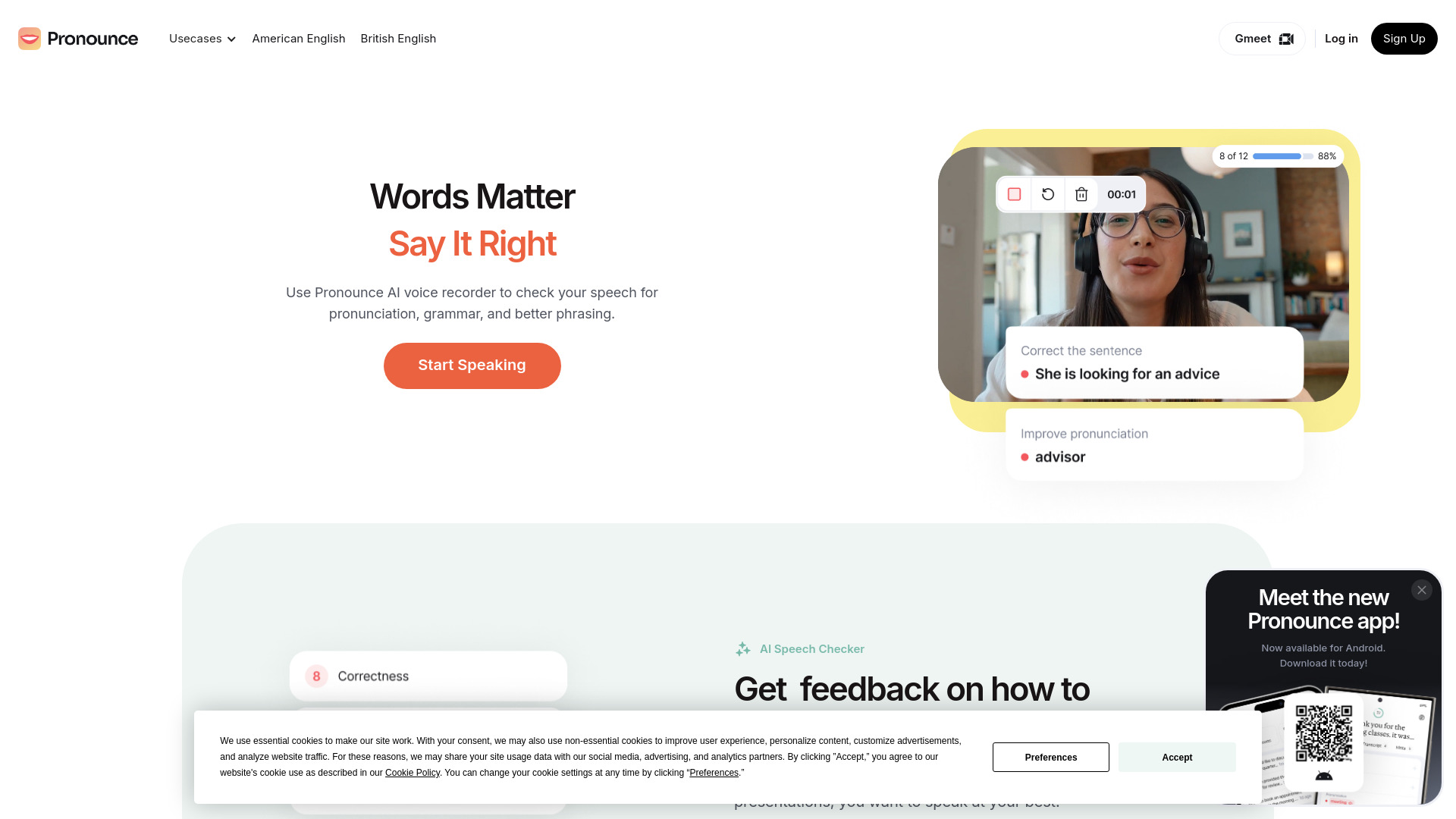
Pronounce
Enhance your English pronunciation and communication skills with our AI speech checker app. Perfect your spoken English today!
Use Cases
- Reviewing information from a large set of documents
- Managing datasets efficiently
- Communicating with data using Telegram
- Sharing knowledge bases with other users
How to Use
1. Prepare your dataset: Upload files from your device or provide a website link to automatically download and parse the data. 2. Set the dataset properties: Choose a chat model, control AI creativity, and provide AI with a name and personality. 3. Chat with a dataset: Get replies with relevant sources, export answers, utilize chat sessions, and provide a chat context. 4. Preview sessions: Preview chat sessions from the app, embedded web source, or Telegram.