
Chrome Built-in AI Tool
AI tool enhancing creativity and productivity in Chrome
Chrome Built-in AI ToolAI productivity toolPrivacy-focused AI
Introduction
An interactive interface with Chrome's built-in AI model that enhances creativity and productivity by offering instant response, privacy-first interaction, offline capabilities, and free access to advanced AI resources.
Key Features
Instant Response for Enhanced Productivity
Privacy-First AI Interaction
Offline Capability for AI Access Anytime, Anywhere
Free AI Resources to Unlock Unlimited Potential
Frequently Asked Questions
What is Chrome Built-in AI Tool?
How to use Chrome Built-in AI Tool?
How to use built-in AI in Chrome?
Do I need to be online to use the AI tool?
How does the Chrome AI tool protect my privacy?
Is the Chrome Built-in AI Tool free to use?
Can I use the AI tool on other browsers?
Similar Tools
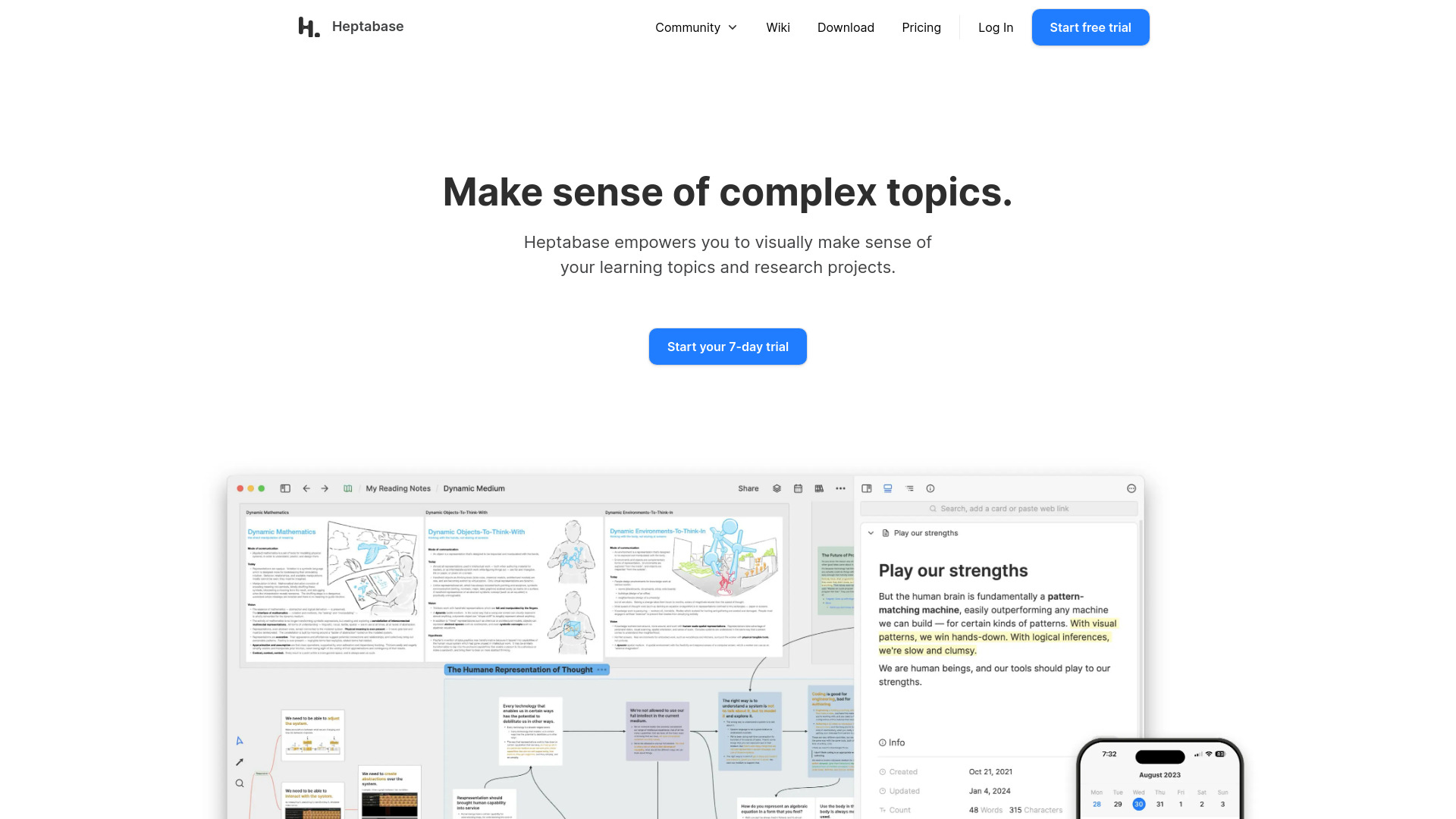
Heptabase
Enhance your learning and research with a visual note-taking tool designed to help you organize and retain information effectively.
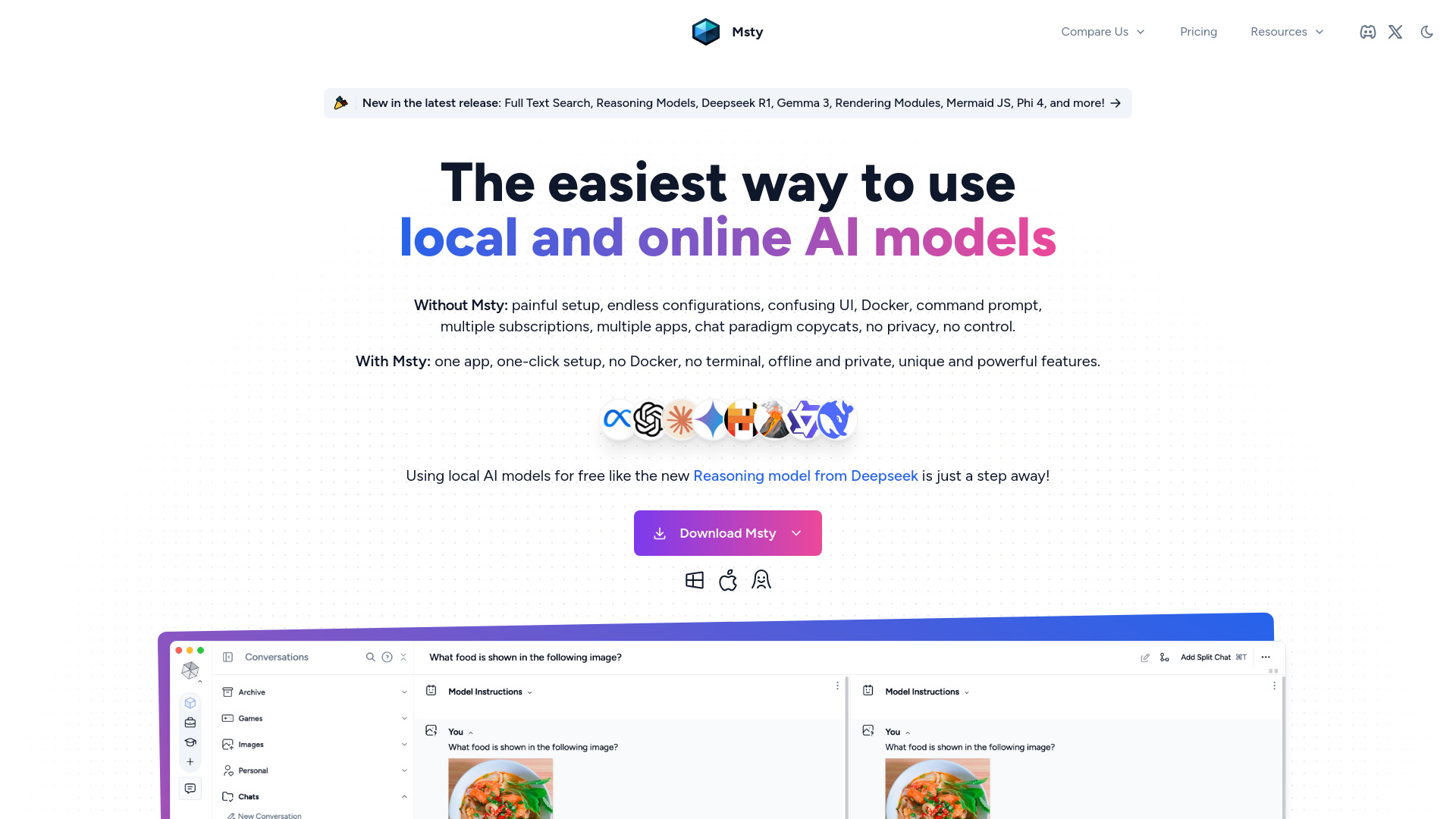
Msty
An integrated platform for easy communication with both offline and online artificial intelligence models. Simplify your AI interactions with this app.
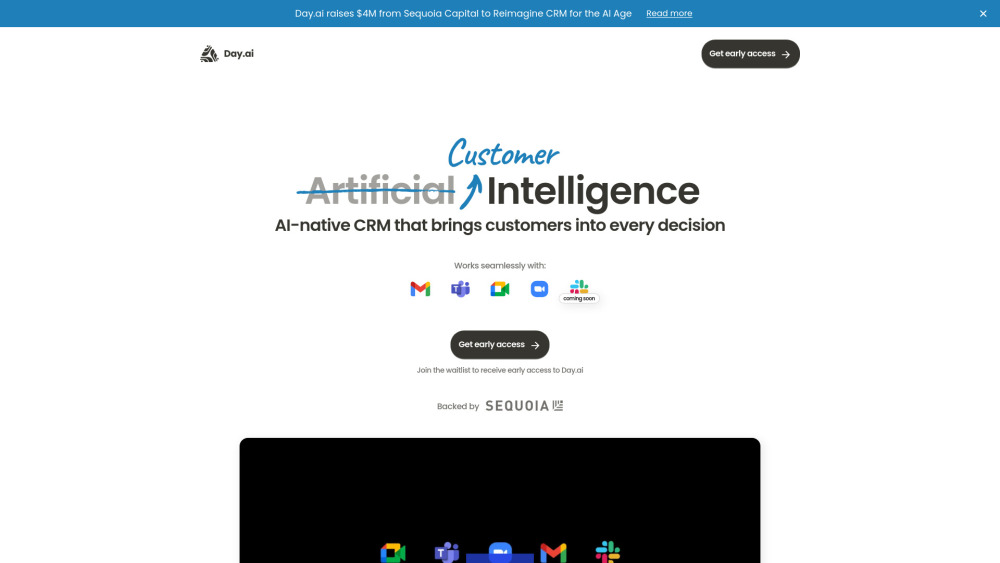
Day.ai
Elevate customer relationships with our Integrated CRM and meeting assistant tool. Enhance communication and efficiency for better connections.
Use Cases
- Streamline workflow with instant AI responses
- Ensure privacy while leveraging AI capabilities
- Work offline with efficient AI performance
- Access advanced AI resources for free
How to Use
To use the Chrome Built-in AI Tool, simply enable the feature in Chrome settings and experience the power of AI directly within your browser.