
ClearPhrase
ClearPhrase helps users control the tone of their writing with a user-friendly interface and handy tools.
Introduction
ClearPhrase is a writing tool that allows users to take control of their writing's tone. It offers an intuitive web interface, a Chrome extension, and context menu integration to effortlessly edit and transform the tone of written content.
What stands out?
Intuitive web interface for tone adjustment
Chrome extension for seamless tone editing
Context menu integration on Windows for quick tone adjustments
Frequently Asked Questions
What is ClearPhrase?
How to use ClearPhrase?
Can ClearPhrase be accessed from any device?
Is the ClearPhrase Chrome extension available for download?
Can ClearPhrase be integrated with writing apps on Windows?
Who can benefit from using ClearPhrase?
Is there a cost associated with using ClearPhrase?
Reviews & Feedback
Share your experience with the community
0.0
Based on 0 reviews
User Comments (0)
Sort Criteria
Order
No reviews yet. Be the first to share your thoughts!
Statistics
Monthly visits
NaN
Saved by users
0
Rating
0.0/ 5.0
Added on
—
Similar Tools

OpusClip Captions
Easily add animated captions to your videos with just one click using this innovative application. Enhance your videos instantly!

Gemini
Unlock the power of Google's AI models right on your mobile device with direct access. Access advanced technology at your fingertips.
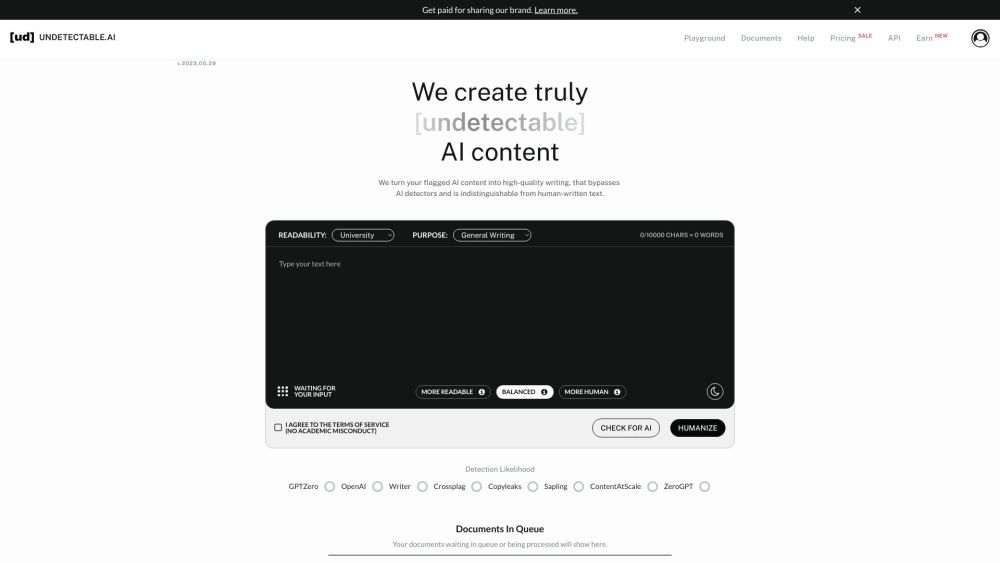
AI Content Solutions
Elevate your brand with AI Content Solutions, converting AI-generated content into polished writing that reflects your brand's identity.
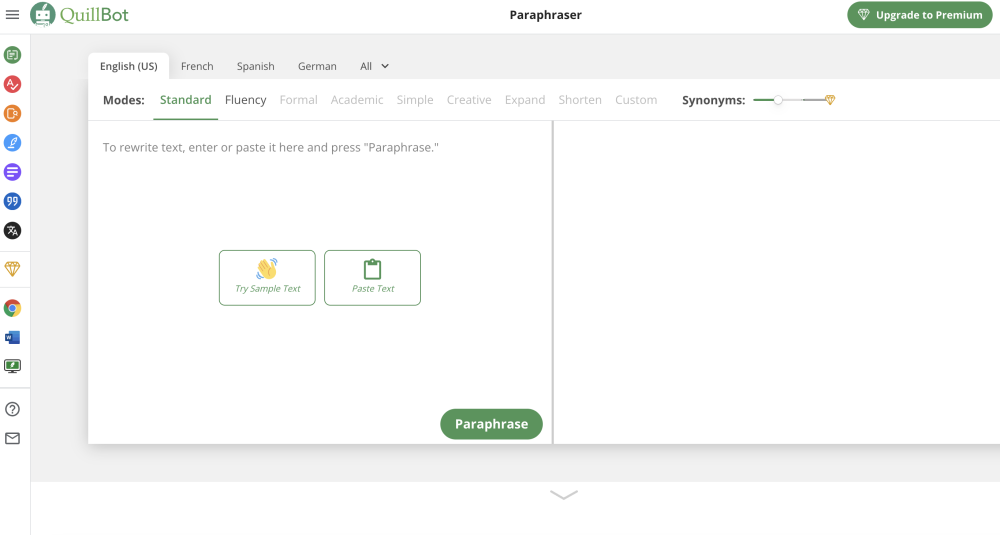
Quillbot
Discover a digital tool for rephrasing text online. Easily rewrite sentences with this innovative application. Perfect for content creators and writers.
Use Cases
- Business professionals looking to elevate their writing and captivate their audience
- Content creators seeking to effortlessly transform the tone of their content
- Non-native English speakers wanting confident communication through effective writing
- Individuals with diverse writing proficiencies aiming for clear and engaging written communication
How to Use
To use ClearPhrase, start by accessing the web interface from any device with an internet connection. From there, you can easily adjust the tone of your writing. For users of Chrome, the ClearPhrase Chrome extension allows seamless tone editing directly within the browser. Windows users can also utilize the context menu integration to quickly adjust tone within their favorite writing apps.