CodeBetter - Chrome Extension
AI assistant for coding improvement and problem-solving on LeetCode.
Introduction
CodeBetter is an AI-powered LeetCode assistant designed to enhance coding skills through real-time code analysis, optimization suggestions, problem breakdowns, and personalized feedback. It helps users by providing insights into their code, identifying improvements, and assisting in understanding complex coding concepts.
What stands out?
Analyzes code solutions in real-time
Provides optimization suggestions
Identifies potential bugs and improvements
Explains complex concepts simply
Offers alternative problem-solving approaches
Provides personalized learning tips
Frequently Asked Questions
What is CodeBetter?
How to use CodeBetter?
How does CodeBetter ensure privacy and security?
What are the benefits of using CodeBetter with LeetCode?
Reviews & Feedback
Share your experience with the community
0.0
Based on 0 reviews
User Comments (0)
Sort Criteria
Order
No reviews yet. Be the first to share your thoughts!
Statistics
Monthly visits
NaN
Saved by users
0
Rating
0.0/ 5.0
Added on
—
Similar Tools

Airtable Assistant
Easily create apps and analyze data with our AI tool, no coding required. Build and analyze without the hassle of programming.

Grok
AI assistant that promotes truth and objectivity with various features.

AI PDF Summarizer by PDF Guru
Simplify PDFs with AI! Summarize, extract key points, ask questions, and translate in 80+ languages. Perfect for work, study, or research.

Monica - Your ChatGPT AI Assistant Chrome Extension
Easily chat and write with our AI assistant, simplifying your communication and content creation tasks. Get started now!
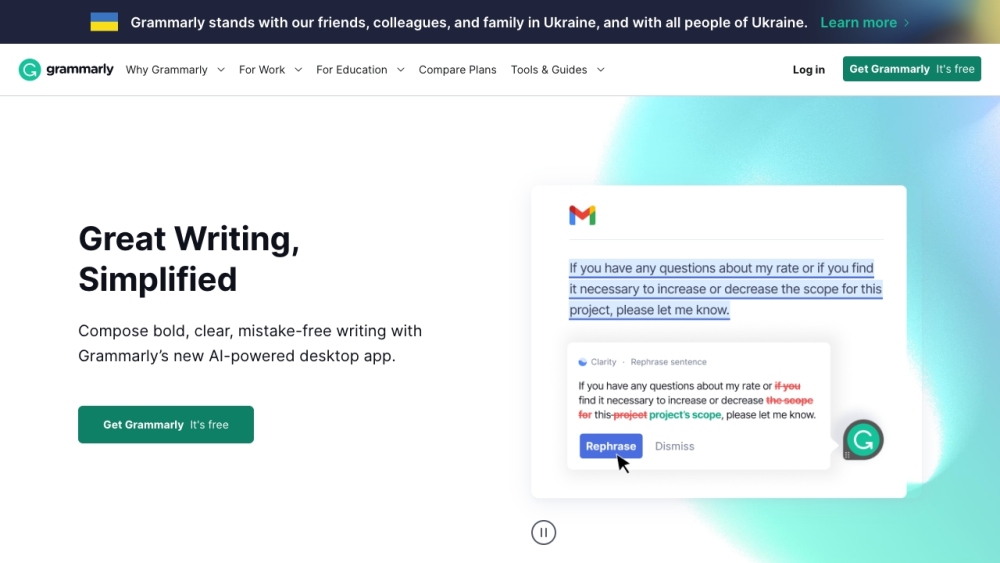
Grammarly
Elevate your writing abilities and boost your confidence in communication with AI-powered writing support from Grammarly.
Use Cases
- Get detailed code analysis for LeetCode problems
- Receive optimization suggestions for code solutions
- Improve problem-solving skills with tailored feedback
How to Use
To use CodeBetter, install the extension from the Chrome Web Store, visit a LeetCode problem page, start a trial or subscribe, write your solution, and click the CodeBetter button for AI feedback.