
CodeVideo
Quickly create and export educational content in various formats.
Introduction
CodeVideo is a platform for quickly creating, sharing, and exporting educational software content across multiple formats. It allows users to convert code snippets into videos, PDFs, PowerPoint presentations, HTML, and Markdown, enabling efficient content creation.
What stands out?
Multi-format export
Deterministic recording system
AI-powered insights
Collaborative editing
Instant replays
Frequently Asked Questions
What is CodeVideo?
How to use CodeVideo?
How quickly can I create educational content using CodeVideo?
What formats can I export my content into?
More Information
CodeVideo Support Email & Customer service contact & Refund contact etc.
Here is the CodeVideo support email for customer service: [email protected] . More Contact, visit the contact us page(mailto:[email protected])
CodeVideo Company
CodeVideo Company name: Full Stack Craft .
CodeVideo Pricing
CodeVideo Pricing Link: https://codevideo.io/#pricing
CodeVideo Youtube
CodeVideo Youtube Link: https://youtu.be/4nyuhWF6SS0
CodeVideo Github
CodeVideo Github Link: https://github.com/orgs/codevideo/repositories
Reviews & Feedback
Share your experience with the community
0.0
Based on 0 reviews
User Comments (0)
Sort Criteria
Order
No reviews yet. Be the first to share your thoughts!
Statistics
Monthly visits
NaN
Saved by users
0
Rating
0.0/ 5.0
Added on
—
Similar Tools

DeeVid AI
Easily transform text, images, or prompts into videos with this AI tool. Create engaging content in minutes!
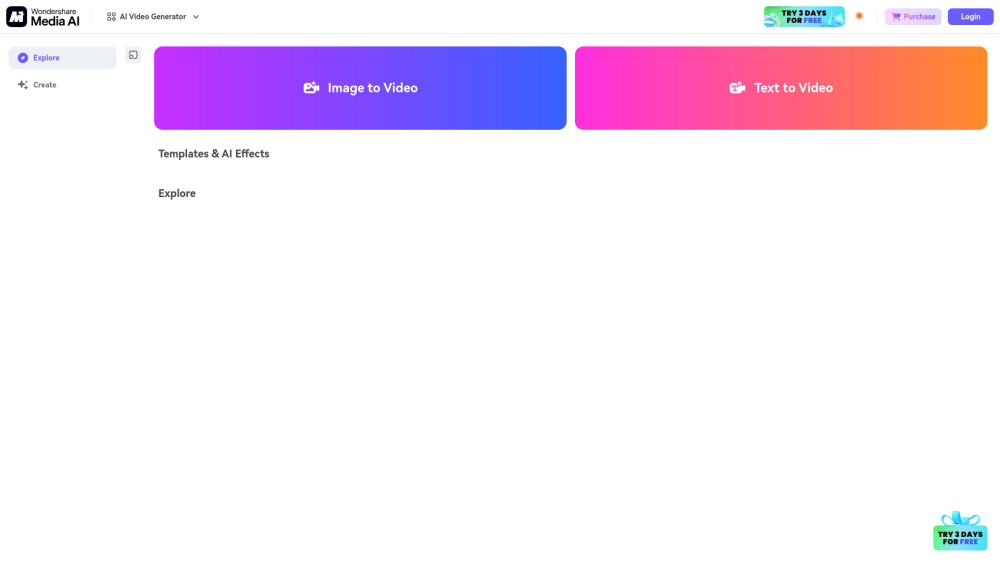
Media.io AI Video Generator
Generate beautiful videos easily with our free AI video generator. Create stunning visuals without any hassle. Try it now!
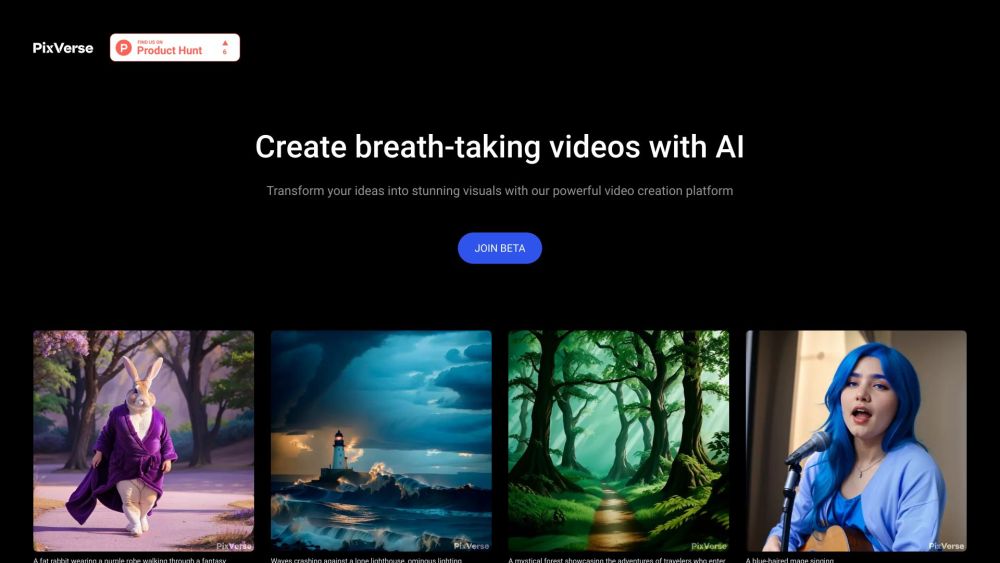
PixVerse
Revolutionary AI technology transforms various inputs into captivating videos. Experience the power of multi-modal creativity in action.
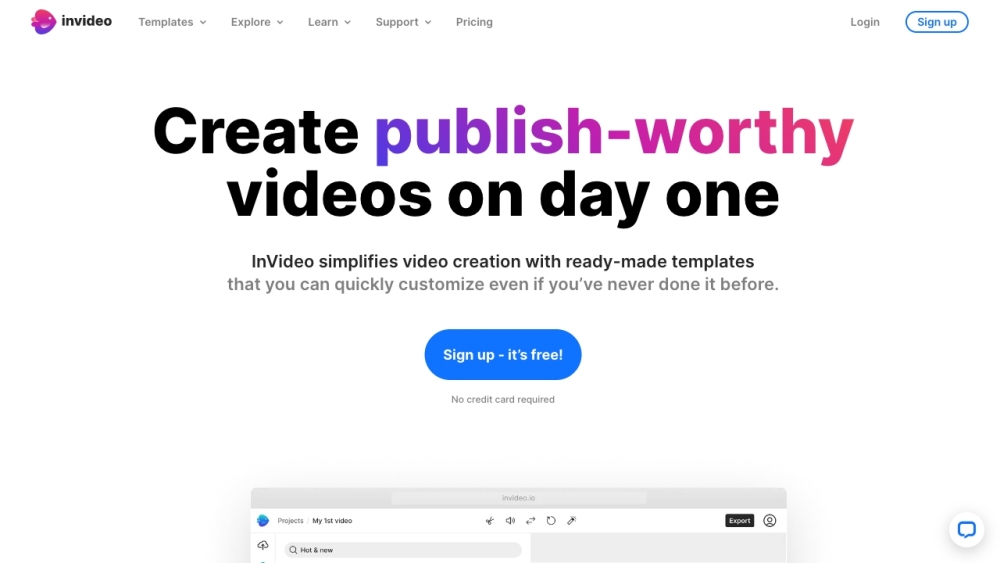
InVideo
InVideo is an online video editor with premium templates, images, and music.
Use Cases
- Creating tutorials for software development
- Exporting educational content in multiple formats
- Collaborative teaching and learning
How to Use
To use CodeVideo, start by creating your course step-by-step in CodeVideo Studio. Edit actions as needed, then export, share, or sell the generated content in your desired format with a single click.