
Cogniflow
Boost productivity with Cogniflow, a no-code AI platform for automated information extraction, chat and image analysis.
AI platformNo-code AIText analysis
Introduction
Cogniflow is a no-code AI platform that allows users to boost their productivity by integrating AI into their workflow without any coding. It enables users to create AI models using text, image, or audio data, providing a seamless and efficient way to automate information extraction, chat with documents, and analyze images.
Key Features
No-code AI platform
Text, image, and audio analysis
Chat with documents
Automate info extraction
Image analysis for life-science research
Integration with Zapier and Bubble.io
Easy to use and deploy
Full native support for Spanish, Portuguese, and English
Frequently Asked Questions
What is Cogniflow?
How to use Cogniflow?
Is coding knowledge required to use Cogniflow?
What languages does Cogniflow support?
Can I integrate Cogniflow with other apps or programs?
What are some use cases for Cogniflow?
Similar Tools

Gallabox
Elevate your business communication with our No-code WhatsApp automation tool. Streamline processes and engage customers effortlessly.
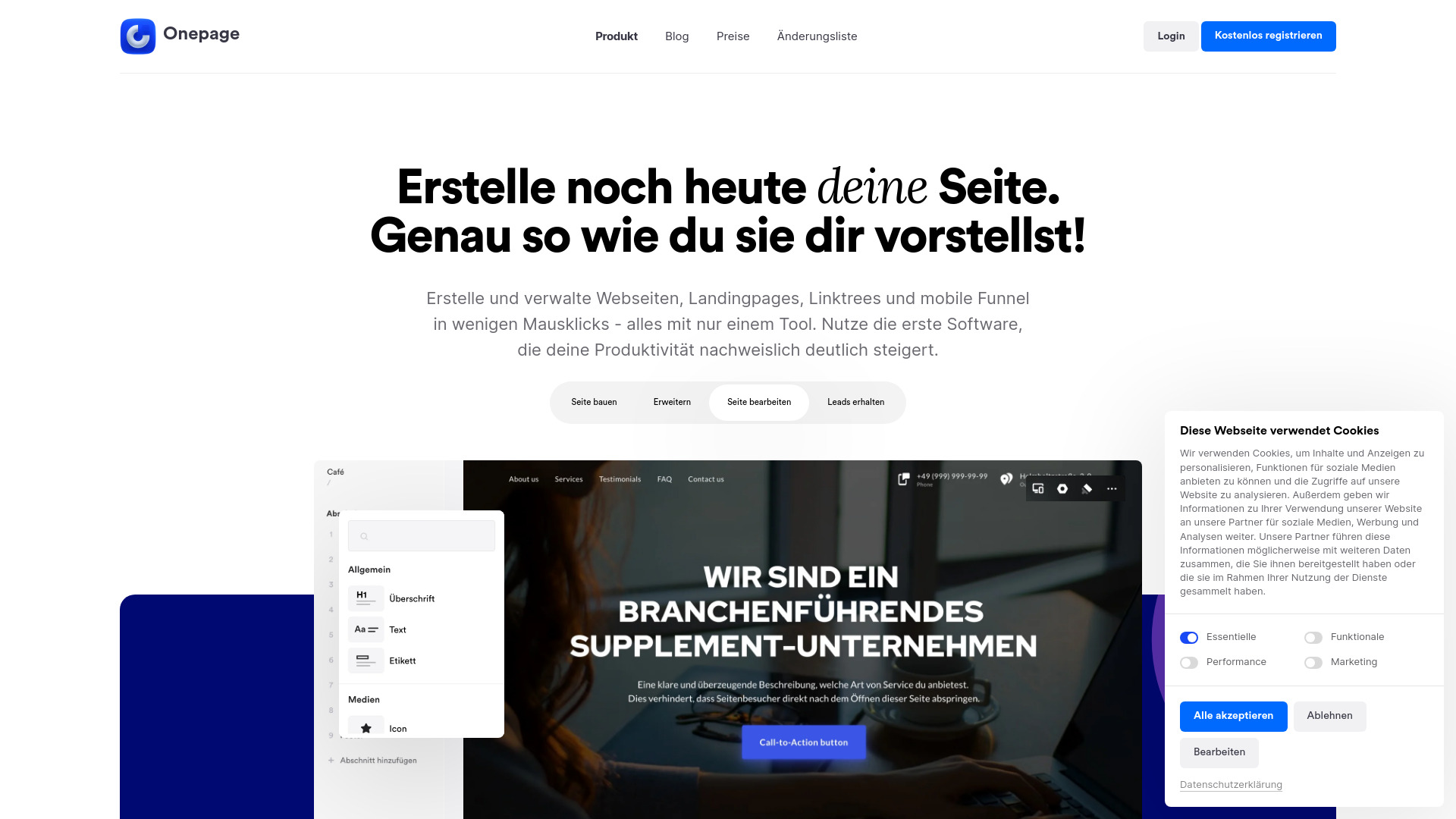
Onepage
Create websites, landing pages, and quizzes with our versatile all-in-one tool. Simplify your online presence in one convenient platform.
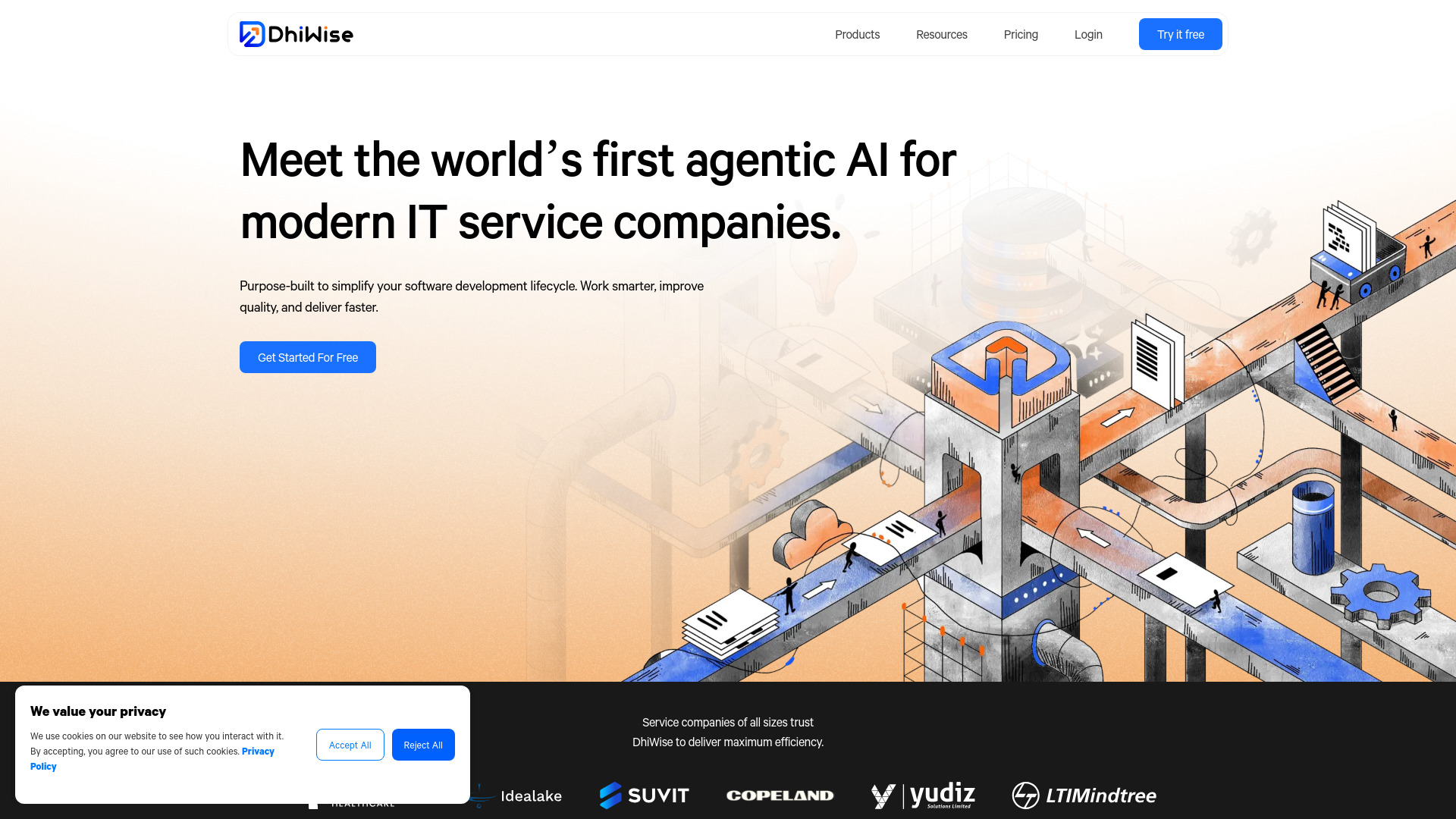
DhiWise
Revolutionize your software development process with the Agentic AI platform - the ultimate tool for automating the software development lifecycle.
Use Cases
- Customer service
- HR/recruiting
- Operations
- Speech to text
- Offensive language detection
- Résumé parsing
- English level evaluation
- Document extraction
- Car damage severity assessment
- Leaf diseases detection
- Sounds identification
- X-ray analysis
- Cells detection
- Reduce attrition
- Innovation and digital transformation
- Inventory forecasting
- Predictive maintenance
- Passport or ID scanner
- Receipt or invoice scanner
How to Use
To use Cogniflow, follow these steps: 1. Sign up for free on the Cogniflow website. 2. Choose the AI features you want to utilize, such as chat with documents, automate info extraction, or image analysis. 3. Train a custom model by following a few easy steps or use pre-trained AI models ready for use. 4. Connect any app or program to your AI models using an API-ready service or use add-ons for Excel or Google Sheets. 5. Start using AI in your workflow to boost productivity, save time, and automate tasks.